Summary
- The checklist has ten points in four stages: before the announcement, during the build, at go-live and after launch.
- Each point has a clear 'done when' test, so you can answer 'is this finished?' without a debate.
- Reinforcement is the point teams forget most, and Prosci links planning for it to a far higher chance of meeting objectives.
- Treat the checklist as a living document and review it at every steering meeting.
A change management checklist is a short list of things that must be true before, during and after a change goes live. You can use it for a new system, a process redesign, a merger of teams or a new reporting line. If you want an outside review of your answers, change management consulting can run through the list with you in a single session.
I wrote this one after seeing the same gaps in project after project: no named sponsor, managers who heard the news with everyone else and nobody responsible for what happens in month two. Each of the ten points below includes a "done when" test and one mistake to avoid.
Before You Announce Anything
These four points happen while the solution is still being chosen. They cost little and prevent most of the problems that appear later.
1. Write the Case for Change
Put the reason for the change in two or three plain sentences. It should name the problem, what will be different and the date. If you need more than half a page, the scope is not clear enough yet.
- Done when: A person outside the project can explain the reason back to you in their own words.
- Avoid: Reasons that only the finance team cares about, such as "cost synergies", which give staff nothing to relate to.
2. Name a Sponsor and Agree on Their Role
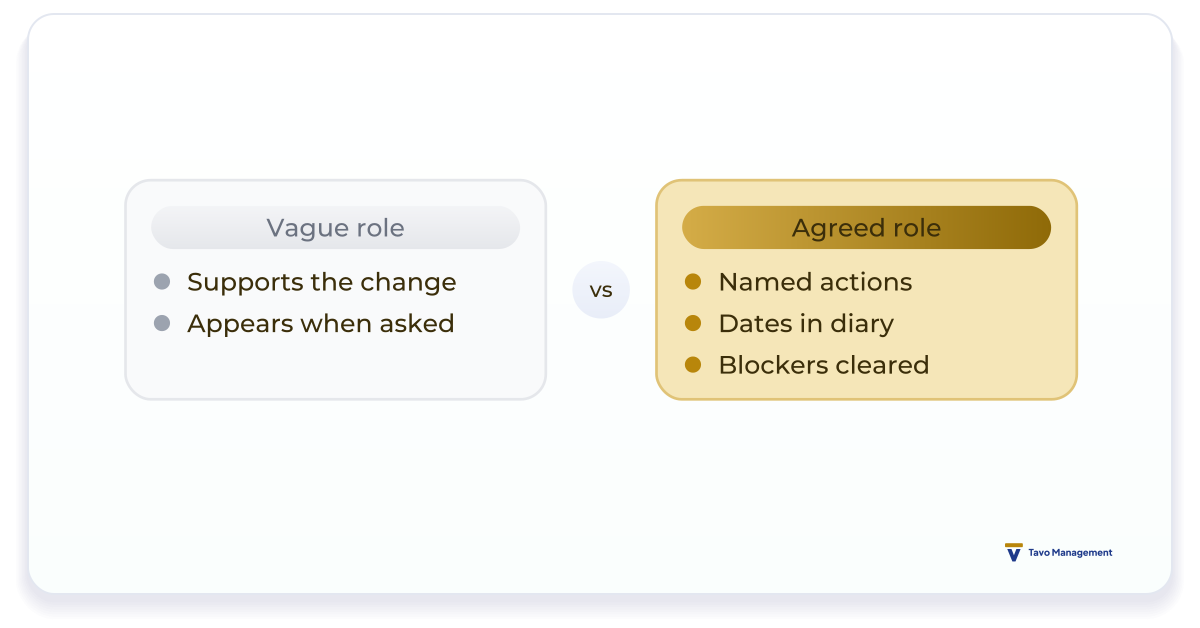
A sponsor is a senior person who owns the result, speaks about it and removes blockers. Prosci reports that projects with extremely effective sponsors met their objectives 79% of the time, against 27% for extremely ineffective ones. Agree on three concrete actions, such as opening the kickoff, joining a monthly check-in and answering escalations within two days.
- Done when: The sponsor has agreed to a written list of actions and dates.
- Avoid: A sponsor who signs the budget and is never seen again.
3. Map Who Is Affected and What Changes for Them
List every group and describe in one line what each will do differently. Rate each group for impact and readiness. The groups that are easy to forget are the ones next to the process, such as the finance clerk who receives the output or the support desk that answers the questions. My six-phase change management framework explains how to run this assessment in detail.
- Done when: Every group has an impact rating, and two or three people from different levels have confirmed the list.
- Avoid: Describing impact at the level of departments, when the real differences sit between roles.
4. Brief Your Managers Before Their Teams
Employees prefer to hear about personal impacts from their direct supervisor, according to Prosci, so give managers the news first. A one-page guide with key messages, likely questions and an escalation route is enough. Ask each manager to answer the top three questions aloud before you let them speak to their team.
- Done when: Every manager of an affected team has been briefed and can answer the likely questions.
- Avoid: Briefing managers in the same all-hands meeting as everyone else.
While the Solution Is Being Built
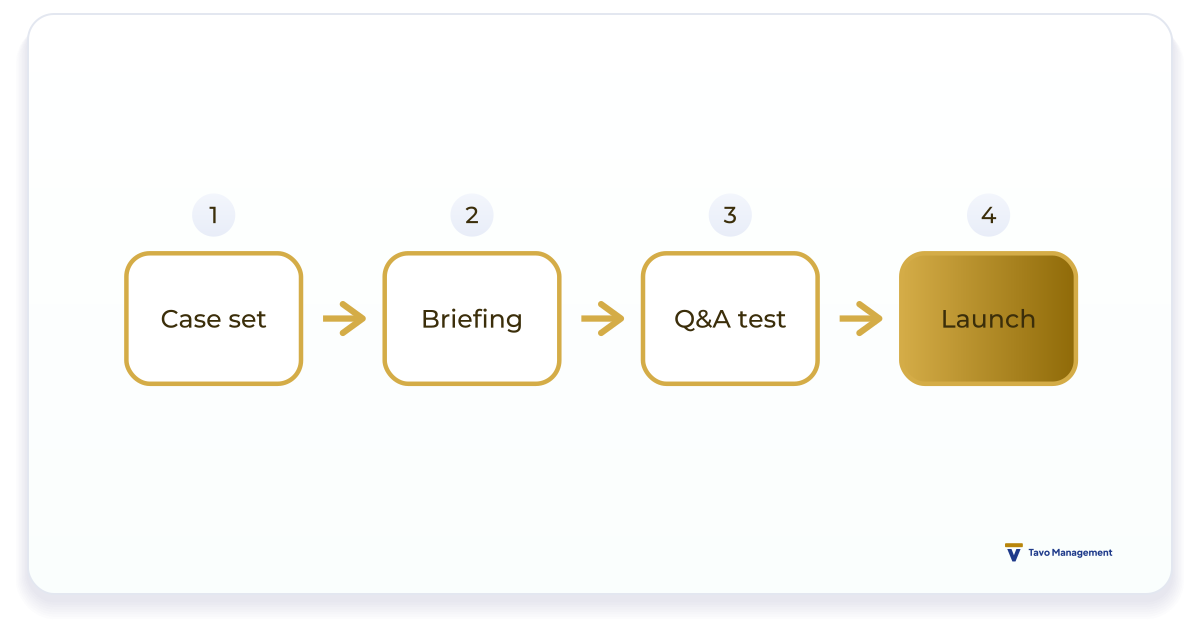
Now the project team is busy, and the change work runs in parallel. Two points keep it on the same schedule.
5. Plan Communication by Group and Week
Build a calendar that shows who hears what, from whom and when. Start with why, move to what changes for each role and finish with where to get help. Repeat the key message at least three times through different channels, because the first announcement is the one most people miss.
- Done when: You can point to the next four weeks of messages, each with a sender and a channel.
- Avoid: One big email and then silence until go-live.
6. Plan Training and Support Around Real Tasks
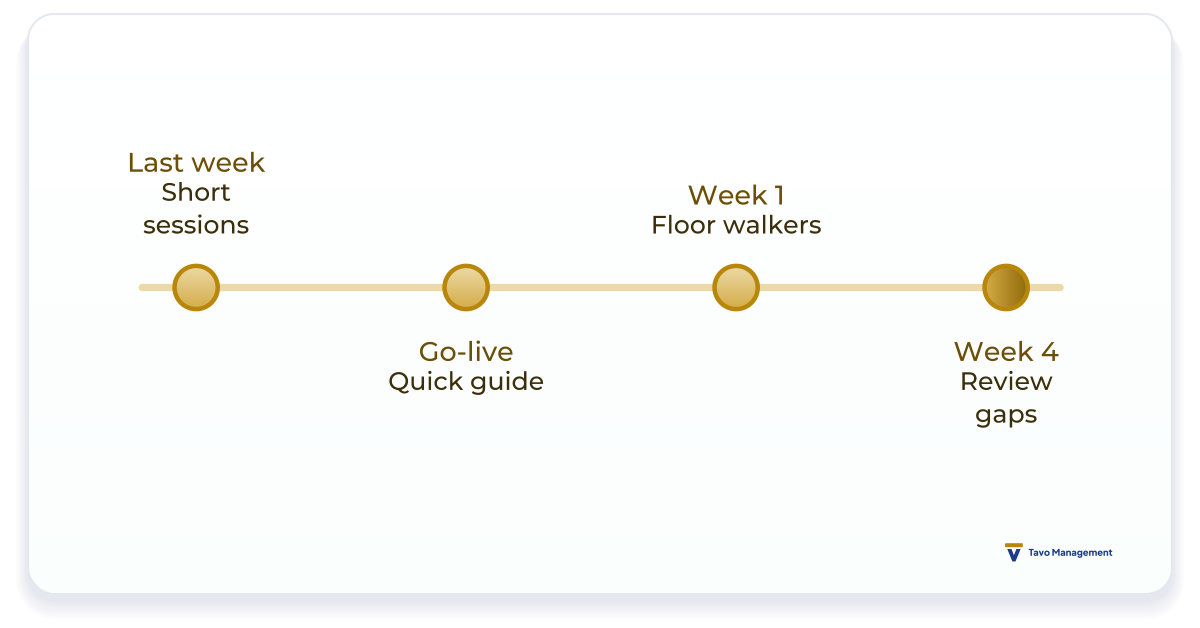
Teach what people do on a Monday morning, not how every menu works. Short sessions in the last week before go-live, a one-page quick guide and a second round two weeks later work better than a single long course. If many people must learn new software, tools such as digital adoption platforms can show guidance inside the application, and I compare them in my ranking of change management tools.
- Done when: Each role has a training session, a quick guide and a named person to ask.
- Avoid: Training that takes place a month before go-live and is forgotten by launch day.
At Go-Live
Launch week decides whether people form good habits or workarounds. Two points make the first days calmer.
7. Put Help Within Reach of Every Team
Arrange floor walkers, a dedicated chat channel and a clear escalation path. Publish the contact point on the quick guide and in the system itself. A question answered within an hour in week one prevents a workaround that lasts for months.
- Done when: Every team knows who to ask and has seen that person answer.
- Avoid: Sending people to a generic help desk that has not been briefed.
8. Fix Issues in Public and Fast
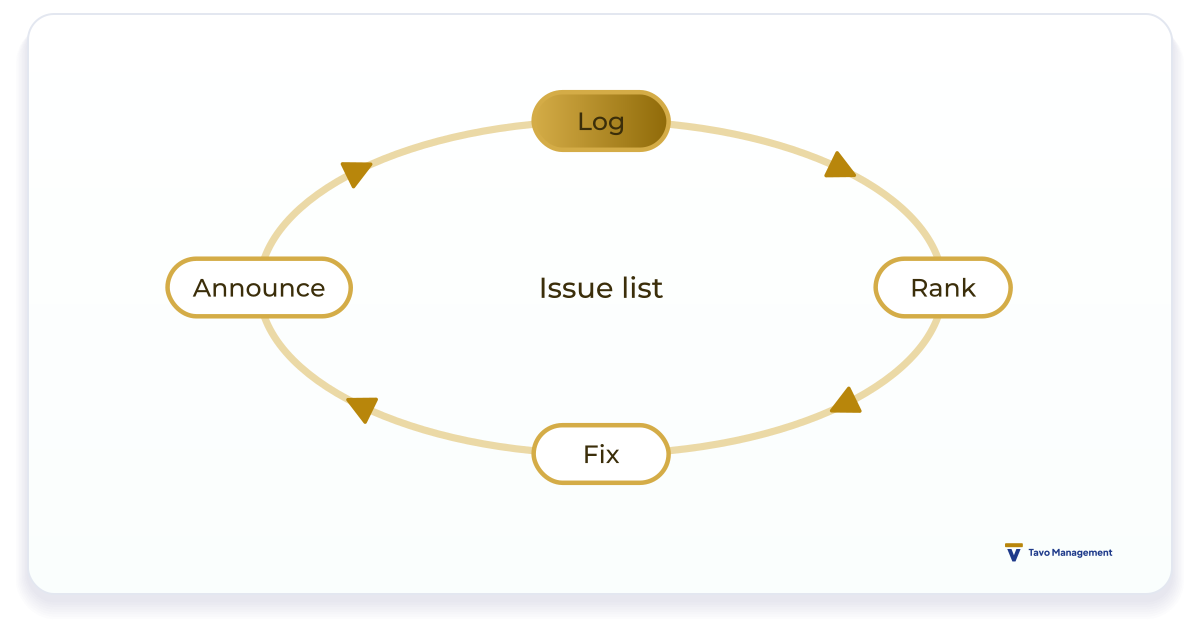
Keep one list of issues, rank them by how many people they affect and publish what was fixed each day or week. People forgive an imperfect launch when they see problems being solved. They lose faith when they report the same bug twice.
- Done when: The top ten issues have owners, and fixes are announced in the same channel where people reported them.
- Avoid: Treating complaints as resistance, when many of them are accurate bug reports.
After Launch
The last two points decide whether the change lasts. They are also the ones that get cut when the project budget runs out.
9. Measure Adoption Against a Baseline
Pick a few measures before launch, record a baseline and report them at set points. Usage, proficiency and the business result are the usual three. My article on change management metrics lists ten you can choose from, and a small set of numbers is far more useful than a long dashboard.
- Done when: You have a baseline, a target and an owner for each measure, and the first report is scheduled.
- Avoid: Measuring only that training took place.
10. Reinforce the Change and Close It Properly
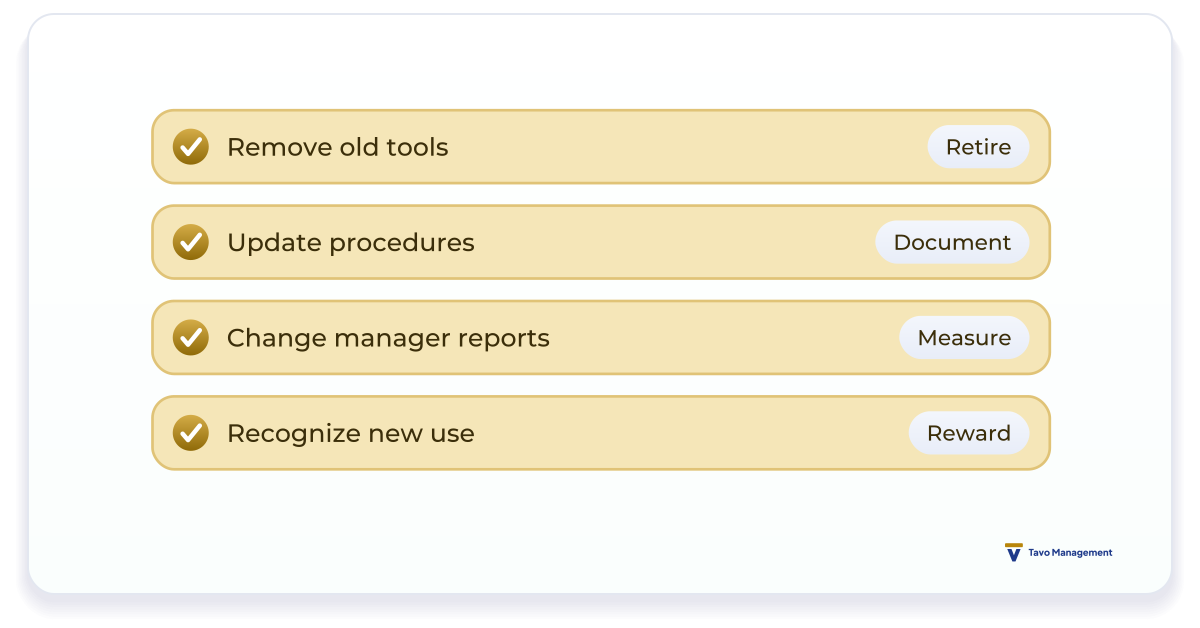
Make the new way easier than the old one. Remove the old tools, update procedures, change the reports managers read and recognize teams that have switched. Hold a review after three months to decide what still needs support. Turning the measures into targets with owners is the job of change management KPIs.
- Done when: The old process is switched off, the new one is in the procedures and a three-month review is in the calendar.
- Avoid: Closing the project on go-live day and calling the change complete.
The Checklist on One Page
Print this table and review it at each steering meeting. Mark each point as done, in progress or late.
| Point | Owner | Evidence that it is done |
|---|---|---|
| 1. Case for change | Sponsor | Half-page text, explained back by an outsider |
| 2. Sponsor role | Sponsor | Agreed list of actions and dates |
| 3. Impact map | Change lead | Groups listed with impact and readiness ratings |
| 4. Manager briefing | Change lead and managers | Every manager briefed and able to answer questions |
| 5. Communication plan | Change lead | Four-week calendar with senders and channels |
| 6. Training and support | Training owner | Sessions, quick guides and named contacts per role |
| 7. Go-live help | Project manager | Floor support and channel active from day one |
| 8. Issue loop | Project manager | Ranked issue list with published fixes |
| 9. Adoption measures | Change lead | Baseline, targets and first report |
| 10. Reinforcement | Sponsor and managers | Old process off, procedures updated, review booked |
What a Weak Point Looks Like in Practice
Weak points tend to announce themselves in the same way. A sponsor who has not agreed to specific actions will be absent when a team asks for backing, usually in week three. A missing impact map shows up as a training session that covers features nobody uses. Managers who were not briefed give conflicting answers, and staff start comparing notes in the corridor.
In one rollout I supported, the checklist showed point 8 as red on day four, because issues were being logged in two places. Merging them into one ranked list took an hour, and the fixes were published the same afternoon. Complaints about the launch dropped within a week, even though the product itself had not changed. Small repairs to the process around people often matter more than any change to the system.
How to Use the Checklist Without Turning It Into Paperwork
Treat it as a conversation tool. Go through the ten points in a single meeting with your sponsor and project manager, and mark honestly where you stand. Most teams find two or three points that are weaker than they thought.
- Fix the earliest red point first, because later points depend on it.
- Give every point one named owner and one date.
- Review the list at each steering meeting until point 10 is done.
If you find more than three weak points, I would pause the announcement until they are fixed. A delayed announcement is easier to explain than a failed launch.
Questions About the Change Management Checklist
What Should a Change Management Checklist Include?
It should cover the full path, from the case for change to reinforcement after go-live. The ten points in this article are the case for change, a sponsor, an impact map, briefed managers, a communication plan, a training plan, go-live support, an issue loop, adoption measures and reinforcement. If one of them is missing, you will usually feel it within a few weeks of launch.
How Long Does It Take to Work Through the Checklist?
The first four points take two to four weeks for a typical change, and they can overlap with early project work. Communication and training planning run alongside the build. Go-live support, measurement and reinforcement continue for two to six months, depending on how many people are affected.
Who Should Own the Checklist?
The change lead or project manager keeps it up to date, but each point needs its own named owner. The sponsor owns points 1 and 2, managers own point 4 and the change lead owns most of the rest. A checklist with no owners is only a list of good intentions.
Can I Use This Checklist for a Small Change?
Yes. For a one-team change, many points shrink to a single sentence or a ten-minute conversation. Do not skip a point because the change is small. Check it quickly, write the answer down and move on.
What Is the Most Common Item People Forget?
Reinforcement. Teams plan the announcement and the training, then close the project the day the system goes live. According to Prosci, 81% of participants who planned for reinforcement met or exceeded objectives, against 15% of those who did not.
How Is This Different from a Project Plan?
A project plan tracks the work that builds the solution. This checklist tracks the work that gets people to use it. The best results come from one shared schedule, so training dates match the build and nobody is trained on something that is not ready.
Do I Need to Document Every Point?
You need evidence for each point, not a long document. A one-page case for change, a list of affected groups, a communication calendar and a short adoption report are usually enough. The test is whether a new team member could see the status of each point in a few minutes.
Sources
General information only: this is not legal, financial or tax advice. Examples and numbers reflect typical projects; check the specifics with your advisers before deciding.
Did you find this helpful?
Thank you for your feedback.
Delaney Brisco
Delaney leads the Tavo editorial team and works with our consultants to turn real client projects into practical guides on project delivery, process design and organizational change. Before joining Tavo, she spent 12 years in operations and program management roles. She has since edited more than 300 articles on management practice and reviewed PMO setups and process redesigns from over 100 client projects. She is based in Minneapolis, Minnesota.