Summary
- Light tools such as Kissflow and Process Street get business teams running in days, with approvals and checklists.
- Enterprise suites such as Appian and Pega fit complex, regulated, case-heavy work and need partners and months.
- Camunda suits developer teams that orchestrate processes across many systems.
- Map and simplify your process first, then match the tool to it.
The Best BPM Tools at a Glance
| Tool | Type | Best for |
|---|---|---|
| 1. Kissflow | Low-code workflow | Business teams automating approvals |
| 2. Appian | Enterprise low-code BPM | Regulated, complex enterprise processes |
| 3. Pega Platform | Case management and decisioning | Large service and claims operations |
| 4. Camunda | Developer orchestration | Engineering-led teams with many systems |
| 5. Bizagi | Modeling and automation | Teams moving from models to automation |
| 6. ProcessMaker | Low-code workflow | Mid-sized teams needing flexible deployment |
| 7. Nintex Process Platform | Microsoft-centered workflow | Companies standing on Microsoft 365 |
| 8. Creatio | No-code BPM and CRM | Customer-centric processes |
| 9. Process Street | Checklist workflows | Recurring procedures and audits |
The 9 Best BPM Tools, Ranked
I start with the tools that suit the widest range of teams and move toward specialist and enterprise platforms, so you can stop reading once you find your fit. The tool is only half of the result. In my business process management consulting work, a mapped and simplified process matters more than the platform you choose. If you are still at that stage, my business process management framework shows the order of work.
Kissflow
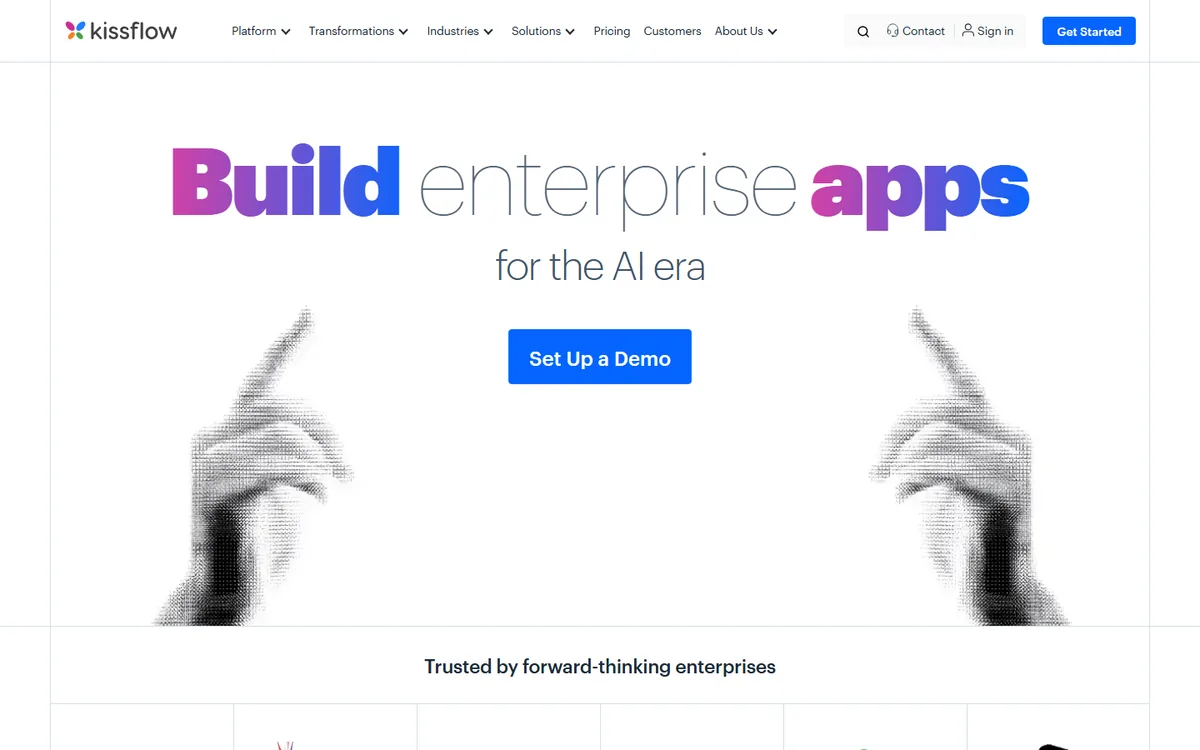
The Easiest Way for Business Teams to Build and Run Approval Workflows Without IT
Kissflow is a low-code work platform for approvals, requests and process apps that business users can build themselves.
Kissflow is the tool I suggest first to operations and finance teams that live in email approvals and spreadsheets. You design a process as a form plus a flow, set who approves what and by when, and the platform handles routing, reminders and a status view. Business users can build a first process in days, which fits how I teach teams to start small.
Where it gets harder is scale. Very complex, multi-system orchestration is possible but not where Kissflow shines, and heavy customization usually needs a partner. If your first five processes are approvals, requests and checklists, it is hard to beat for speed. If you need deep decision engines or case management, look further down this list.
What Kissflow Does Well
- Business users can build and change processes without developers
- Forms, flows and reports live in one place
- Reminders and deadlines are built into every step
What Kissflow Could Do Better
- Starting cost is high for a very small team
- Complex integrations may need technical help
Kissflow Pricing
Capterra lists Kissflow from $1,500 per month on a usage-based model, with a custom-quoted Enterprise plan. G2 shows no list price, so ask for a quote based on your user and process count.
Kissflow Reviews
- G2: score of 4.3 out of 5 (from +590 customer reviews)
- Capterra: score of 4.2 out of 5 (from +89 customer reviews)
Appian
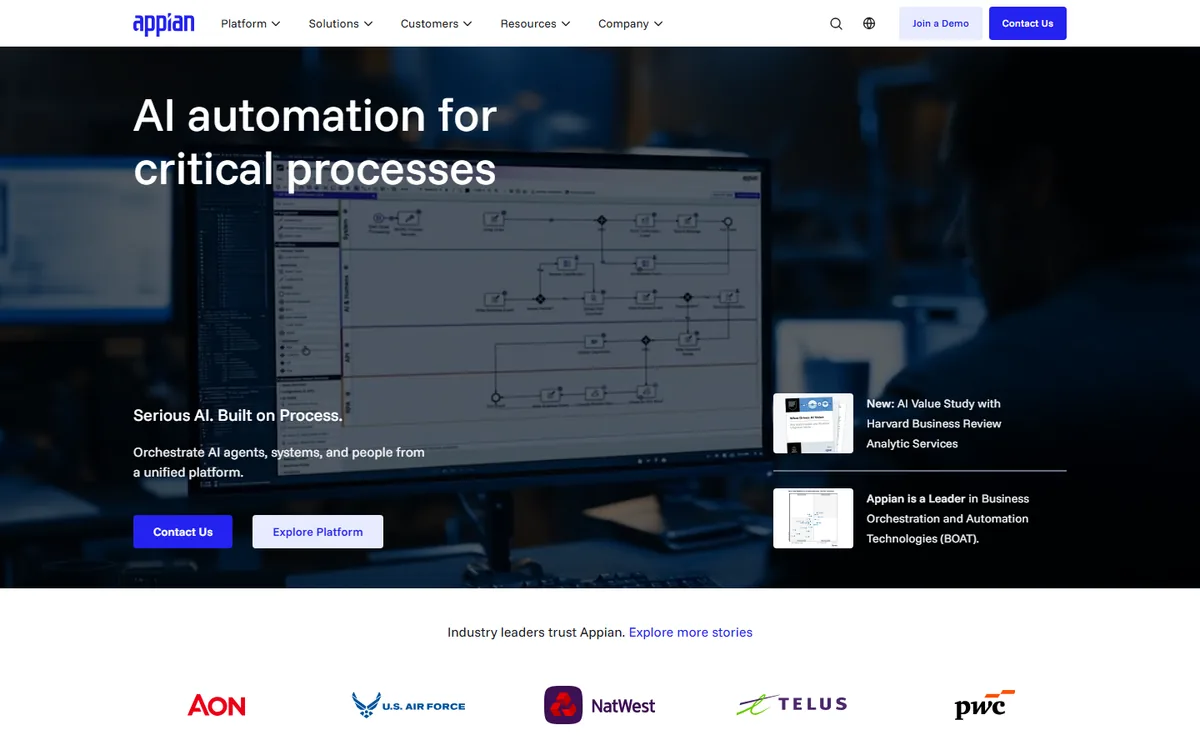
A Mature Low-Code Platform for Complex, Regulated Processes at Enterprise Scale
Appian combines process modeling, case management, data fabric and AI in one low-code platform aimed at large organizations.
Appian is one of the platforms I see in banks, insurers and government agencies, where audit trails and security matter as much as speed. You model processes visually, build case-management apps on top and connect to existing systems through its data layer, without moving data first. Governance features such as role-based access and full process history are strong.
The trade-off is weight. You need trained developers or a partner, and a first project takes longer than on a lightweight tool. If your processes are simple approvals, Appian is more platform than you need. If your cases are complex and regulated, it earns its place.
What Appian Does Well
- Strong case management and audit trails
- Connects to existing data without migrating it
- Proven in regulated industries
What Appian Could Do Better
- Needs skilled developers or a partner
- Overkill for simple approval workflows
Appian Pricing
Appian does not publish list prices on G2 and sells custom enterprise quotes, with a free trial available. Capterra shows a figure of $75 per month billed per feature, which is a starting point only, so request a quote for your real scope.
Appian Reviews
- G2: score of 4.5 out of 5 (from +525 customer reviews)
- Capterra: score of 4.2 out of 5 (from +77 customer reviews)
Pega Platform
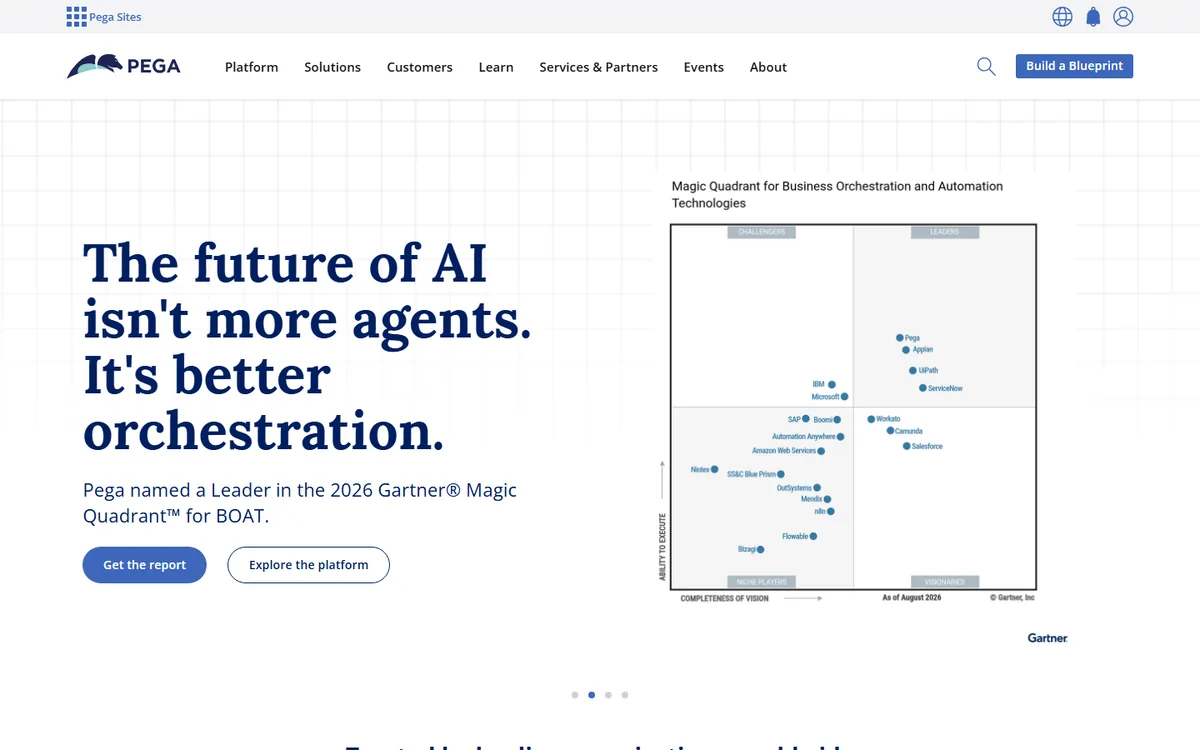
The Choice for Large Firms That Need Customer-Facing Case Management and Decisioning
Pega Platform combines workflow, case management and real-time decisioning for large service operations.
Pega is strongest where the process meets a customer decision: which offer to show, how to route a claim, what to do next with a dispute. Its case-management model handles long-running work with many exceptions, and its decision engine lets you change business rules without rewriting flows.
I treat it as a long-term investment, not a quick win. Implementations are large, and G2 reviewers report an average of seven months to implement. If you run claims, servicing or onboarding at scale and have budget for a proper program, Pega is a serious option. Mid-sized teams will find lighter tools faster to adopt.
What Pega Platform Does Well
- Excellent for case-heavy, exception-rich work
- Business rules can change without redevelopment
- Scales to very large volumes
What Pega Platform Could Do Better
- Long implementation and high cost
- Skills are scarce and often come from partners
Pega Platform Pricing
Pega does not publish prices. G2 rates its perceived cost at the top of the scale and notes an average implementation time of about seven months, so budget for services as well as licenses.
Pega Platform Reviews
- G2: score of 4.2 out of 5 (from +278 customer reviews)
Camunda
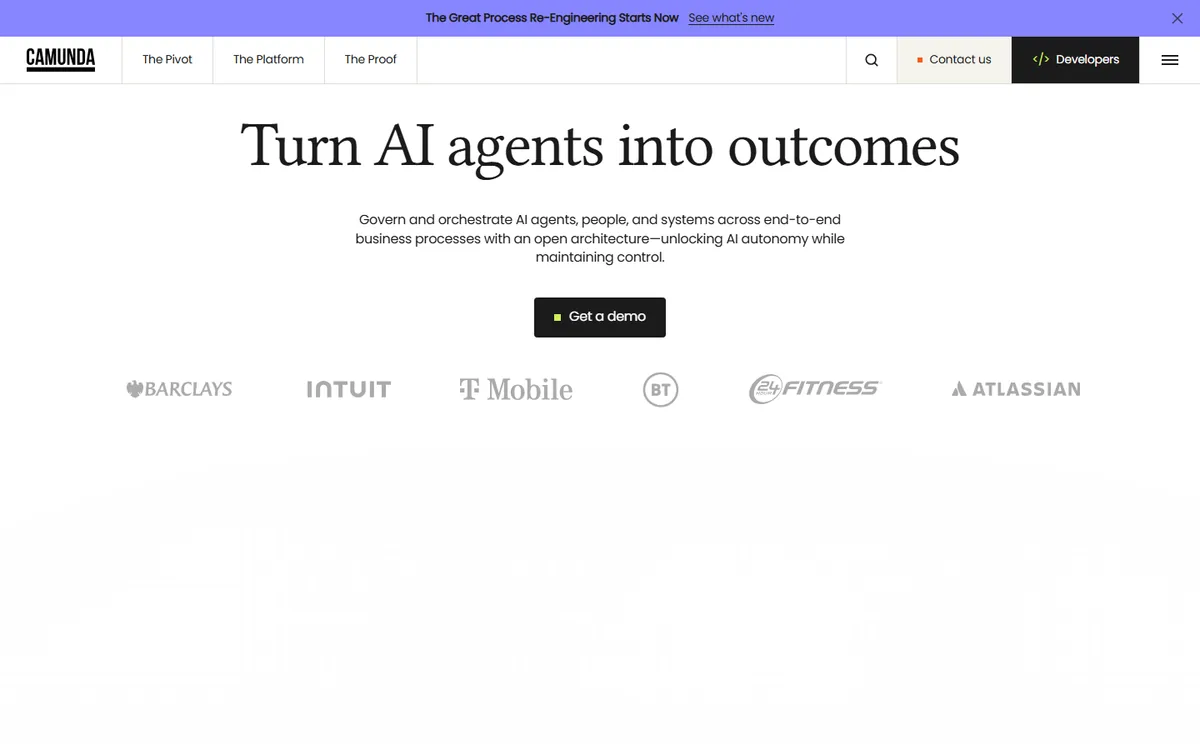
The Best Fit for Developer Teams That Want to Orchestrate Processes Across Many Systems
Camunda is a BPMN-based process orchestration platform built for developers who embed workflows in their own software.
Camunda is where I send engineering-led teams. You model processes in BPMN, run them in an engine that scales and connect them to your own services through code. Process definitions live next to application code, which engineers like, and operations teams get monitoring through Operate and Optimize.
It is not a tool for business users to build on their own. You need developers, and the value shows when processes cross many systems or microservices. Companies that want to own their orchestration layer, rather than rent a closed suite, tend to be happy with it.
What Camunda Does Well
- Open standards with BPMN and DMN
- Scales for high-volume, system-to-system processes
- Developers can version processes like code
What Camunda Could Do Better
- Not suited to non-technical process builders
- Enterprise licensing is a commercial negotiation
Camunda Pricing
Camunda offers a free self-managed download and a free SaaS trial, with Self-Managed Enterprise sold under a yearly commercial agreement. Check Camunda's pricing page for the current SaaS terms.
Camunda Reviews
- G2: score of 4.5 out of 5 (from +328 customer reviews)
- Capterra: score of 4.5 out of 5 (from 15 customer reviews)
Bizagi
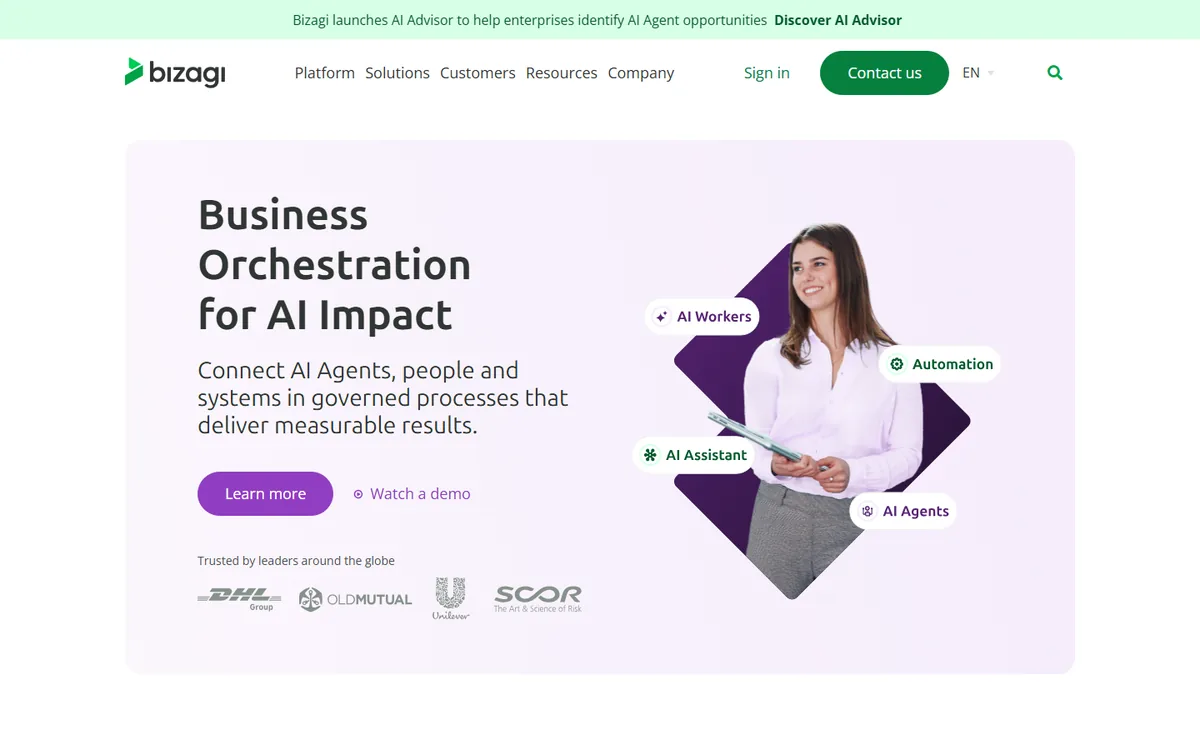
A Friendly Route From Process Modeling to Automation for Mid-Sized and Large Teams
Bizagi pairs a widely used process modeler with a low-code platform that turns models into working applications.
Bizagi gives you a free modeler for drawing processes in BPMN and a paid platform that turns those models into automated workflows. That path is useful for teams that start with documentation and want to grow into automation without redrawing everything. Reviewers on G2 rate it 4.6, among the highest in this list.
The platform is quite capable, but the modeling-first approach can slow teams that only want a quick approval flow. I recommend it where you have process owners who care about documentation and a technical team to build the automation.
What Bizagi Does Well
- Free modeler is a good place to start
- Models carry over into automation
- Highly rated by users on G2
What Bizagi Could Do Better
- Pricing is quote-only
- More setup than simple workflow tools
Bizagi Pricing
Bizagi sells enterprise licenses by quote, and G2 describes consumption-based pricing. A free trial is available, and the Bizagi Modeler can be used free of charge for process documentation.
Bizagi Reviews
- G2: score of 4.6 out of 5 (from +321 customer reviews)
- Capterra: score of 4.4 out of 5 (from +147 customer reviews)
ProcessMaker
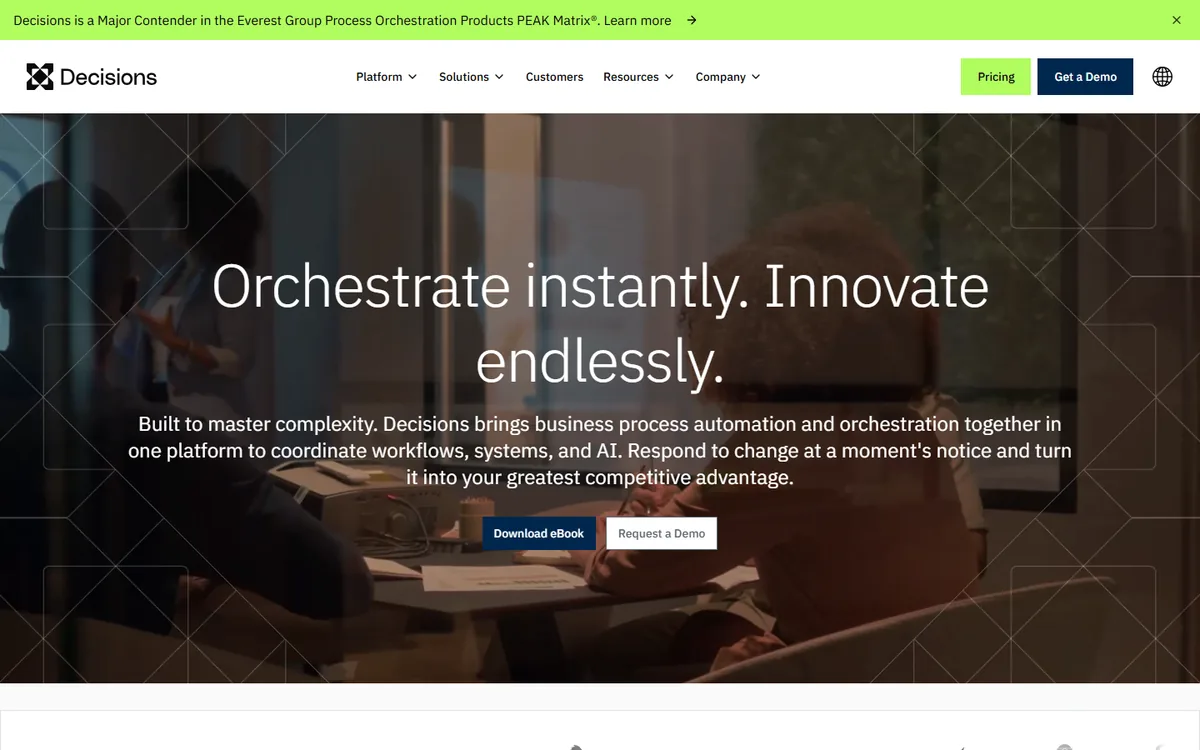
A Flexible Workflow Platform With Open Roots and Good Support for Mid-Sized Teams
ProcessMaker is a low-code workflow platform with a visual designer, forms, rules and integrations, aimed at mid-sized businesses.
ProcessMaker sits between simple workflow tools and enterprise suites. You design flows in a BPMN-style editor, build forms visually and add scripts or connectors where you need them. It runs on-premise or in the cloud, which matters for teams with data residency needs.
I see it work well for mid-sized companies with a small technical team and several approval-heavy processes. It does not have the enterprise ecosystem of Appian or Pega, and some reviewers want a smoother interface. For the price range it is competitive, and Capterra reviewers rate it 4.5.
What ProcessMaker Does Well
- Flexible deployment, cloud or on-premise
- Visual designer with scripting for extra control
- Strong ratings on Capterra
What ProcessMaker Could Do Better
- Interface can feel dated to some users
- Smaller partner network than the big suites
ProcessMaker Pricing
ProcessMaker does not publish prices. G2 lists the Standard, Professional and Enterprise tiers as contact-for-quote, and Capterra shows custom quotes for its plans. A free trial is available.
ProcessMaker Reviews
- G2: score of 4.3 out of 5 (from +305 customer reviews)
- Capterra: score of 4.5 out of 5 (from +174 customer reviews)
Nintex Process Platform
A Strong Pick for Teams That Already Live in Microsoft 365 and SharePoint
Nintex combines process mapping, workflow automation, forms and document generation, with deep SharePoint and Microsoft links.
Nintex has been the workflow add-on for SharePoint for years, and it now covers mapping, workflow, forms, RPA and document generation as one platform. If your documents and approvals already sit in Microsoft 365, Nintex gives you a way to automate them without leaving that world.
With more than 1,300 reviews on G2, it has the biggest user base on this list, and the rating of 4.2 reflects mixed experiences with licensing and complexity at scale. I advise clients to price the full bundle, not only the workflow module, before they commit.
What Nintex Process Platform Does Well
- Deep Microsoft 365 and SharePoint integration
- Includes mapping, workflow, forms and documents
- Large user base and community
What Nintex Process Platform Could Do Better
- Licensing can be complex and costly
- Less appealing outside the Microsoft ecosystem
Nintex Process Platform Pricing
Nintex does not list prices on G2 and sells through quotes. G2 rates its perceived cost at the top of the scale, and reports an average discount of 12 percent, so negotiate.
Nintex Process Platform Reviews
- G2: score of 4.2 out of 5 (from +1,300 customer reviews)
Creatio
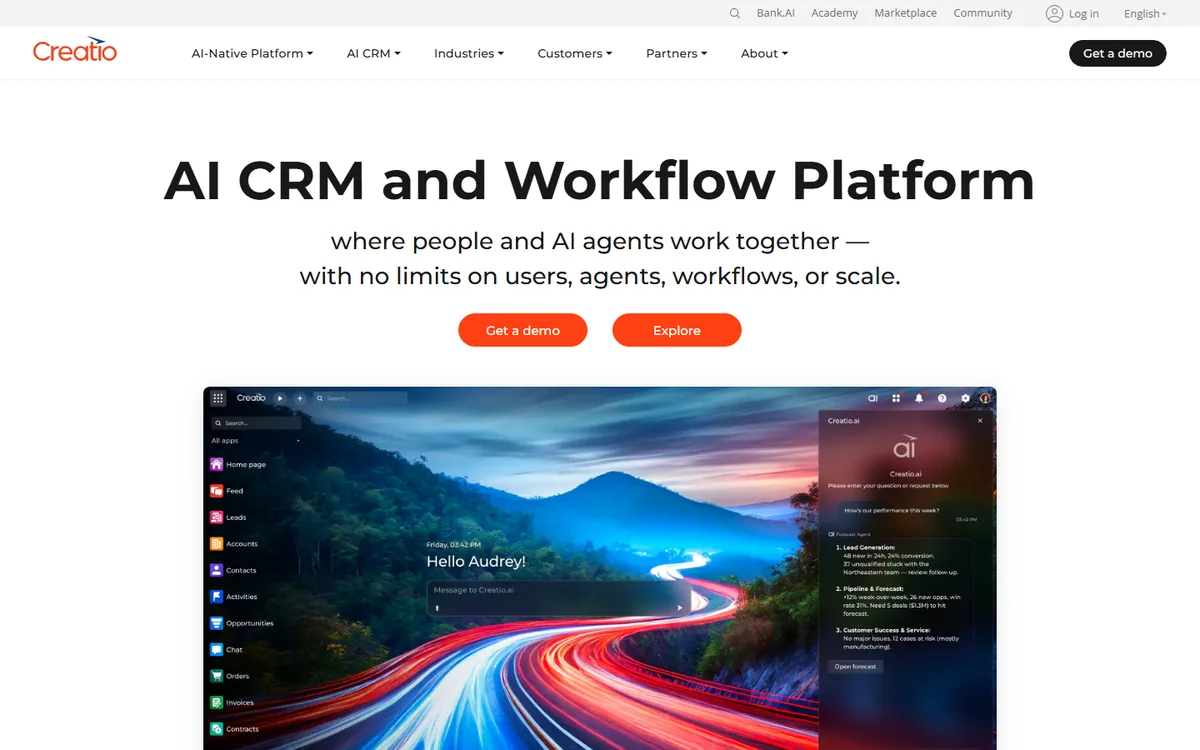
A Good Option When Customer-Facing Processes and CRM Sit at the Center
Creatio is a no-code platform that joins process automation with CRM, so sales, service and operations flows share one data model.
Creatio started as a BPM engine and added CRM on top, which makes it a natural fit when your processes begin with a customer: lead handling, onboarding, service requests. You build flows in a visual designer, and the same data feeds sales and service screens.
If your main need is back-office approval workflows with no CRM, you pay for features you will not use. For customer-centric processes with some AI help, it is one of the better-rated platforms, with 4.6 on G2.
What Creatio Does Well
- Process automation and CRM in one platform
- No-code designer for business users
- Highly rated on G2
What Creatio Could Do Better
- Less compelling for pure back-office processes
- AI usage costs worry some reviewers
Creatio Pricing
G2 lists Creatio plans per user per month: Growth at $40, Enterprise at $75 and Unlimited on custom pricing, as provided by Creatio. Check which modules are included in each plan, since process tooling can differ.
Creatio Reviews
- G2: score of 4.6 out of 5 (from +383 customer reviews)
Process Street
The Simplest Way to Turn Procedures Into Checklists and Recurring Workflows
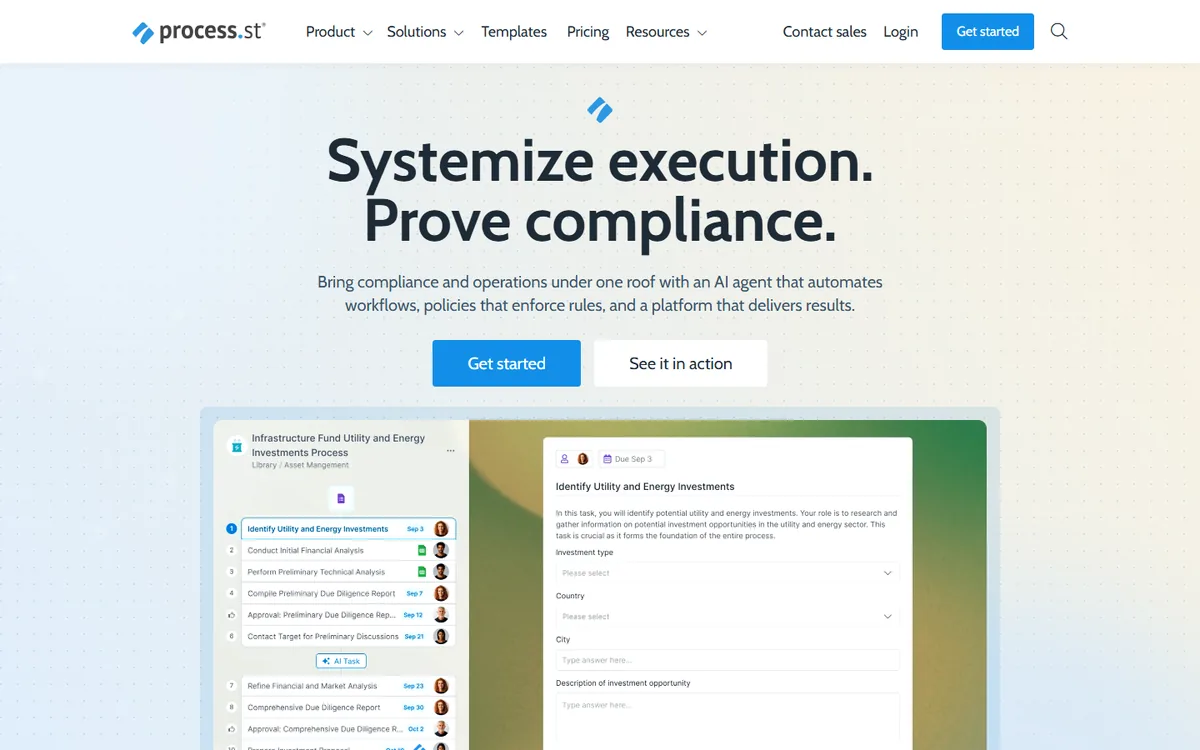
Process Street turns procedures into checklist-based workflows with assignments, approvals and automations for recurring work.
Process Street is the lightest tool here and the one I suggest when the task is to get procedures out of documents and into something people tick off. You build a template, run it for each case and see who is stuck at which step. Onboarding, audits and client setup are typical uses.
It is not a process engine. Branching logic is available, but it will not replace a BPM suite for complex orchestration. For small and mid-sized teams who want to move from tribal knowledge to checklists in an afternoon, it is hard to beat, and users rate it 4.6 on G2.
What Process Street Does Well
- Quick to set up and easy for any team member
- Great for recurring procedures and audits
- Highly rated on G2
What Process Street Could Do Better
- Not built for complex orchestration
- Pricing is by quote, with only a trial to try first
Process Street Pricing
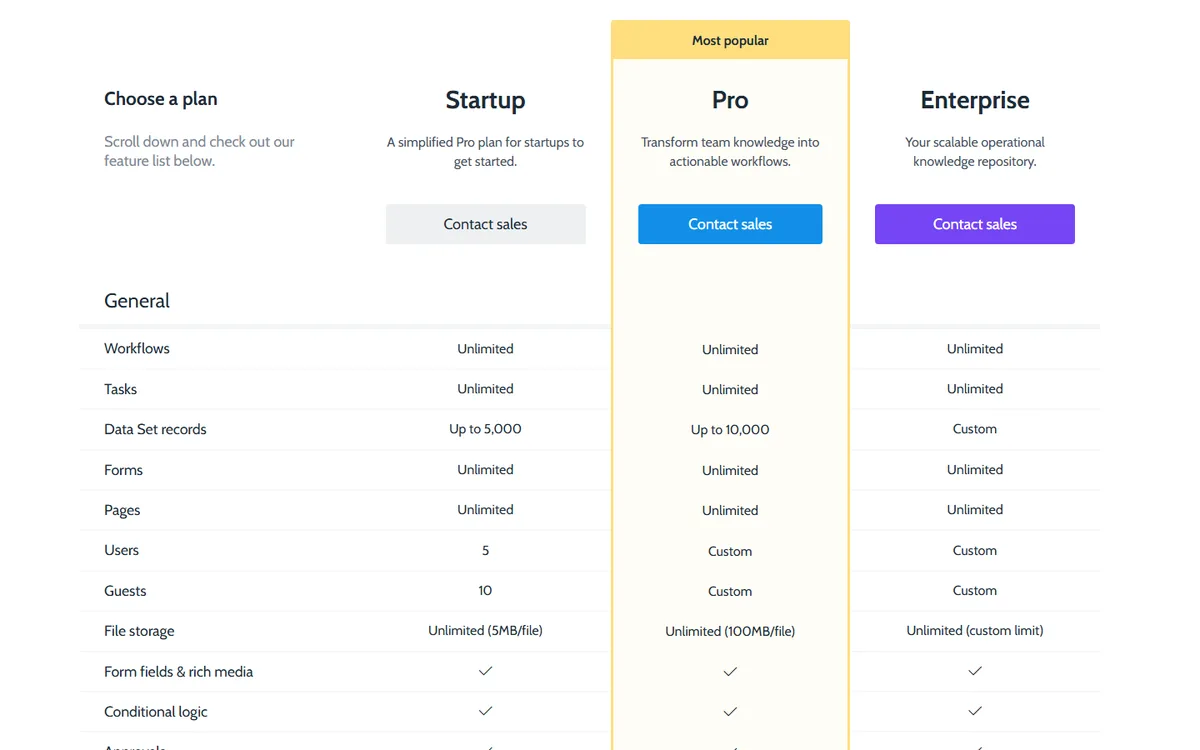
Process Street lists Startup, Pro and Enterprise plans on a contact-sales basis, and the Pro plan starts with a 14-day free trial, no credit card required. Prices are not shown on its page at the time of writing.
Process Street Reviews
- G2: score of 4.6 out of 5 (from +463 customer reviews)
Estimate the Return on a BPM Tool
Before you pick a plan, check whether the numbers work for you. Enter the manual hours the tool could remove and its monthly price, and you will see what it could return in a year. For ideas on which processes to start with, see my business process management examples.
Will It Pay for Itself?
Adjust the sliders to your workload and the plan you are looking at.
How to Choose the Right BPM Tool
In my experience, fit with your processes decides more than any feature list. Before you compare vendors, answer four questions:
- Which processes will you run first, and how many exceptions do they have?
- Who will build and change workflows: business users, IT or developers?
- Which systems must the tool connect to, and do they have modern interfaces?
- What will the tool cost over three years, including implementation and training?
If business users will build the workflows, look at Kissflow, Process Street or Nintex. If your cases are complex and regulated, shortlist Appian and Pega. If your engineers want control, choose Camunda. Teams that start with documentation may like Bizagi, and customer-centric teams should test Creatio. Many tool problems come from skipped groundwork, which I describe in business process management challenges, and you can see the goals tools usually serve in my list of business process management use cases.
Questions About Choosing BPM Tools
What Is the Best BPM Tool for a Small Business?
For most small teams I recommend Process Street or Kissflow. Process Street turns procedures into checklists in an afternoon, and Kissflow handles approvals and requests without developers. Check the price against your number of users before you commit.
What Is the Difference Between BPM Software and Workflow Software?
Workflow software routes tasks and approvals. BPM software adds process modeling, monitoring, decision rules and often case management on top. If your need is approvals and checklists, a workflow tool is enough. If your processes are long-running and full of exceptions, you need BPM.
How Much Do BPM Tools Cost?
Prices vary widely, and many vendors publish none. Capterra lists Kissflow from $1,500 per month, and Creatio plans start at $40 per user per month on G2. Enterprise suites such as Pega and Appian are quoted individually, and implementation services often cost more than licenses.
Do I Need a BPM Tool to Manage My Processes?
Not at first. A clear map, a named owner and a few measures give you most of the benefit. Software helps with routing, reminders and reporting once a process is stable. Buying a tool before you understand the process is the most expensive mistake I see.
Can I Use Microsoft Tools Instead of a Dedicated BPM Platform?
Yes, if your processes are simple. Power Automate and SharePoint cover many approvals. Nintex extends that world with mapping and forms. Dedicated platforms win when you need case management, complex rules or detailed audit trails.
How Long Does It Take to Implement a BPM Tool?
A simple workflow tool can be live in days. A mid-market platform usually needs a few weeks per process. Enterprise suites take months, and G2 reviewers report an average of about seven months for Pega. Start with one process to learn before you scale.
How Do I Compare Vendors Fairly?
Write a short script from your own processes, including two real exceptions, and ask each vendor to demo it. Score the result on fit, ease of change, integration, governance and total cost over three years. Include implementation partners in the cost.
Note: Prices, plans and ratings change frequently. We checked them at the last update, so confirm them with each vendor before buying. This is not legal or financial advice.
Did you find this helpful?
Thank you for your feedback.
Delaney Brisco
Delaney leads the Tavo editorial team and works with our consultants to turn real client projects into practical guides on project delivery, process design and organizational change. Before joining Tavo, she spent 12 years in operations and program management roles. She has since edited more than 300 articles on management practice and reviewed PMO setups and process redesigns from over 100 client projects. She is based in Minneapolis, Minnesota.