Summary
- Cloud systems like Curve Dental, CareStack and tab32 remove the server, while Dentrix and Eaglesoft remain the familiar server-based choices.
- Groups should look at CareStack, Denticon and Dentrix Enterprise, which are built for several locations.
- Most vendors do not publish prices, so ask for written quotes that list every module and support fee.
- Test two or three systems with your own schedule and check how each one reports before you decide.
The Best Dental Practice Management Software at a Glance
| Software | Type | Best for |
|---|---|---|
| 1. Dentrix | Server-based practice management | Established practices that want a widely supported system |
| 2. Open Dental | Practice management with published pricing | Practices that want control, customization and clear pricing |
| 3. Eaglesoft | Server-based practice management | Practices already in the Patterson ecosystem |
| 4. Curve Dental | Cloud-based practice management | Single-location and small group practices that want a browser-based system |
| 5. CareStack | Cloud-based practice management | Multi-location groups and growing dental organizations |
| 6. Denticon | Cloud-based practice management for groups | Dental groups and DSOs that want a cloud system with strong reporting |
| 7. Dentrix Ascend | Cloud-based practice management | Practices that like Dentrix but want to move to the cloud |
| 8. tab32 | Cloud-native all-in-one practice management | New and small practices that want a simple, all-in-one system |
| 9. Adit | Practice management with built-in patient communication | Practices that want communication tools and practice software in one place |
| 10. Oryx Dental Software | Cloud-based practice management | Practices that want a smaller vendor with strong user scores |
| 11. Dentrix Enterprise | Enterprise practice management for groups | Large dental groups and DSOs that need central control |
| 12. Cloud 9 | Cloud-based orthodontic practice management | Orthodontic practices |
The 12 Best Dental Practice Management Software Options, Ranked
I start with the systems that fit the widest range of practices and move toward specialist and group platforms, so you can stop reading once you find your fit. Keep in mind that software is only part of the result: in the dental practice management consulting projects I review, the routines around the system matter at least as much as the system itself. Ratings below come from G2 and Capterra when I checked them.
Dentrix
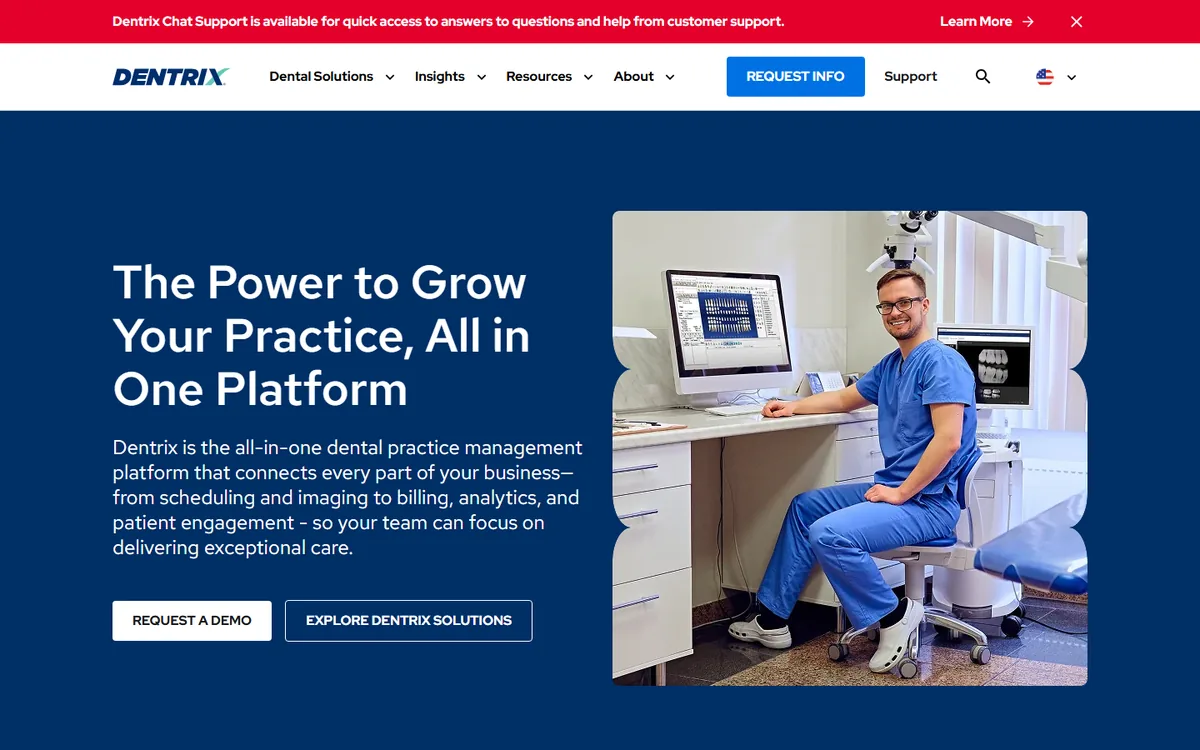
The Most Widely Used Name in Dentistry, With the Support Network to Match
Dentrix, from Henry Schein One, is the system many dentists already know from school or a previous job.
I put Dentrix first because it is the one I meet most often, and that familiarity matters. Hiring is easier when applicants already know the software, and a large network of trainers and consultants exists. It covers scheduling, charting, claims, imaging links and reporting, and the depth of its reports is better than many newer systems.
The trade-off is age and setup. Dentrix is server-based, so you need local hardware and someone to look after backups and updates. In my experience, practices often use only part of its reporting, which is a shame, because the aging and production reports answer many of the questions in my dental practice management metrics article. Expect to invest in training.
What Dentrix Does Well
- Large user base, so training material and experienced staff are easy to find
- Deep reporting for production, aging and recall
- Works with a wide range of imaging and third-party tools
What Dentrix Could Do Better
- On-premise setup needs hardware and IT upkeep
- The interface feels dated next to cloud-native systems
Dentrix Pricing
Dentrix does not publish prices. Third-party listings estimate roughly $500 to $700 or more per month all-in, depending on modules, support and the number of providers, so request a written quote.
Dentrix Reviews
- G2: score of 4.1 out of 5 (from 141 customer reviews)
- Capterra: score of 4.3 out of 5 (from 378 customer reviews)
Open Dental
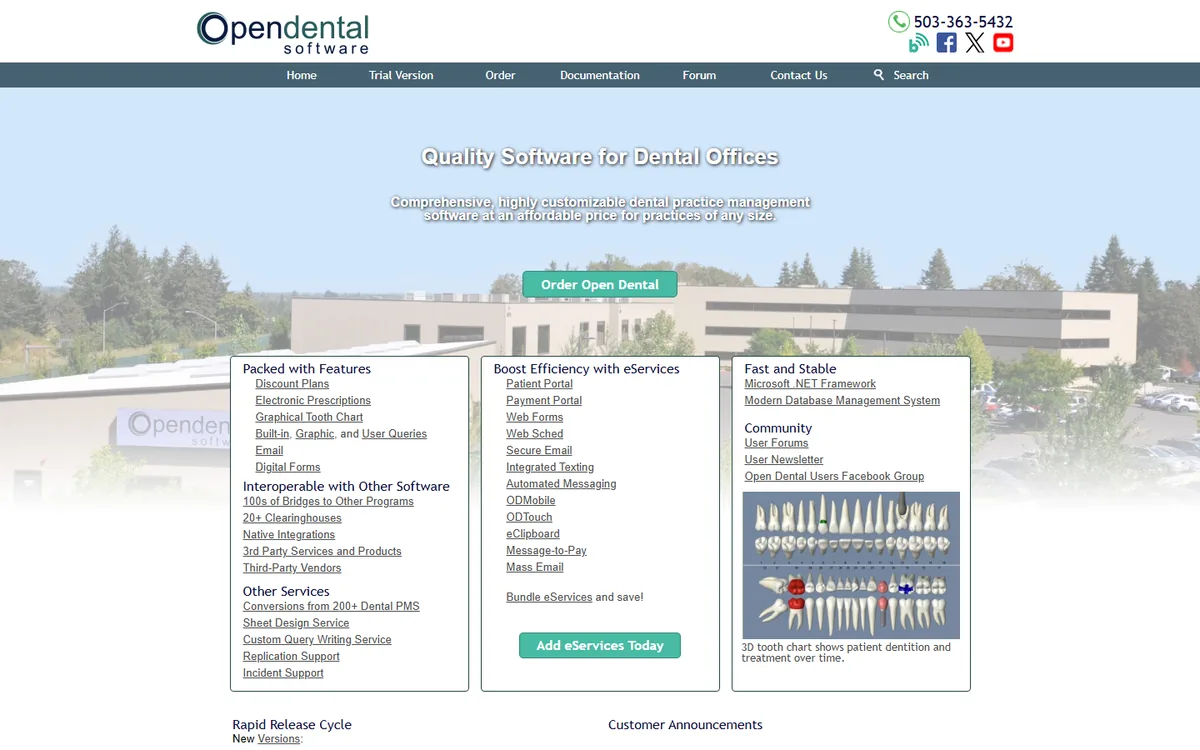
The Best Pick if You Value Transparent Pricing and Room to Customize
Open Dental is a practice management system known for published pricing, a large feature set and an active user community.
Open Dental stands out because its price is openly listed and its users share tips and custom reports freely. It is popular with practices that like to adjust their own workflows, and it supports both locally hosted and cloud-hosted setups.
That flexibility can be a weakness. A practice with no one comfortable with configuration may feel left alone with too many options. Plan time for setup and training, and consider a certified trainer. If you value tinkering with reports and automation, you will probably enjoy it more than your team does at first.
What Open Dental Does Well
- Published pricing makes budgeting simple
- Strong customization and a helpful user community
- Both locally hosted and cloud-hosted options
What Open Dental Could Do Better
- Setup takes real time and configuration skill
- The interface looks utilitarian
Open Dental Pricing
Third-party sources put Open Dental at about $179 to $199 per location per month for up to three providers, with about $20 for each extra provider. Check the vendor's current price list, since I could not load it directly.
Open Dental Reviews
- G2: score of 4.3 out of 5 (from 47 customer reviews)
- Capterra: score of 4.6 out of 5 (from 90 customer reviews)
Eaglesoft
A Solid Choice if Your Supplies and Equipment Already Come From Patterson
Eaglesoft is Patterson Dental's practice management system, long used by general and multi-doctor offices.
Eaglesoft integrates tightly with Patterson's imaging and equipment, which appeals to practices that buy their hardware from the same source. It handles scheduling, charting, billing and reporting in a mature, if somewhat traditional, interface.
Reviewers tend to mention support quality and the cost of the support plan. If you already trust Patterson as a supplier, that relationship can be an advantage. If you want a modern, cloud-first system, it will feel behind. I suggest you ask for a demo with your own schedule, not a sample one.
What Eaglesoft Does Well
- Tight integration with Patterson imaging and equipment
- Mature feature set for charting, billing and reporting
- Long track record in general practices
What Eaglesoft Could Do Better
- Server-based, so you manage hardware and updates
- Costs and support plans can add up
Eaglesoft Pricing
Eaglesoft does not publish prices. Third-party estimates run from about $200 to $500 or more per month with a support plan, so treat that as a rough guide and ask for a quote.
Eaglesoft Reviews
- G2: score of 4.2 out of 5 (from 118 customer reviews)
- Capterra: score of 4.1 out of 5 (from 157 customer reviews)
Curve Dental
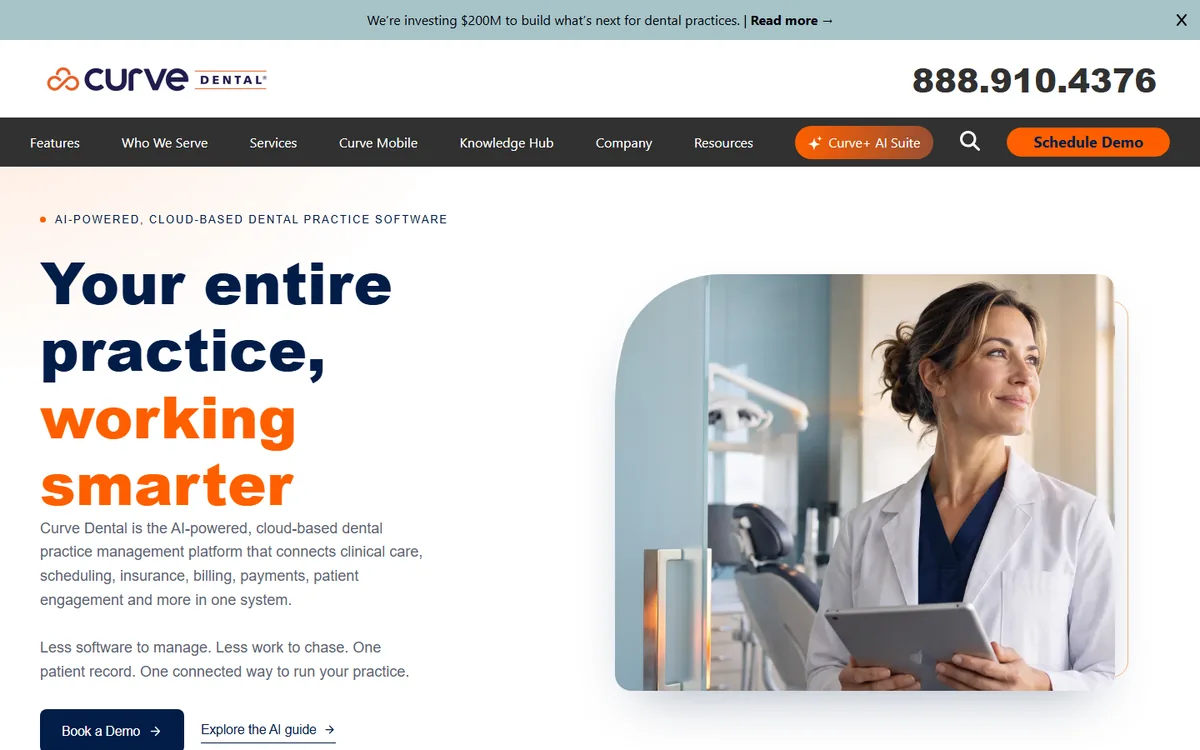
One of the Better Reviewed Cloud Systems for General Practices
Curve Dental was built for the browser, so you can work from any device with no server in the back room.
Curve Dental scores well with users on both review sites, which is not common for a system with this many reviews. It runs in the cloud, handles scheduling, charting, billing and imaging, and has a bundled patient engagement side. It is a natural option if your practice wants to drop the server closet.
Because everything is online, your internet connection becomes part of your clinical workflow. Have a backup connection before you switch. Curve also publishes helpful practice guidance, and I cite its benchmarks in my metrics article. Ask how your imaging devices connect before signing.
What Curve Dental Does Well
- Cloud-based, so no local server to maintain
- Strong review scores with a large number of reviews
- Works across devices and locations
What Curve Dental Could Do Better
- Depends on a reliable internet connection
- Quote required
Curve Dental Pricing
Curve does not publish prices. A third-party listing cites roughly $350 per provider per month, but you should confirm with the vendor, since bundles differ.
Curve Dental Reviews
- G2: score of 4.6 out of 5 (from 278 customer reviews)
- Capterra: score of 4.4 out of 5 (from 285 customer reviews)
CareStack
Built for Groups That Need One System Across Many Locations
CareStack is a cloud-based platform that combines practice management, patient engagement and reporting for groups.
CareStack is the system I look at first when a client has or plans several locations. It offers shared patient records, centralized reporting and one view across offices, which makes it easier to compare locations fairly and spot a struggling one early. Its review scores are high on both sites.
For a single small practice it can be more than you need. Rollouts take planning, because moving several offices at once is a project in its own right. If you are heading toward a group, it pairs well with a scorecard like the one in my dental practice management checklist.
What CareStack Does Well
- Central reporting across several locations
- Cloud-based with patient engagement tools included
- High ratings on G2 and Capterra
What CareStack Could Do Better
- Can be more than a single small office needs
- Implementation needs careful planning
CareStack Pricing
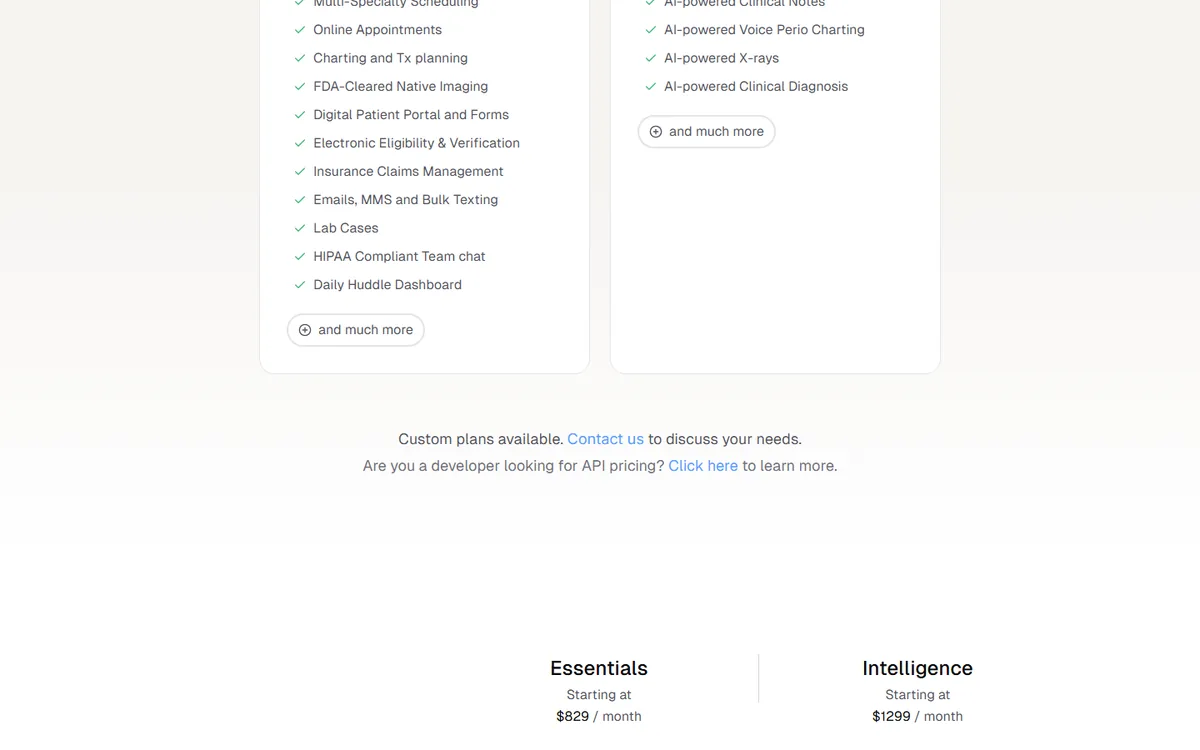
CareStack does not publish a price list. Capterra shows a starting price of $698 per user per month, while another third-party listing cites roughly $400 to $600 per location. Get a written quote.
CareStack Reviews
- G2: score of 4.7 out of 5 (from 207 customer reviews)
- Capterra: score of 4.8 out of 5 (from 225 customer reviews)
Denticon
A Group-Friendly Cloud System With Very Good User Ratings
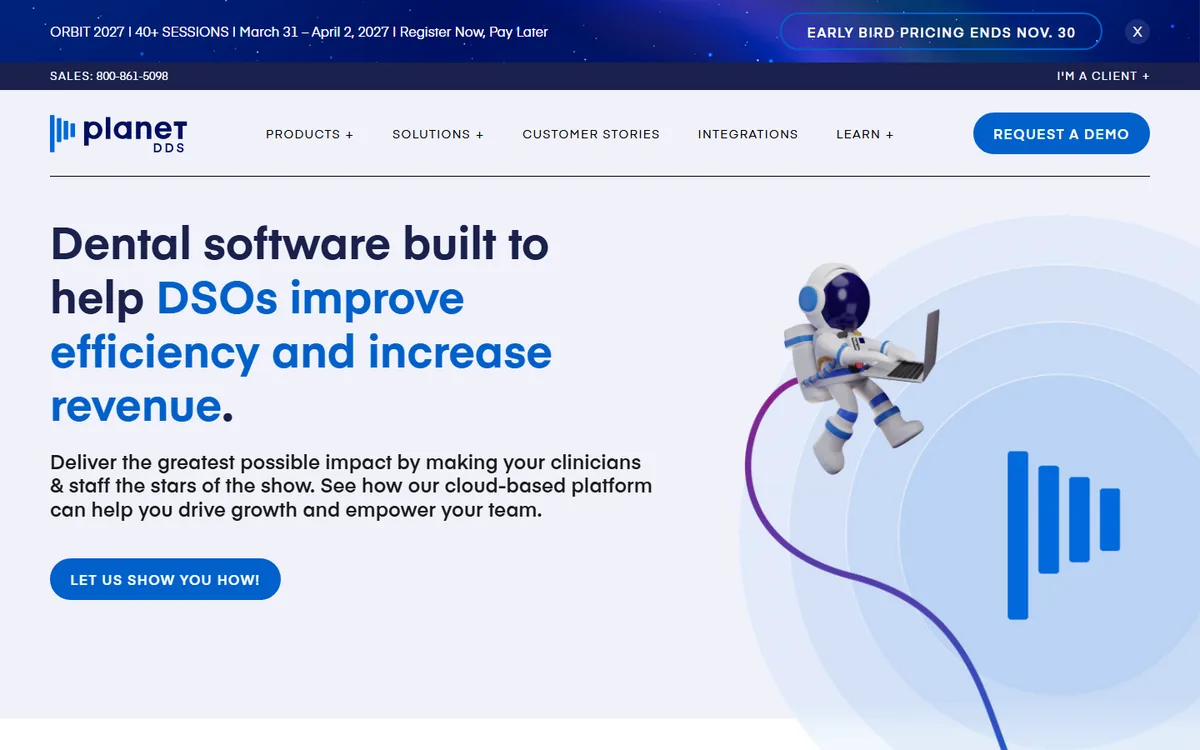
Denticon, from Planet DDS, is a cloud-based system used by group practices and dental support organizations.
Denticon focuses on groups. It lets you keep one database across locations, standardize fee schedules and roll up reports. Its G2 score of 4.7 is among the best on this list, though the review count is lower than the biggest names.
It is an easier fit for organizations with a central office than for a solo practice with one chair. Ask about onboarding support and training hours, because group rollouts depend on it. If you want to compare locations in a single scorecard, Denticon is built for that.
What Denticon Does Well
- One database and one set of reports across locations
- Cloud-based with no local server
- High satisfaction among reviewers
What Denticon Could Do Better
- Pricing is higher than systems aimed at single practices
- Smaller review base than the largest names
Denticon Pricing
Capterra shows a starting price of $750 per month. A third-party listing cites roughly $795 per location per month. Confirm with Planet DDS, because group pricing varies.
Denticon Reviews
- G2: score of 4.7 out of 5 (from 74 customer reviews)
- Capterra: score of 4.5 out of 5 (from 118 customer reviews)
Dentrix Ascend
A Cloud Route for Teams That Know the Dentrix Way of Working
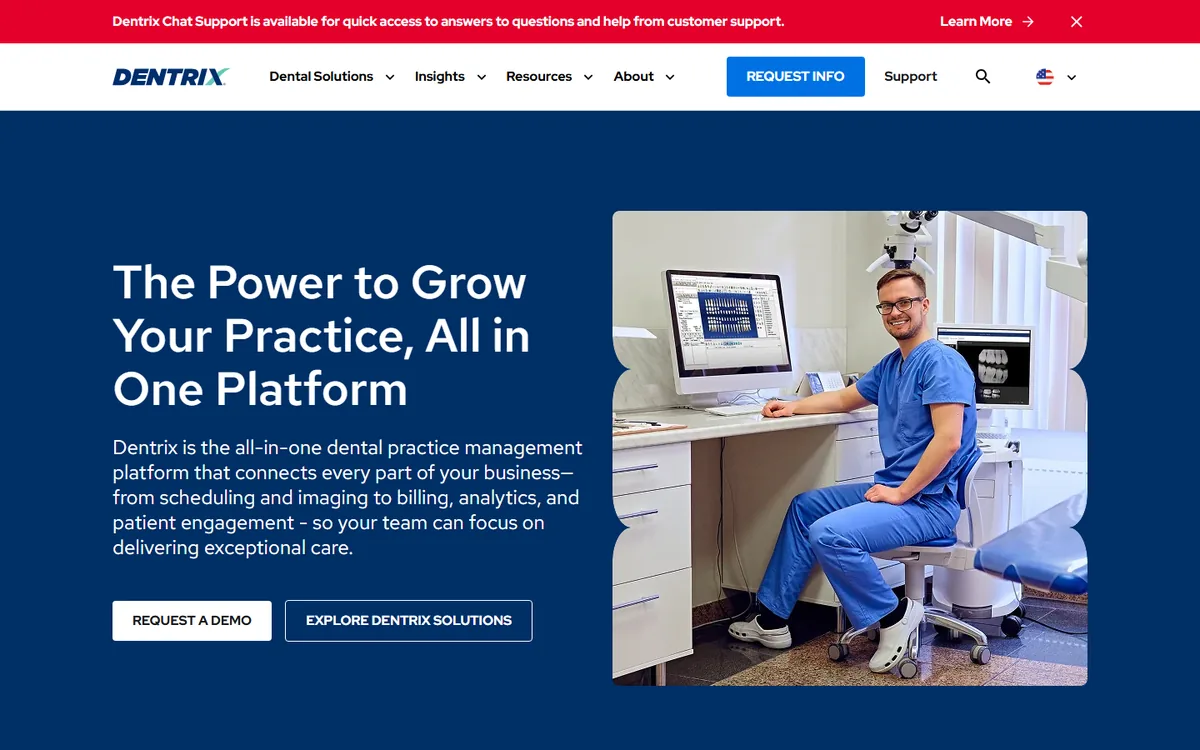
Dentrix Ascend is the cloud version of the Dentrix family, built for web access across locations.
Ascend lets a Dentrix-minded practice move to a browser-based system without learning an entirely unfamiliar vendor. It covers scheduling, charting, billing and reporting, and it supports multiple locations.
Reviewers rate it lower than several rivals, and the G2 sample is small, only 20 reviews. I would ask to speak to practices of your size before you decide. A cloud move is a good time to clean up your routines, because you will have to rebuild some of them anyway.
What Dentrix Ascend Does Well
- Cloud access with a familiar Dentrix lineage
- Supports several locations
- No server to maintain
What Dentrix Ascend Could Do Better
- Lower review scores than several competitors
- Small review sample on G2
Dentrix Ascend Pricing
Dentrix Ascend does not publish prices. A third-party listing cites roughly $399 per month and up. Request a written quote that lists every module.
Dentrix Ascend Reviews
- G2: score of 4.3 out of 5 (from 20 customer reviews)
- Capterra: score of 4.1 out of 5 (from 235 customer reviews)
tab32
An Easy-to-Learn Cloud System With Clear Starter Pricing
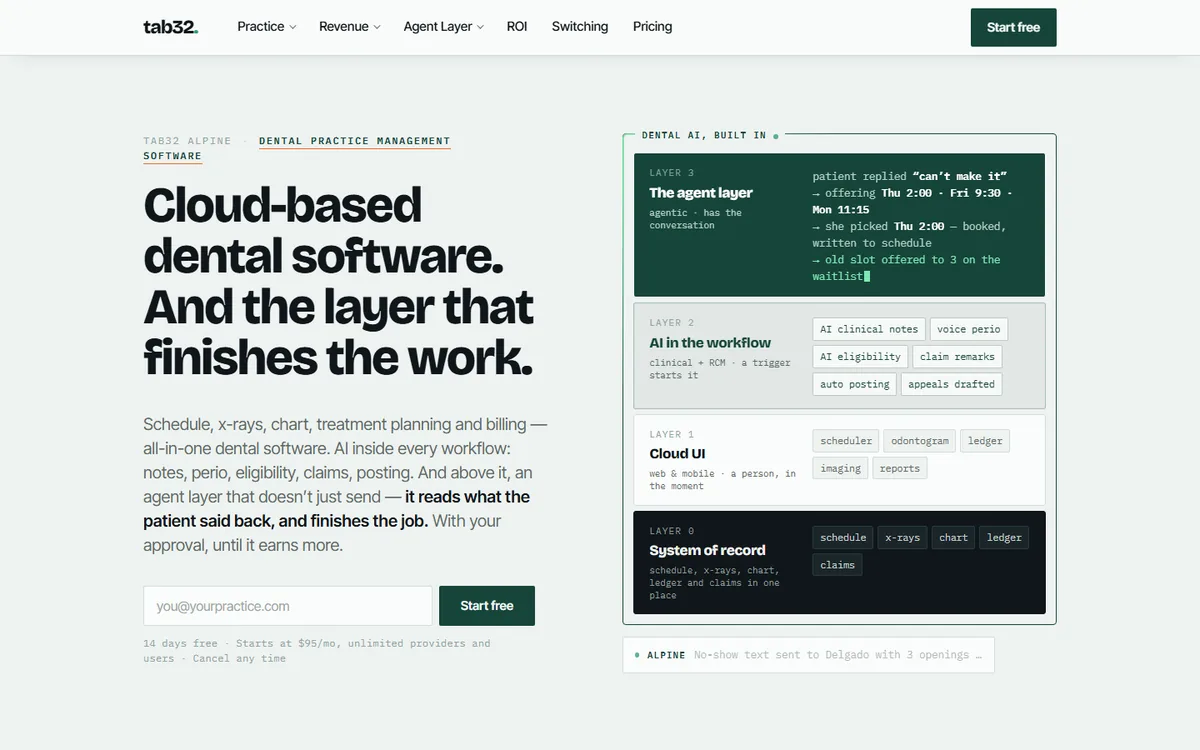
tab32 is a cloud-native system that combines charting, scheduling, patient texting, online booking, imaging and claims.
tab32 is aimed at newer and smaller practices, and its published starter pricing is one of the reasons. Reviewers praise how quickly new staff learn it and like the all-in-one design, including patient messaging. For a practice opening its doors, that simplicity is real value.
Reviews also mention limits: reports can be basic, some tasks take extra clicks and a few users raised contract and pricing concerns. The G2 sample is only six reviews, so read the Capterra reviews and the contract carefully before you sign. Ask what happens to your data if you leave.
What tab32 Does Well
- Quick to learn for new staff
- All-in-one design with patient texting and online booking
- Starter pricing is published
What tab32 Could Do Better
- Reporting can be limited
- Some reviewers mention contract and pricing concerns
tab32 Pricing
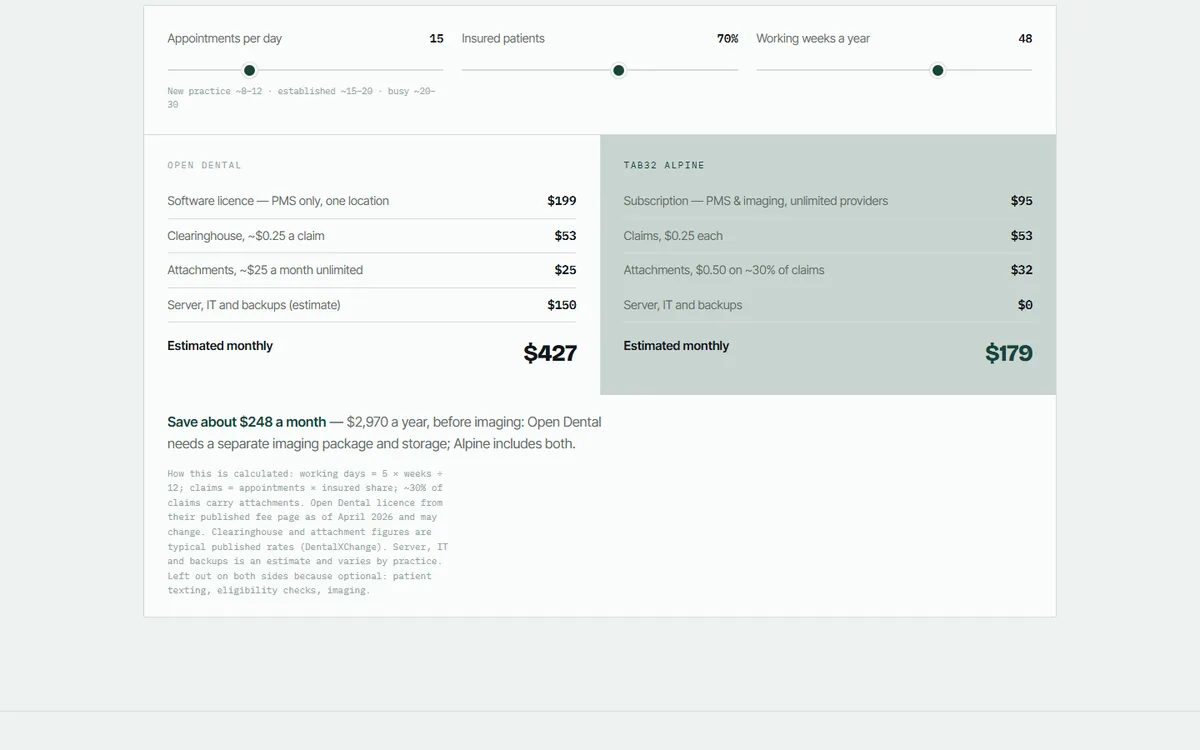
tab32 lists a start-up package at $125 per month in year one, then $275 per month from year two, and $225 per month for existing practices, per its G2 listing. Multi-location pricing is custom. A 14-day free trial is listed.
tab32 Reviews
- G2: score of 3.3 out of 5 (from 6 customer reviews)
- Capterra: score of 4.3 out of 5 (from 41 customer reviews)
Adit
Communication-First Software With Very High Review Scores
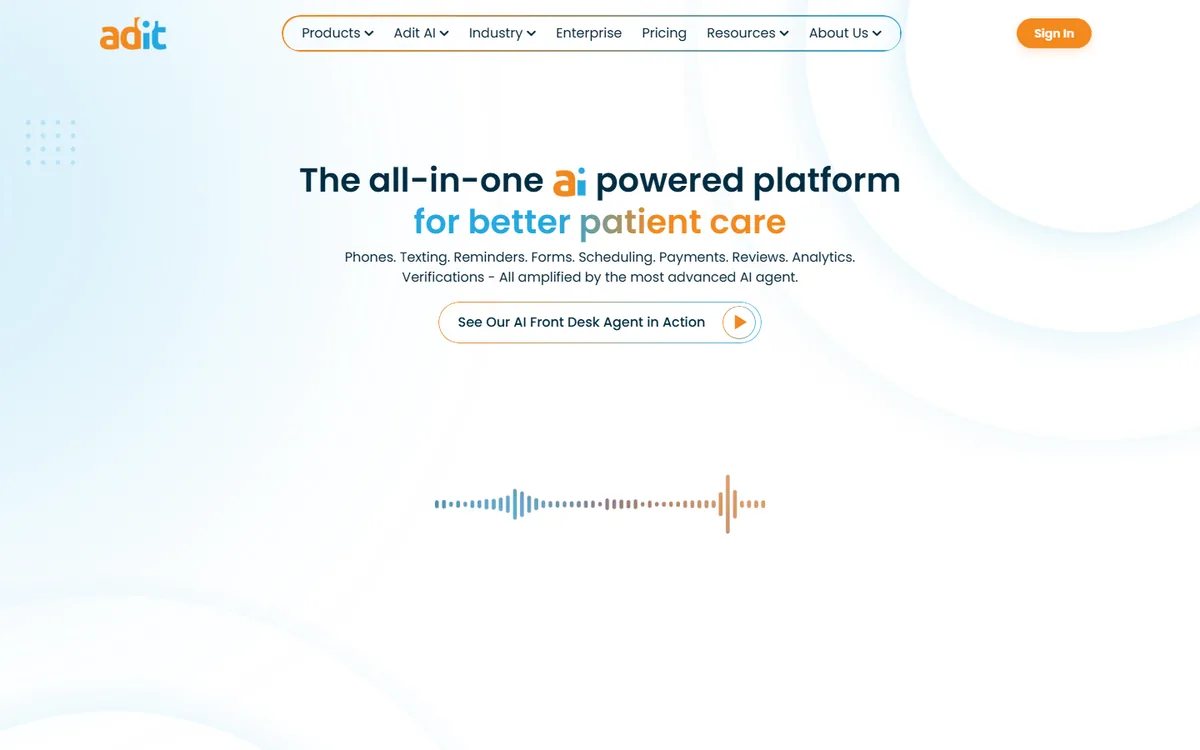
Adit combines patient communication tools, such as texting, calls and online forms, with practice management features.
Adit approaches the problem from the front desk. It packages phone and text tools, online forms and patient engagement together, and users give it top marks on both review sites: 4.8 on G2 and 4.7 on Capterra. If your biggest pain is missed calls and slow paperwork, it deserves a look.
Check carefully what is included in the practice management part for your needs, and how it connects to your current charting system. G2 notes pricing as high on its scale, and plan details are not public. As with every system here, test it with your real workflow before you commit.
What Adit Does Well
- Very high ratings from reviewers
- Phone, text and forms in one platform
- Strong focus on front desk workload
What Adit Could Do Better
- Plan details are not published
- You should check how it connects to your charting system
Adit Pricing
Adit does not publish plan details on G2. Capterra shows a starting price of $399 per month. Confirm the exact scope with the vendor.
Adit Reviews
- G2: score of 4.8 out of 5 (from 108 customer reviews)
- Capterra: score of 4.7 out of 5 (from 304 customer reviews)
Oryx Dental Software
A Smaller Vendor With Very Strong User Scores on G2
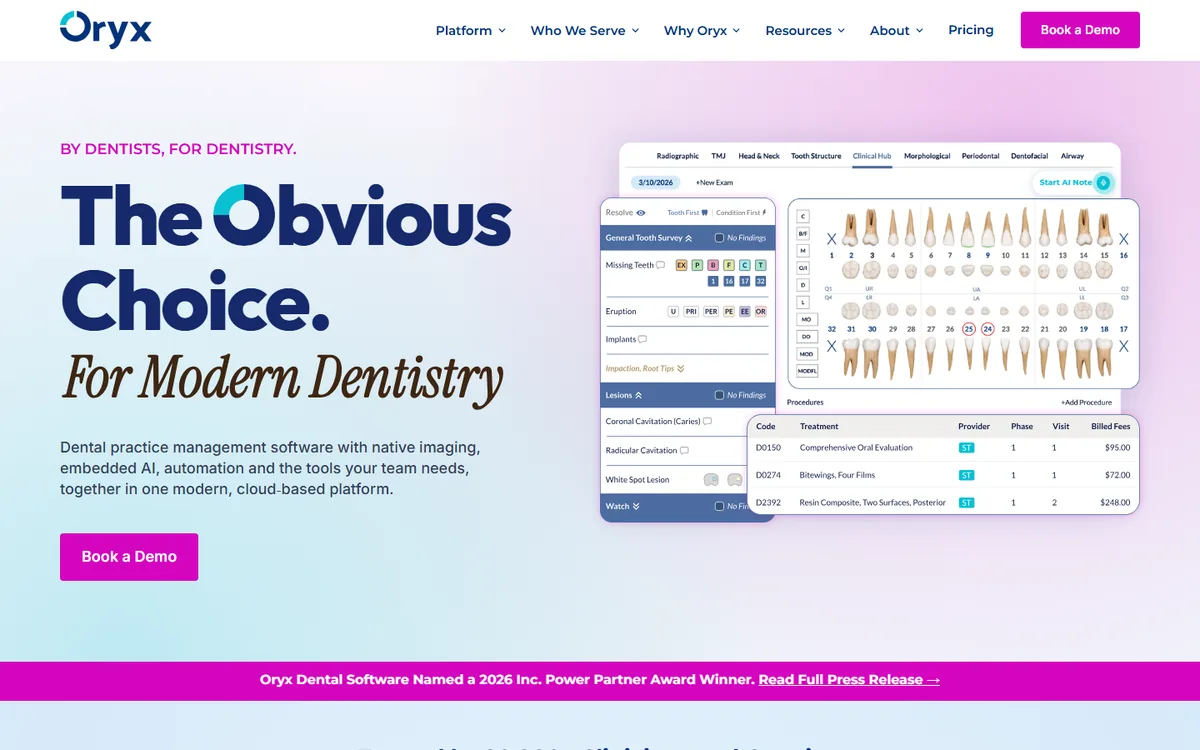
Oryx Dental Software is a lesser-known system that earns high satisfaction scores from its users.
Oryx has a 4.8 rating on G2 from 38 reviews, which puts it among the better rated systems in the category. Smaller vendors often give more personal attention, and users seem to value that. If you like talking to the people who build the product, it is worth a demo.
The flip side of a smaller vendor is a smaller ecosystem: fewer trainers, fewer integrations and fewer people in the market who know it. I did not find a comparable Capterra rating, so you will have less third-party evidence to lean on. Ask for references from practices of your size and specialty.
What Oryx Dental Software Does Well
- High satisfaction scores on G2
- Personal attention from a smaller vendor
- Worth a demo if you like direct access to the team
What Oryx Dental Software Could Do Better
- Smaller ecosystem of trainers and integrations
- Less third-party review data
Oryx Dental Software Pricing
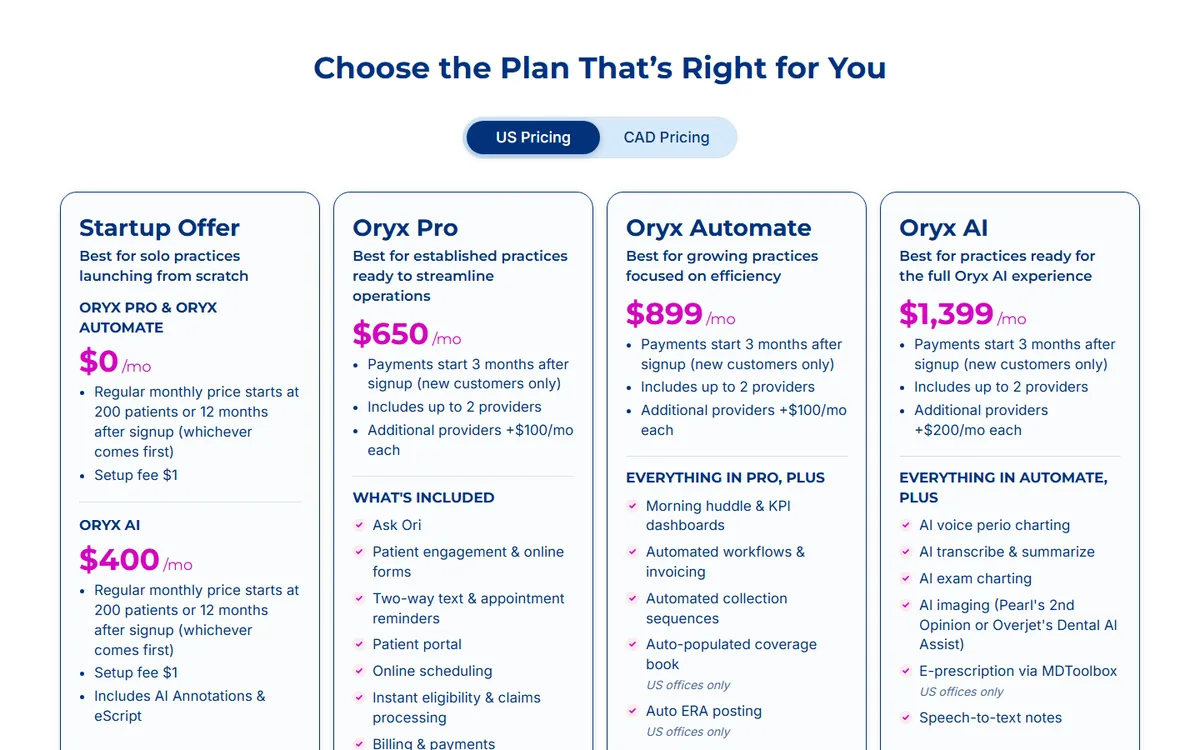
Oryx does not publish prices that I could verify. Ask for a written quote and compare it with the cloud options above.
Oryx Dental Software Reviews
- G2: score of 4.8 out of 5 (from 38 customer reviews)
- Capterra: no rating found for this product when I checked
Dentrix Enterprise
The Enterprise Version of Dentrix for Large Multi-Office Organizations
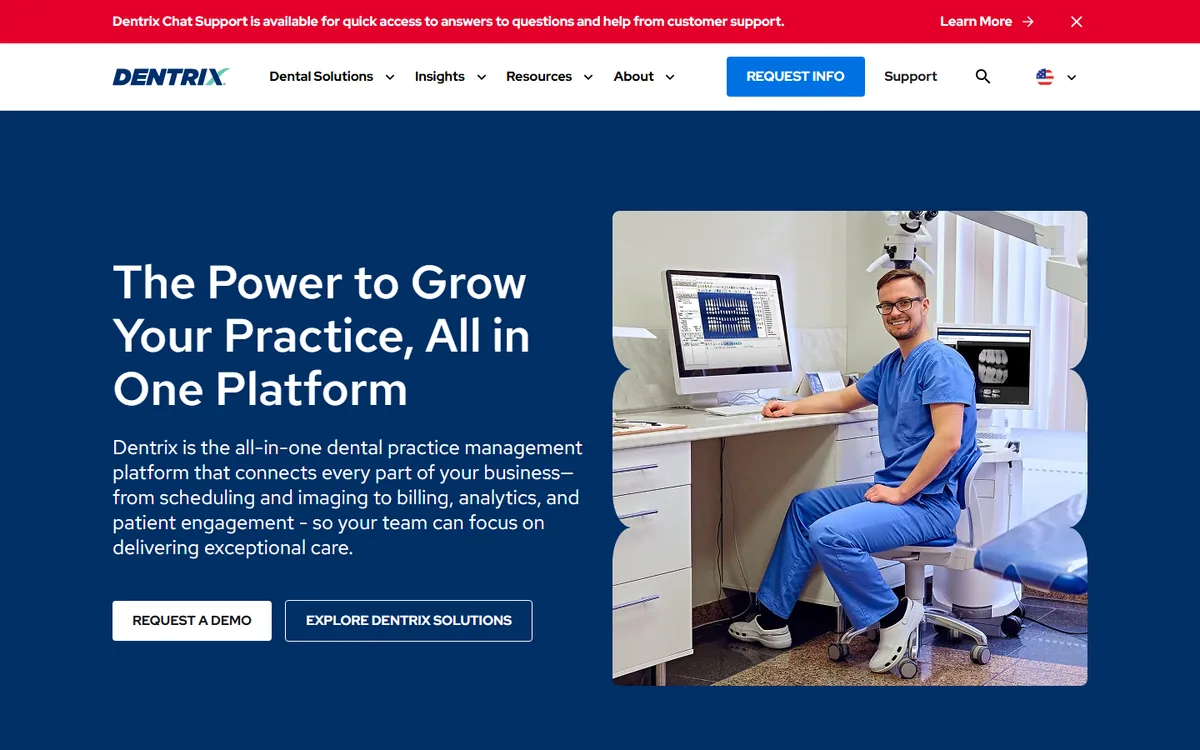
Dentrix Enterprise is built for large groups that need central data, shared standards and corporate reporting.
Dentrix Enterprise suits organizations with many offices, a central team and a need for one shared database. It carries the Dentrix workflow that many dentists know while adding group-level control and reporting.
The G2 score of 4.7 comes from only 17 reviews, so treat it as a signal and not a verdict. It is overkill for a single practice, and implementation is a project in itself. If you are growing toward a group, start with one location and confirm the process works before you scale.
What Dentrix Enterprise Does Well
- Designed for large multi-office groups
- Familiar Dentrix workflow
- Central reporting and standards
What Dentrix Enterprise Could Do Better
- Too much system for a small practice
- Small review sample
Dentrix Enterprise Pricing
Dentrix Enterprise does not publish prices. Expect a custom quote that depends on the number of locations and modules.
Dentrix Enterprise Reviews
- G2: score of 4.7 out of 5 (from 17 customer reviews)
- Capterra: no rating found for this product when I checked
Cloud 9
A Specialty Pick for Orthodontic Practices That Need Workflows Built for Braces and Aligners
Cloud 9, from Planet DDS, is a cloud-based system designed for orthodontists.
General dental systems often fall short in orthodontics, where treatment runs over many months and billing follows a different pattern. Cloud 9 is built for that rhythm, with workflows for long treatment plans and contract payments.
It would not be my choice for a general practice. The G2 score of 4.6 comes from only 11 reviews, while the Capterra listing under Cloud 9 Ortho shows 4.6 from 47 reviews. If you run an orthodontic office, add it to your shortlist and ask about your specific workflow in the demo.
What Cloud 9 Does Well
- Designed for orthodontic workflows
- Cloud-based access
- Good scores on both review sites
What Cloud 9 Could Do Better
- Not suited to general dentistry
- Small review sample on G2
Cloud 9 Pricing
Cloud 9 does not publish prices. Ask Planet DDS for a quote based on your providers and locations.
Cloud 9 Reviews
- G2: score of 4.6 out of 5 (from 11 customer reviews)
- Capterra: score of 4.6 out of 5 (from 47 customer reviews)
Estimate the Return on Dental Practice Software
Before you pick a plan, check whether the numbers work for you. Enter the manual hours your team spends on tasks such as claims, recall and reporting, and the monthly price of the system you are considering, and you will see what it could return in a year.
Will It Pay for Itself?
Adjust the sliders to your workload and the plan you are looking at.
How to Choose the Right Dental Practice Management Software
In my experience, fit with your routines decides more than any feature list. Before you compare vendors, I suggest you answer four questions:
- How many locations and providers do you have now, and how many in three years?
- Do you prefer cloud access or local control, and how reliable is your internet?
- Which reports do you need every week, and can the system produce them in a few clicks?
- Who will lead the switch and train your team?
Write your answers down and use them as a scorecard in every demo. Software works best when it supports routines you already have, so read my dental practice management guide first if you are still setting those up. Check the numbers you will need in my list of dental practice management metrics, and use the dental practice management checklist to spot gaps a new system will not fix. For habits that make any system pay off, see my dental practice management tips. If you want help running demos, a short call usually settles the shortlist.
Questions About Choosing Dental Practice Software
What Is the Best Dental Practice Management Software?
There is no single best system. For single-location practices that want the cloud, I would look at Curve Dental and tab32. For groups, CareStack and Denticon are strong candidates. If you want a familiar name with a big user base, Dentrix is the usual choice. Test two or three with your real schedule before you decide.
Is Cloud or Server-Based Dental Software Better?
Cloud systems remove the server, simplify backups and let you work from several places, but they depend on your internet connection. Server-based systems like Dentrix and Eaglesoft give you local control and can run through an outage, but you maintain the hardware. Pick the one that matches your IT comfort and your location plans.
How Much Does Dental Practice Management Software Cost?
Published and third-party figures range from about $125 per month for a start-up practice on tab32, through roughly $179 to $199 per location for Open Dental, to $400 to $800 or more per month for larger cloud and group systems. Many vendors quote on request, so ask for written quotes that list every module and support fee.
How Long Does It Take to Switch Dental Software?
Plan on several weeks from contract to go-live, including data migration, imaging connections and training. Group rollouts take longer. Schedule the switch for a quiet period and keep the old system available for reference. Rushing the change is the most common mistake I see.
Can I Move My Data from Dentrix or Eaglesoft to Another System?
Usually yes, since most vendors offer migration services, but the quality varies. Ask what data transfers (charts, images, ledgers, treatment plans), what does not and how long it takes. Request a test migration with a sample of your records before you commit.
Which Software Is Best for a Dental Group or DSO?
CareStack, Denticon and Dentrix Enterprise are built for multi-location use, with shared databases and central reporting. Compare how each handles fee schedules, location-level reports and onboarding, and talk to groups of a similar size. Cost per location matters more as you grow.
Do I Need a Consultant to Choose Dental Software?
Not always, but an outside view helps when several people want different things or when you are changing systems for a group. A consultant can map your workflows, build a shortlist and run the demos with a consistent scorecard so the decision rests on your needs and not on a sales presentation.
Note: Prices, plans and ratings change frequently. We checked them at the last update, so confirm them with each vendor before buying. This is not legal or financial advice.
Did you find this helpful?
Thank you for your feedback.
Delaney Brisco
Delaney leads the Tavo editorial team and works with our consultants to turn real client projects into practical guides on project delivery, process design and organizational change. Before joining Tavo, she spent 12 years in operations and program management roles. She has since edited more than 300 articles on management practice and reviewed PMO setups and process redesigns from over 100 client projects. She is based in Minneapolis, Minnesota.