Summary
- QuickBooks Online and Xero are the safest starting points for most small businesses, with Zoho Books as the value pick and Wave as the free option.
- Sage Intacct, NetSuite, Acumatica and Business Central fit multi-entity and inventory-heavy companies and need a real implementation project.
- BILL and Planful solve narrower jobs, approvals and payments on one side and budgeting and forecasting on the other.
- Choose after you define your close, approval and reporting process, then run a short trial with your own data.
The Best Financial Management Software at a Glance
| Tool | Type | Best for |
|---|---|---|
| 1. QuickBooks Online | Small business accounting | Small teams that want the widest accountant support |
| 2. Xero | Cloud accounting | Small teams that want unlimited users |
| 3. Zoho Books | Accounting with inventory | Teams that want features at a low price |
| 4. FreshBooks | Invoicing and time tracking | Freelancers and service firms |
| 5. Wave | Free accounting | Sole proprietors on a tight budget |
| 6. BILL | AP and AR automation | Teams drowning in bills and approvals |
| 7. Sage Intacct | Mid-market financials | Multi-entity finance teams |
| 8. Oracle NetSuite | Cloud ERP | Companies with inventory and subsidiaries |
| 9. Acumatica | Cloud ERP | Distributors and project-based firms |
| 10. Microsoft Dynamics 365 Business Central | ERP for Microsoft shops | Microsoft-based companies |
| 11. Planful | Planning and consolidation | Finance teams planning beyond spreadsheets |
The 11 Best Financial Management Software Tools, Ranked
I start with tools that suit the widest range of small teams and move toward systems built for larger, multi-entity finance functions, so you can stop reading once you find your fit. The tool is only part of the result. In the financial management consulting projects I review, a defined process matters more than the logo on the login page, which is why I keep a short list of financial management best practices next to every shortlist.
QuickBooks Online
The Default Choice for Small Businesses That Need Their Accountant to Be Comfortable
QuickBooks Online covers invoicing, bills, bank feeds, reporting and payroll add-ons, and nearly every bookkeeper and accountant in the United States knows it.
QuickBooks Online is where I start most small business conversations, mainly because of the people around it. Your accountant almost certainly knows it, hiring a bookkeeper who can use it takes a day, and nearly every payment, payroll and expense app has an integration. That ecosystem is worth more than any single feature.
Reporting is solid for a business with a few people and one entity: profit and loss, balance sheet, cash flow and aged receivables are one click away. Budgets and project tracking exist, but they are basic. When a client asks me why their numbers are late, the cause is usually habits, not the tool, so I pair it with a clear close routine like the one in my financial management checklist.
What QuickBooks Online Does Well
- The accountant and bookkeeper pool is the largest of any tool on this list
- Bank feeds, invoicing and bill pay work without much setup
- Thousands of app integrations cover payments, payroll and expenses
What QuickBooks Online Could Do Better
- Prices have risen several times, and add-ons such as payroll cost extra
- Multi-entity, advanced budgeting and project costing are weak
QuickBooks Online Pricing
QuickBooks Online lists Simple Start at $38 per month for one user, Essentials at $85 for three users, Plus at $140 for five users and Advanced at $340 for 25 users. New customers are often offered a free 30-day trial or a discount for the first few months, so check the current offer on the pricing page.
QuickBooks Online Reviews
- G2: score of 4.0 out of 5 (from 3,909 customer reviews)
Xero
A Clean, Flat-Priced Option With Unlimited Users and Strong Bank Reconciliation
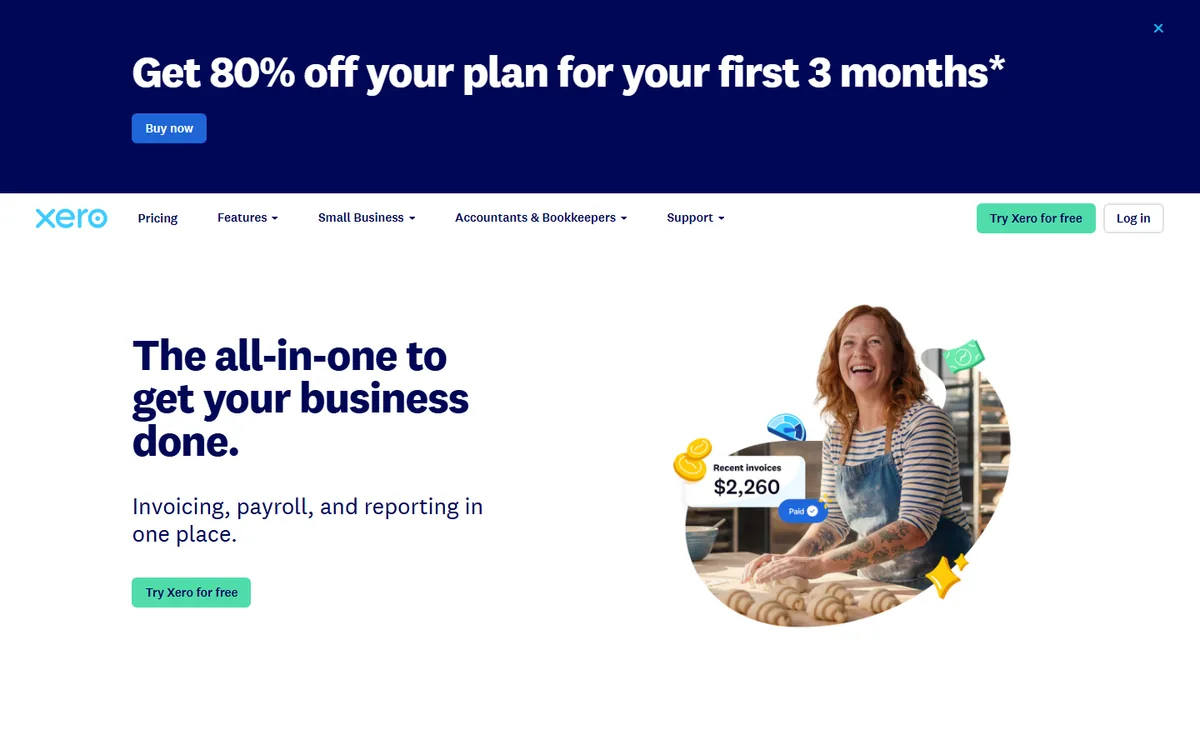
Xero is cloud accounting with bank reconciliation, invoicing, bills, expenses and reporting, sold on flat monthly plans with unlimited users on every tier.
Xero is the tool I suggest when a small team wants simple software with a good bank reconciliation screen and no per-user fees. Every plan includes unlimited users, which matters when your owner, office manager, bookkeeper and accountant all need access. The reconciliation flow is fast, and bank rules learn how you code recurring items.
The tradeoff is the US ecosystem. Fewer US accountants work in Xero than in QuickBooks, and payroll in the United States runs through an add-on partner. If you plan to put your numbers on a regular rhythm, Xero works well alongside the monthly routines in the financial management framework I use with clients.
What Xero Does Well
- Unlimited users on every plan keep the price predictable
- Bank reconciliation is quick and easy to learn
- The app marketplace is broad, with good reporting add-ons
What Xero Could Do Better
- The US accountant community is smaller than for QuickBooks
- Built-in payroll and advanced inventory are limited in the US
Xero Pricing
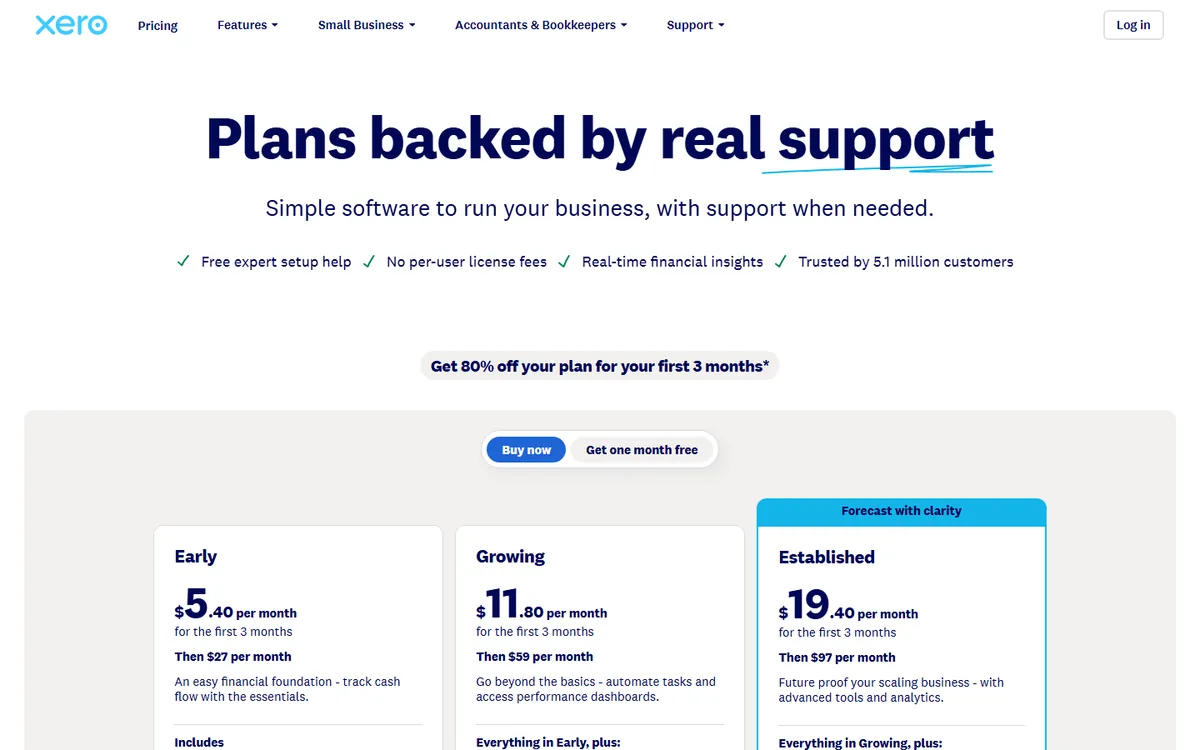
Xero lists Starter at $25 per month, Standard at $55 and Premium at $90 according to Capterra. Starter limits how many invoices and bills you can send each month, while Premium adds multi-currency. A free trial is available.
Xero Reviews
- G2: score of 4.4 out of 5 (from 1,857 customer reviews)
- Capterra: score of 4.4 out of 5 (from 3,334 customer reviews)
Zoho Books
The Best Value on the List If You Already Use Other Zoho Apps
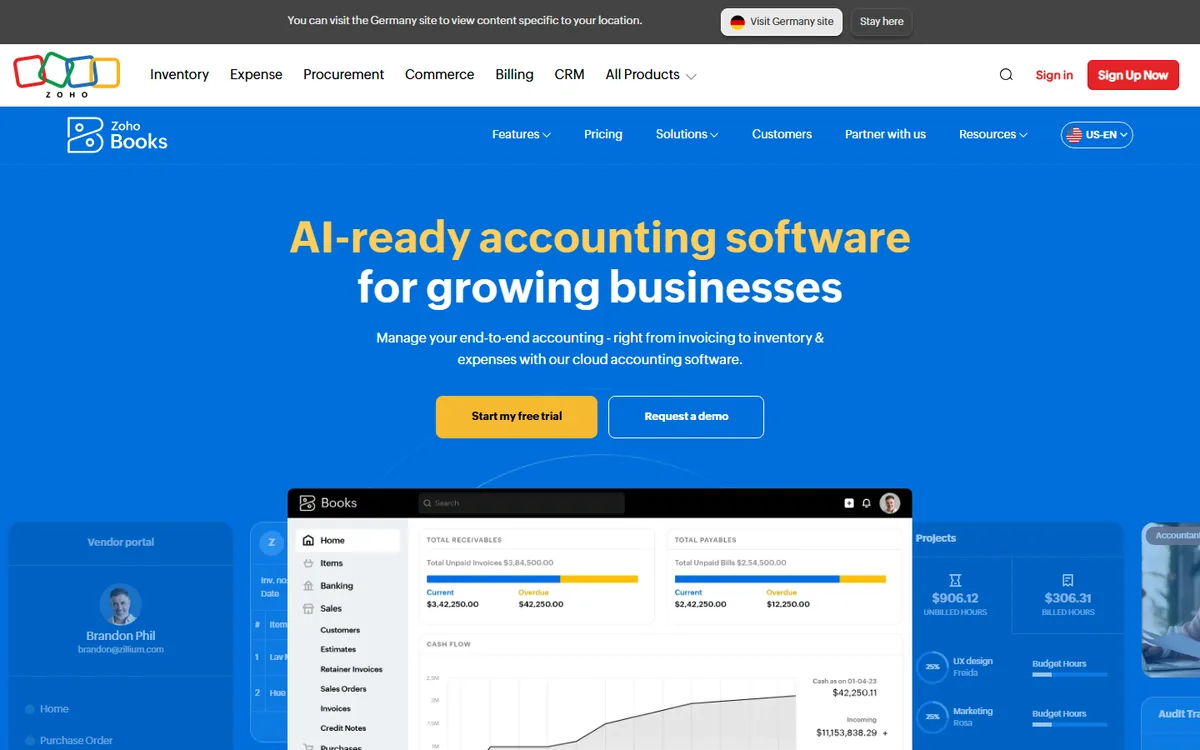
Zoho Books handles invoicing, bills, bank feeds, inventory and basic project billing, with a free plan for very small businesses and tight links to Zoho CRM and Zoho Inventory.
Zoho Books gives you more features per dollar than any other accounting tool I review. Inventory, purchase orders, project time billing and a client portal sit in the mid-priced plans, where other vendors would charge for add-ons. A free plan exists for businesses with annual revenue under $50K.
The value is highest when you already run Zoho CRM or Zoho Inventory, because records flow between them without a connector. The weak spot is the accountant community, which is smaller than for QuickBooks or Xero. If you are still choosing between tools, the financial management best practices I list should help you define what you need before you shop.
What Zoho Books Does Well
- Strong feature depth for the price, including inventory and projects
- A free plan covers very small businesses
- Native links to the wider Zoho suite
What Zoho Books Could Do Better
- Fewer accountants and third-party integrations than the market leaders
- The interface has many options, so setup takes some care
Zoho Books Pricing
Zoho Books has a free plan for businesses with revenue under $50K. Paid plans on monthly billing are listed at $20 for Standard, $50 for Professional, $70 for Premium, $150 for Elite and $275 for Ultimate per organization, with annual billing about 20% lower. Extra users cost about $3 each per month.
Zoho Books Reviews
- G2: score of 4.4 out of 5 (from 331 customer reviews)
FreshBooks
Best for Freelancers and Service Businesses That Live on Invoices and Time Tracking
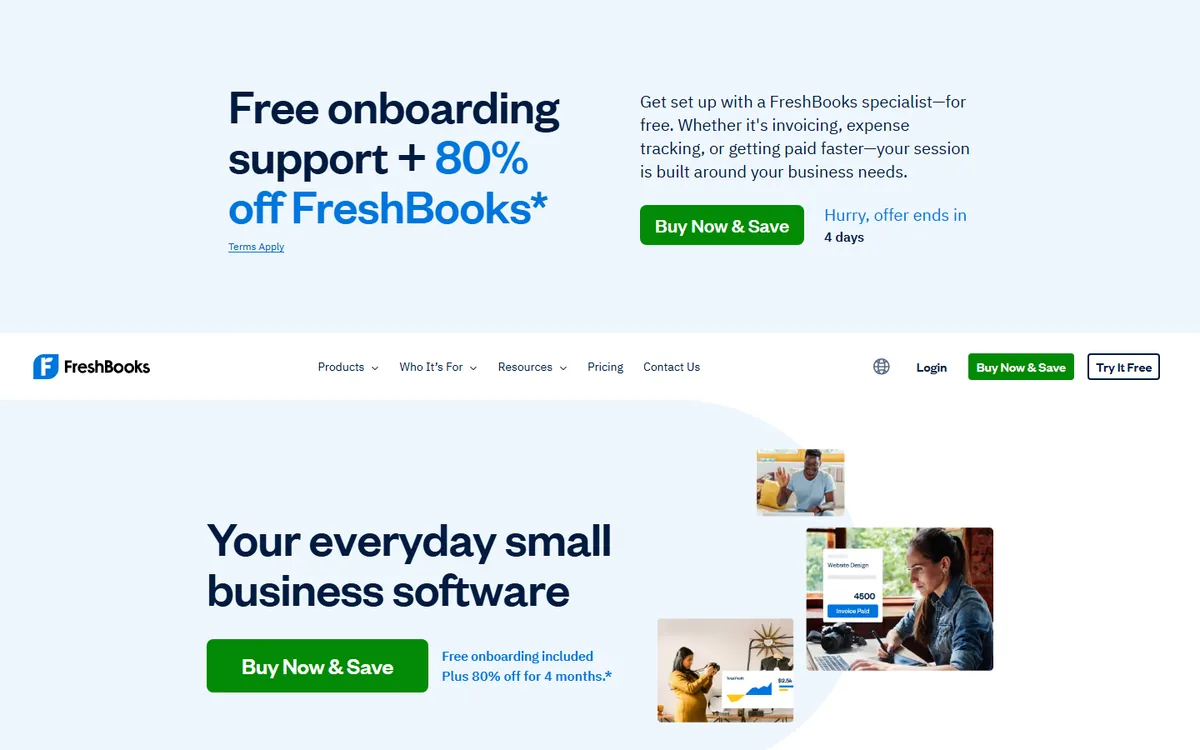
FreshBooks is built around invoicing, time tracking, expenses and client payments, with a friendly interface that non-accountants can use on day one.
FreshBooks is the tool I point freelancers, agencies and small service firms to when invoicing is the center of the business. Creating an estimate, turning it into an invoice, tracking billable hours and collecting a card payment all live in one flow. Clients also like the way invoices look and how simple they are to pay.
It is not a full accounting system for a growing company. Inventory is basic and the chart of accounts is less flexible than in QuickBooks or Xero. Plans are priced by the number of billable clients, which can surprise you when you grow. Many of my clients outgrow it at about the point where they need a tight month-end process.
What FreshBooks Does Well
- Invoicing, time tracking and payments feel effortless
- The interface is easy for people with no accounting background
- Support is responsive and the mobile app works well
What FreshBooks Could Do Better
- Pricing is tied to billable client counts
- Advanced accounting, inventory and multi-entity needs are not covered
FreshBooks Pricing
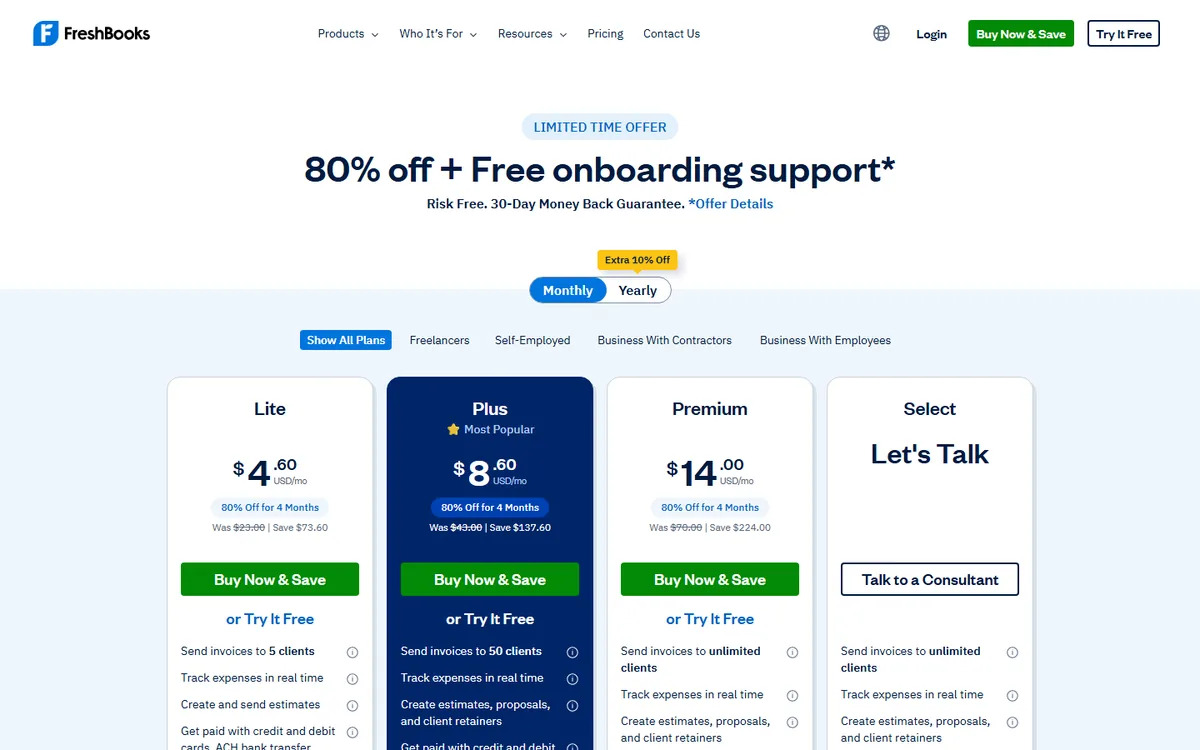
FreshBooks lists Lite at $23 per month for 5 billable clients, Plus at $43 for 50 clients and Premium at $70 for unlimited clients at regular prices. The page often shows a heavy introductory discount for the first months, and a Select plan is available through sales.
FreshBooks Reviews
- G2: score of 4.5 out of 5 (from 982 customer reviews)
Wave
The Free Starting Point for Sole Proprietors Who Need Clean Books Without a Monthly Bill
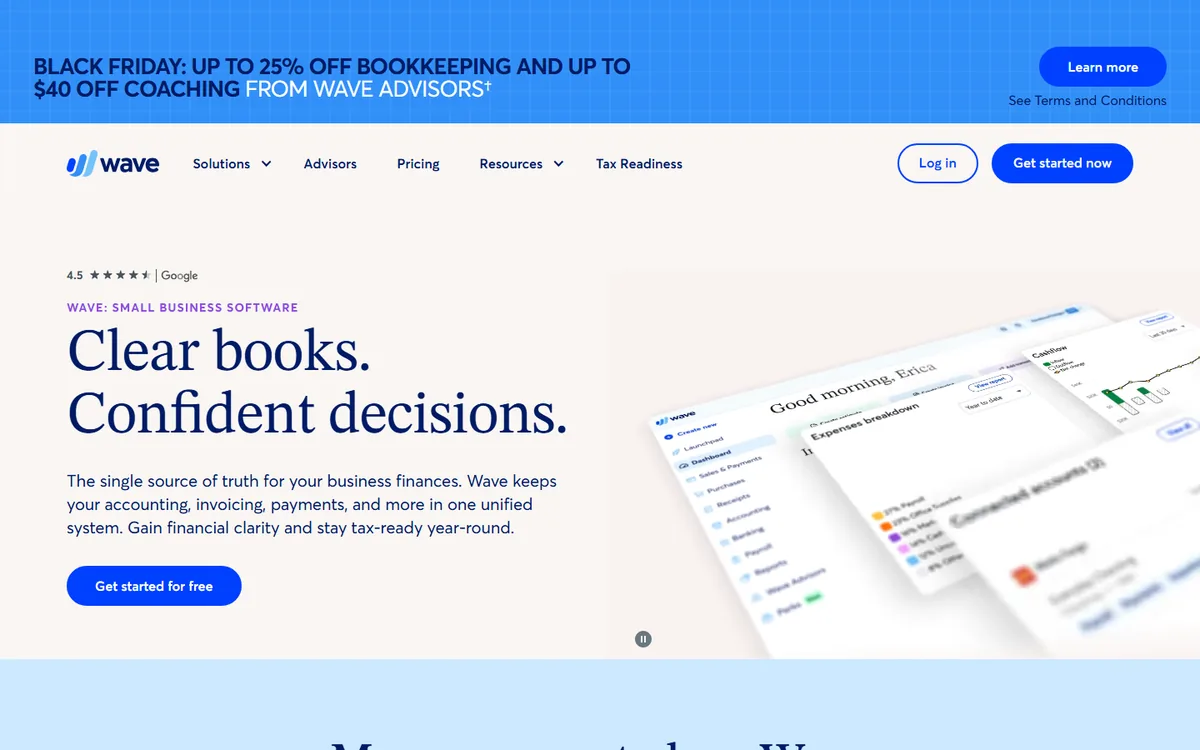
Wave offers free accounting, invoicing and receipt tracking for very small businesses, with paid payment processing, payroll and a Pro plan on top.
Wave makes sense when you are a sole proprietor or a tiny business with a few clients and no staff on the books. The Starter plan is free and includes unlimited invoices, bills and bookkeeping records, so you can keep clean books from day one. Wave earns its money from payment processing and add-ons, which is a fair deal if you actually use them.
I would not run a team of ten on it. Reporting is thin, there is no real budgeting, and cash forecasting is up to you. The moment you need approvals, multiple users with roles or inventory, you will move on. Treat it as a first step that keeps your records tidy until a real finance process matters.
What Wave Does Well
- The Starter plan costs nothing and covers the basics
- Setup is quick, even without bookkeeping experience
- Receipt capture and invoicing work smoothly
What Wave Could Do Better
- Reporting, budgeting and forecasting are limited
- Payments, payroll and receipt scanning carry extra charges
Wave Pricing
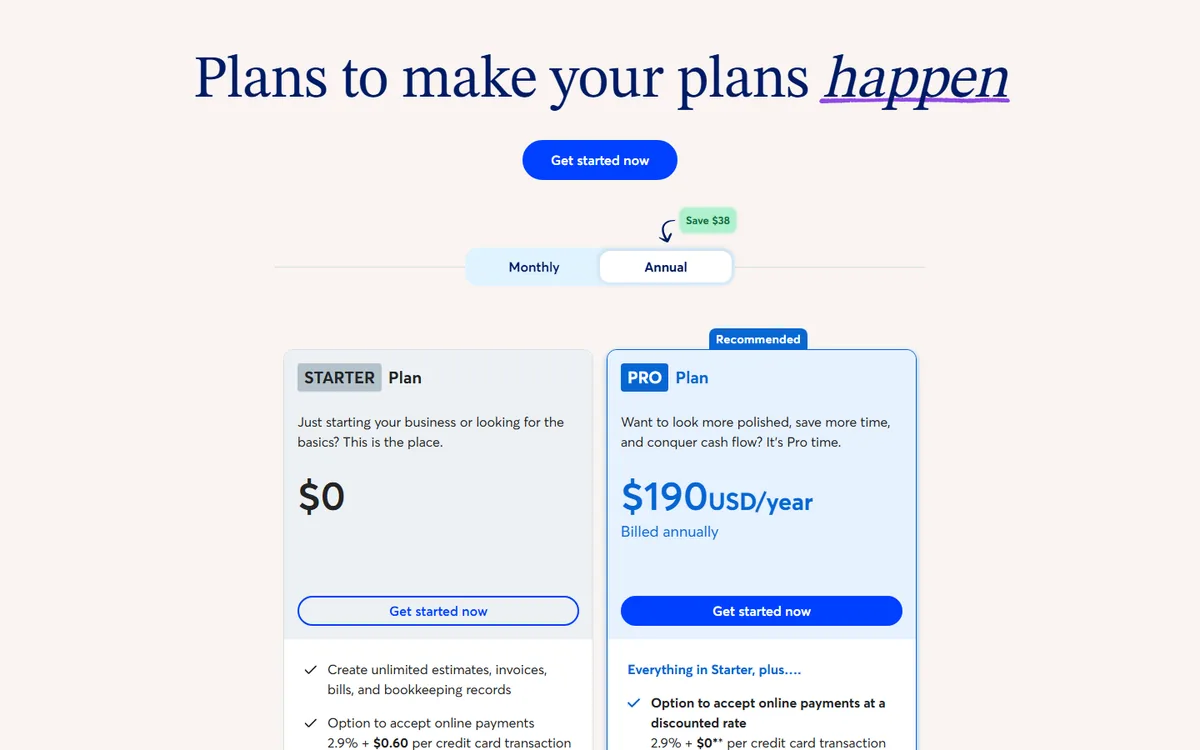
Wave Starter is free, with unlimited estimates, invoices, bills and bookkeeping records, and online card payments cost 2.9% plus $0.60 per transaction. Wave Pro is listed at $19 per month. Payroll and extra receipt capture are separate paid add-ons.
Wave Reviews
- G2: score of 4.3 out of 5 (from 327 customer reviews)
BILL
The Strongest Pick for Paying Bills and Getting Paid Faster With Real Approval Controls
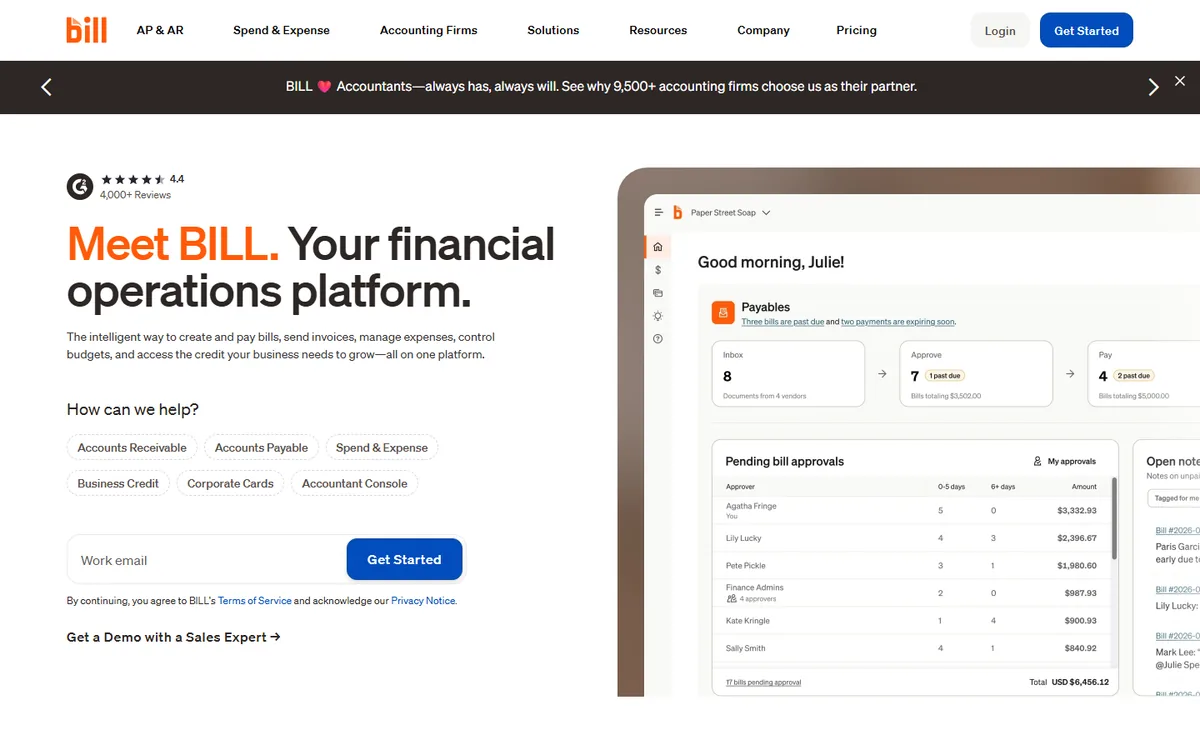
BILL automates accounts payable and receivable with invoice capture, approval workflows, payments and syncs to your accounting system.
BILL does not replace your accounting system. It sits next to QuickBooks, Xero, Sage Intacct or NetSuite and handles the money-out and money-in work: capturing vendor invoices, routing them for approval, paying by ACH or check and collecting from customers. I recommend it when bills arrive by email and sit in someone's inbox for a week.
The value is control. You decide who approves what, you see every bill's status and everything syncs to your books. It costs per user, so pricing grows with the team. If your biggest pain is late approvals and missed payments, it often pays back sooner than a full system change. Pair it with the approval rules in the financial management checklist.
What BILL Does Well
- Approval workflows with clear audit trails
- Two-way syncs with the main accounting systems
- Faster vendor payments with fewer manual steps
What BILL Could Do Better
- Per-user pricing adds up as more people approve bills
- Some payment types carry additional transaction fees
BILL Pricing
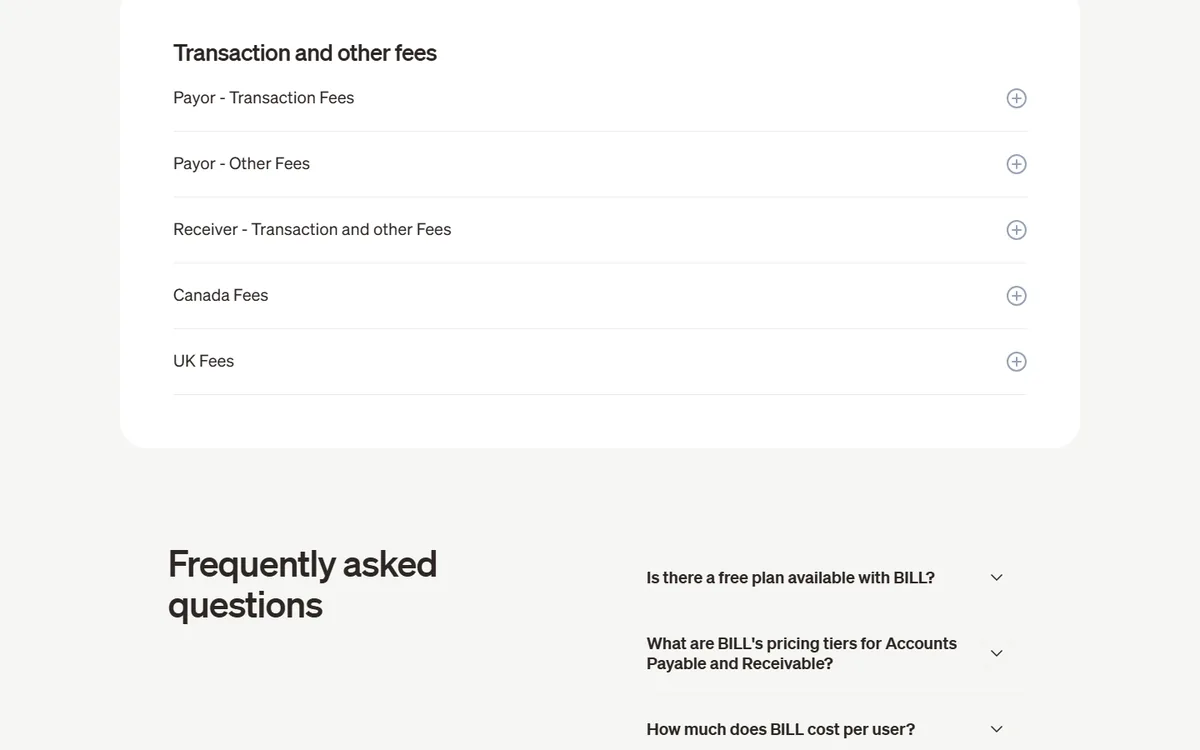
BILL Accounts Payable and Receivable lists Essentials at $49 per user per month, Team at $65 and Corporate at $89, with custom Enterprise pricing. A free trial is available in most cases. Some payment methods carry per-transaction fees on any plan.
BILL Reviews
- G2: score of 4.4 out of 5 (from 1,818 customer reviews)
Sage Intacct
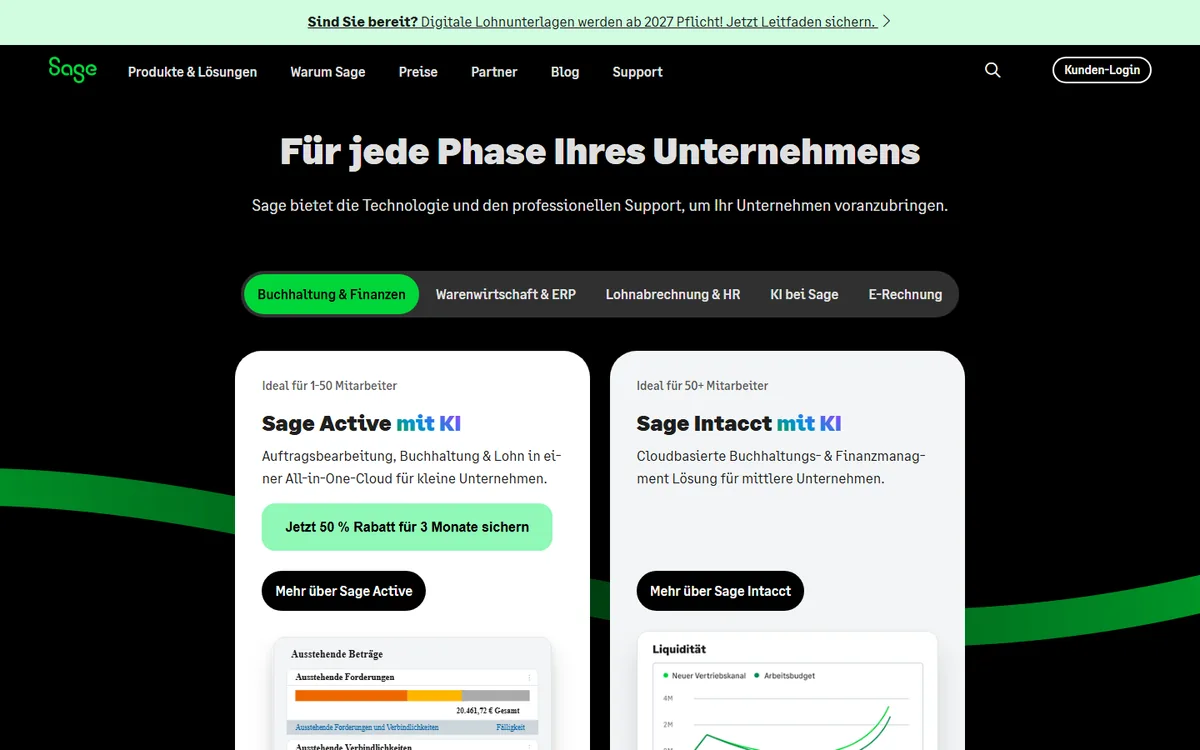
A Serious Cloud Financial System for Multi-Entity, Dimension-Heavy Reporting
Sage Intacct is cloud financial management for mid-sized companies, with multi-entity consolidation, dimensional reporting, revenue recognition and strong ties to project accounting.
Sage Intacct is the system I suggest when you have outgrown QuickBooks and need multiple entities, departments, locations and projects in one general ledger. Its tagging dimensions let you slice results by almost anything without a messy chart of accounts. Consolidations that take a day in spreadsheets take minutes.
It demands a proper implementation, and you will not set it up over a weekend. Allow time for chart of accounts design, data migration and report building, and budget for a partner. In my client work the teams that wrote down their close process first got live faster and had far fewer rework cycles.
What Sage Intacct Does Well
- Multi-entity consolidation and dimensional reporting are strong
- Good fit for nonprofits, professional services and software companies
- Audit trails and controls suit growing finance teams
What Sage Intacct Could Do Better
- Implementation takes real time and money
- Modules and add-ons can raise the price quickly
Sage Intacct Pricing
Sage Intacct does not publish prices. Quotes depend on users, entities and modules, and the vendor sells through sales teams and resellers. Expect a custom proposal after a demo, and ask which modules are included before you compare offers.
Sage Intacct Reviews
- G2: score of 4.3 out of 5 (from 4,544 customer reviews)
- Capterra: score of 4.3 out of 5 (from 718 customer reviews)
Oracle NetSuite
A Full ERP for Companies That Need Finance, Inventory and Operations in One System
NetSuite combines financials, order management, inventory, procurement and reporting in a single cloud ERP, built for growing companies and subsidiaries.
NetSuite is an ERP, not just accounting software. If you ship products, manage inventory across locations or run several subsidiaries, it connects finance with operations so a sales order can flow to fulfillment and revenue without re-entry. That is its main strength.
It is also the tool where I see the most implementation regret. NetSuite rewards companies with a clear process and punishes those that hope software will invent one. Before you sign, map the order-to-cash and procure-to-pay flows on paper, which is a good use of your time with a financial management consulting partner.
What Oracle NetSuite Does Well
- One system for finance, inventory and operations
- Scales to many subsidiaries and currencies
- Deep customization and a large partner network
What Oracle NetSuite Could Do Better
- Implementation and licensing costs are high
- Customization can create upgrade and maintenance work
Oracle NetSuite Pricing
NetSuite does not publish prices. Costs depend on a base license, the number of users and the modules you add, and implementation is usually a separate project. Request a quote and ask for the full first-year cost, including setup.
Oracle NetSuite Reviews
- G2: score of 4.1 out of 5 (from 5,258 customer reviews)
- Capterra: score of 4.2 out of 5 (from 2,086 customer reviews)
Acumatica
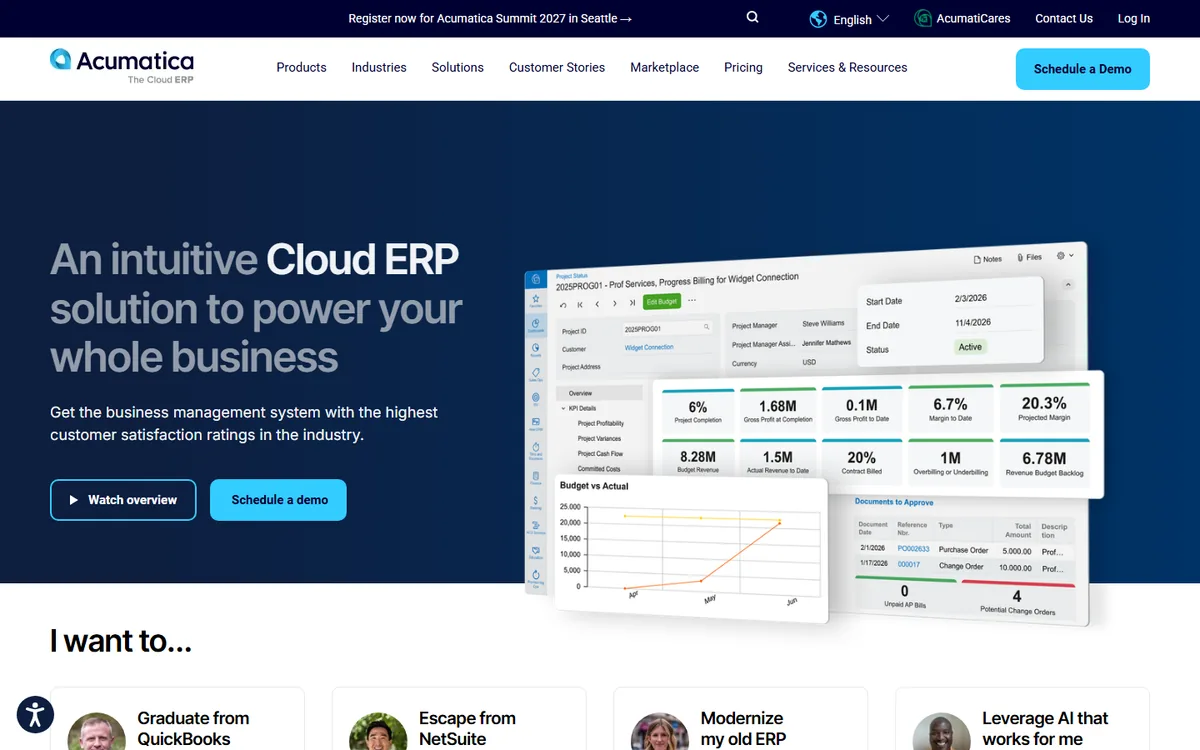
A Flexible Cloud ERP That Does Not Charge You Per User
Acumatica is cloud ERP with financials, distribution, manufacturing and project accounting, licensed by the computing resources you use instead of the number of users.
Acumatica stands out for its licensing. You do not pay per user, which means you can give your whole team access without watching the bill. That is helpful when finance, purchasing, sales and the warehouse all need the same data.
It suits distributors, manufacturers, construction firms and professional services companies that want ERP depth without a NetSuite-sized commitment. As with every ERP, results depend on the partner you pick and on how clean your processes are. I ask clients to run through the steps in the financial management framework before they start a selection.
What Acumatica Does Well
- Resource-based licensing avoids per-user fees
- Strong in distribution, manufacturing and project accounting
- Modern interface and open APIs
What Acumatica Could Do Better
- It is sold through partners, so quality varies by reseller
- Prices on request, which makes early comparison harder
Acumatica Pricing
Acumatica does not publish prices. Licenses are based on the resources you consume and the modules you choose rather than the number of users, and you receive a quote through a partner. Ask for a written estimate that includes implementation.
Acumatica Reviews
- G2: score of 4.4 out of 5 (from 2,055 customer reviews)
Microsoft Dynamics 365 Business Central
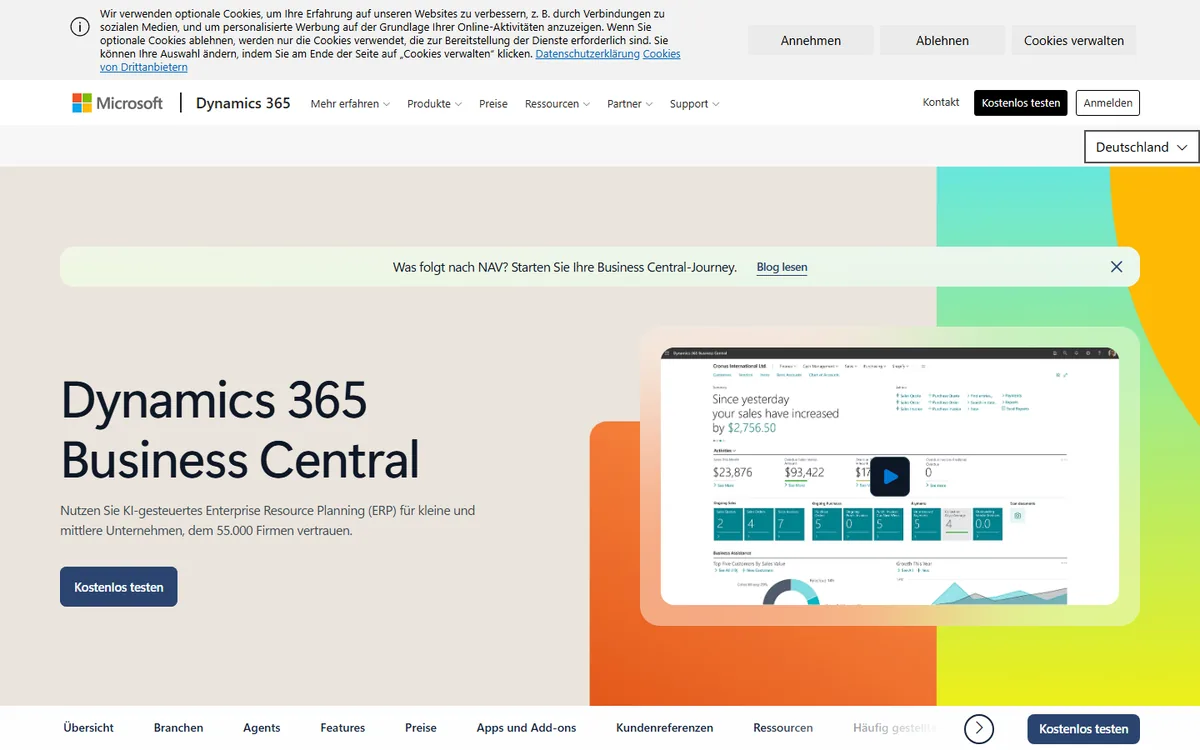
The Natural Fit If Your Company Already Runs on Microsoft 365 and Power BI
Business Central is Microsoft's ERP for small and mid-sized companies, with financials, sales, purchasing, inventory and reporting, tied into Excel, Outlook, Teams and Power BI.
Business Central makes the most sense when your people live in Excel and Outlook. You can open ledger data directly in Excel, approve documents from Outlook and report through Power BI. For a finance team that already builds everything in spreadsheets, that familiarity shortens the learning curve.
It needs a Microsoft partner to implement well, and costs add up through user licenses, extensions and support. I see good results where finance and operations agree on one set of processes before the project starts. If you are comparing it with other ERPs, use the same scoring sheet for each so the demos stay comparable.
What Microsoft Dynamics 365 Business Central Does Well
- Tight integration with Excel, Outlook, Teams and Power BI
- A broad partner network and many industry add-ons
- Covers finance, inventory and sales in one system
What Microsoft Dynamics 365 Business Central Could Do Better
- It is sold through partners, so implementation quality varies
- Per-user licenses and extensions can add up
Microsoft Dynamics 365 Business Central Pricing
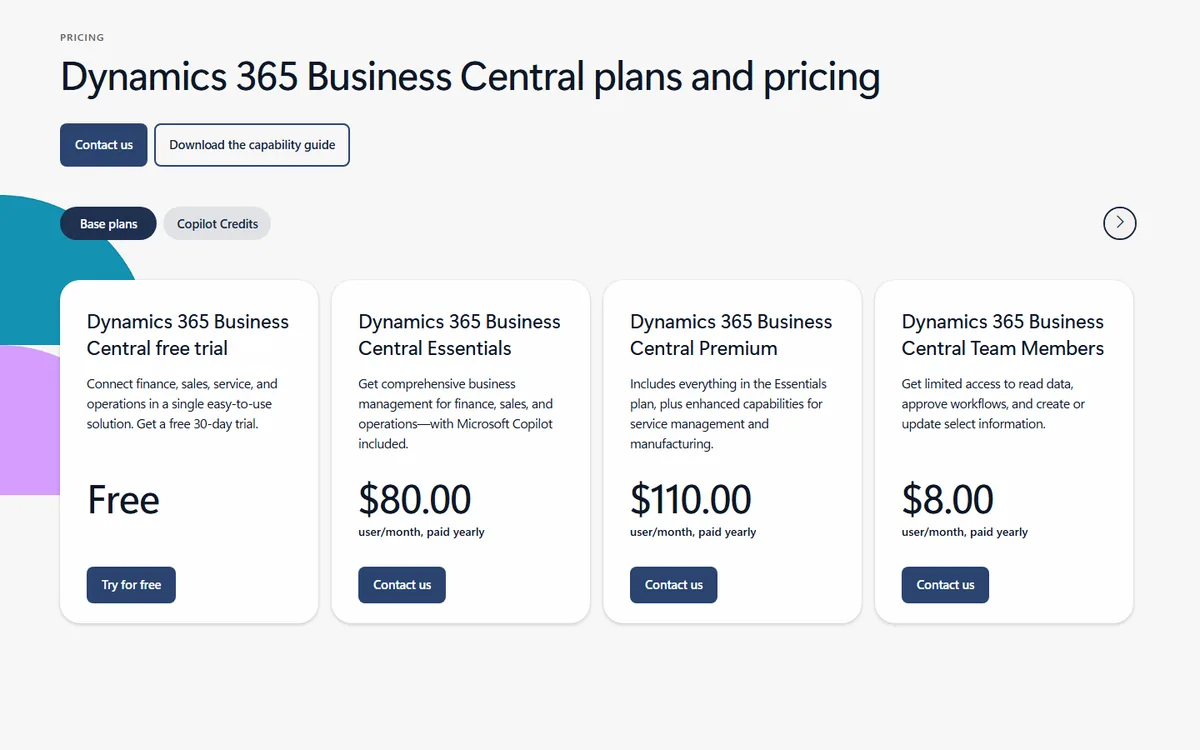
Microsoft lists Business Central Essentials at $80 per user per month, Premium at $110 and Team Members at $8, all billed yearly. Implementation, extensions and partner support are extra, so ask your partner for a full first-year estimate.
Microsoft Dynamics 365 Business Central Reviews
- G2 and Capterra ratings for this product could not be confirmed when I wrote this, so I have left them out. Check the current listings on G2 before you decide.
Planful
A Focused Planning and Consolidation Platform for Finance Teams That Have Outgrown Spreadsheets
Planful is a cloud platform for budgeting, forecasting, consolidation and reporting that finance teams use on top of their ledger.
Planful is not an accounting system. It sits on top of your ERP and handles the planning work: budgets, rolling forecasts, scenarios, consolidations and board reports. I suggest it when the budget process is a chain of linked spreadsheets that breaks every time someone adds a row.
It is a serious purchase for a team with at least a few finance people and a real planning cycle. If you are still deciding who owns the budget and when it gets reviewed, fix that first. The tool will not settle those questions for you, and the financial management best practices cover the habits that make planning software worth it.
What Planful Does Well
- Budgeting, forecasting and consolidation in one place
- Finance teams can build and change models without developers
- Connects to the major ERPs and accounting systems
What Planful Could Do Better
- Too heavy for very small finance teams
- Prices on request and depend on scope
Planful Pricing
Planful does not publish prices. Quotes depend on modules, users and data volume, so request a proposal and ask what implementation and training cost on top of the license.
Planful Reviews
- G2: score of 4.3 out of 5 (from 509 customer reviews)
Estimate the Return on a Financial Management Tool
Before you pick a plan, check whether the numbers work for you. Enter the manual finance hours you want to remove and the monthly price of the tool you are considering, and you will see what it could return in a year.
Will It Pay for Itself?
Adjust the sliders to your workload and the plan you are looking at.
How to Choose the Right Financial Management Software
In my experience, fit with your process decides more than any feature list. Before you compare vendors, answer four questions:
- How many legal entities, currencies and locations do you need in one set of books?
- Do you manage inventory, projects or subscriptions that need revenue and cost tracking?
- Who will run the system day to day: you, a bookkeeper or a full finance team?
- Which systems have to connect: bank, payroll, CRM, expense tool or a planning model?
If you are a freelancer or a very small business, start with Wave, FreshBooks or QuickBooks Online. If you have a growing team and one entity, QuickBooks Online, Xero and Zoho Books are the usual shortlist, with BILL added when approvals hurt. If you run several entities or manage stock, look at Sage Intacct, Acumatica, Business Central or NetSuite, and add Planful once planning outgrows spreadsheets.
Write your close and approval steps down before the first demo. My financial management checklist gives you a ready list, and the financial management framework shows how those steps fit together. If you want a second opinion on your shortlist, a short call is free.
Questions About Choosing Financial Management Software
What Is the Best Financial Management Software for a Small Business?
For most small businesses I recommend QuickBooks Online or Xero as a starting point. QuickBooks has the biggest pool of accountants and integrations, while Xero offers unlimited users on flat plans. If you only invoice and track time, FreshBooks is simpler, and if money is very tight, Wave is free.
What Is the Difference Between Accounting Software and Financial Management Software?
Accounting software records transactions and produces statements. Financial management software adds the planning side: budgets, forecasts, approvals, consolidation and reporting. Small businesses often get both from one tool, while larger ones combine a ledger such as Sage Intacct with a planning tool such as Planful.
When Should I Move from QuickBooks to a Bigger System?
I look for three signs: you need several legal entities in one set of books, your month-end close depends on spreadsheets to stitch things together, or you manage inventory and orders in a separate system. When two of those apply, a mid-market system such as Sage Intacct, Acumatica or Business Central is worth a demo.
How Much Does Financial Management Software Cost?
Small business tools list from free (Wave Starter, Zoho Books free plan) to roughly $340 per month (QuickBooks Online Advanced). Mid-market and ERP systems such as Sage Intacct, NetSuite and Acumatica use custom quotes, and implementation usually costs extra. Always ask for the full first-year cost.
Can I Use More than One Financial Tool Together?
Yes, and it is common. A typical setup is an accounting system for the ledger, BILL for approvals and payments, and a planning tool for budgets. The key is a clean sync with one system holding the master records, so numbers never need to be typed twice.
How Long Does It Take to Implement a New Finance System?
A small business tool can run within days, once your chart of accounts and opening balances are ready. Mid-market systems and ERPs typically take months, depending on entities, data migration and reports. Most delays come from unclear processes, not from the software.
Should I Hire a Consultant Before Choosing Software?
If your process is unclear, yes. A consultant can map your close, approvals and reporting first, so you buy for the process you want. If your needs are simple, a trial of two or three tools may be enough.
Note: Prices, plans and ratings change frequently. We checked them at the last update, so confirm them with each vendor before buying. Nothing here is legal, tax or financial advice.
Did you find this helpful?
Thank you for your feedback.
Delaney Brisco
Delaney leads the Tavo editorial team and works with our consultants to turn real client projects into practical guides on project delivery, process design and organizational change. Before joining Tavo, she spent 12 years in operations and program management roles. She has since edited more than 300 articles on management practice and reviewed PMO setups and process redesigns from over 100 client projects. She is based in Minneapolis, Minnesota.