Summary
- All-in-one platforms like Toast suit full-service and multi-location restaurants, while Square is the low-risk start for small venues.
- Specialists such as 7shifts, MarketMan and Restaurant365 go deeper on labor, food cost and accounting than any POS add-on.
- Check processing terms, contract length and add-on prices before you sign, because the monthly plan is only part of the cost.
- Software shows the problem, but a weekly review routine is what fixes margins.
The Best Restaurant Management Software at a Glance
| Tool | Type | Best for |
|---|---|---|
| 1. Toast | All-in-one POS | Full-service and multi-location restaurants |
| 2. Square for Restaurants | Counter and cafe POS | Cafes, food trucks and small restaurants |
| 3. Lightspeed Restaurant | Cloud POS and reporting | Venues that want strong reporting |
| 4. TouchBistro | Table-service POS | Sit-down restaurants with a server team |
| 5. Restaurant365 | Back-office accounting | Multi-unit groups that need unified books |
| 6. 7shifts | Scheduling and labor | Controlling labor cost and shifts |
| 7. MarketMan | Inventory and food cost | Controlling food cost and purchasing |
| 8. Clover | POS and payments | Counter-service shops that want hardware choice |
The 8 Best Restaurant Management Software Tools, Ranked
I start with the platforms that suit the widest range of restaurants and move toward specialists for labor, food cost and accounting, so you can stop reading when you find your fit. Keep in mind that software is only part of the result. In the restaurant management consulting projects I review, the owner's weekly routine matters more than the logo on the login screen. Ratings below come from G2 and Capterra at the time of writing.
Toast
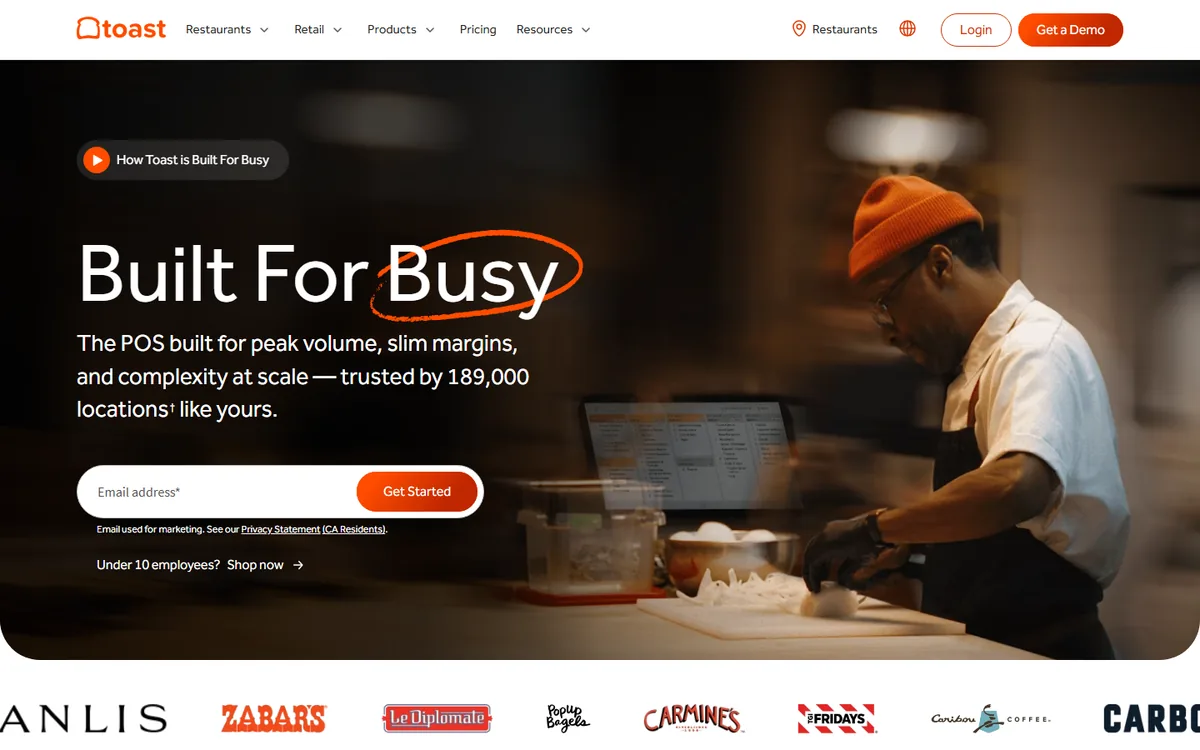
The Most Complete All-in-One Platform If You Run a Full-Service or Multi-Location Restaurant
Toast is a restaurant-only platform that bundles POS, online ordering, payroll, scheduling, inventory and payments under one login.
Toast is the system I see most often when an owner wants one vendor for everything front and back of house. It was built for restaurants from the start, so the menu modifiers, course firing, table management and kitchen display screens behave the way a dining room expects. On top of that you can add online ordering, delivery, payroll, team scheduling and basic inventory, which cuts the number of logins your managers juggle.
The price of that convenience is lock-in. Toast ties its software to its own payment processing, and some owners find that the processing terms matter more to total cost than the monthly subscription. In my client work, I tell owners to model their real card volume before signing, ask what happens to hardware if they leave and read the contract length twice. If you compare it against the numbers from your own restaurant management KPIs, you will see quickly whether the bundle pays off for your concept.
What Toast Does Well
- Built for restaurants, so menus, modifiers and kitchen screens work out of the box
- One platform covers POS, online ordering, payroll and scheduling
- Large add-on list that grows with a multi-location group
What Toast Could Do Better
- Locked into Toast payment processing, so total cost depends on your card volume
- Contracts and hardware ownership need careful reading before you sign
Toast Pricing
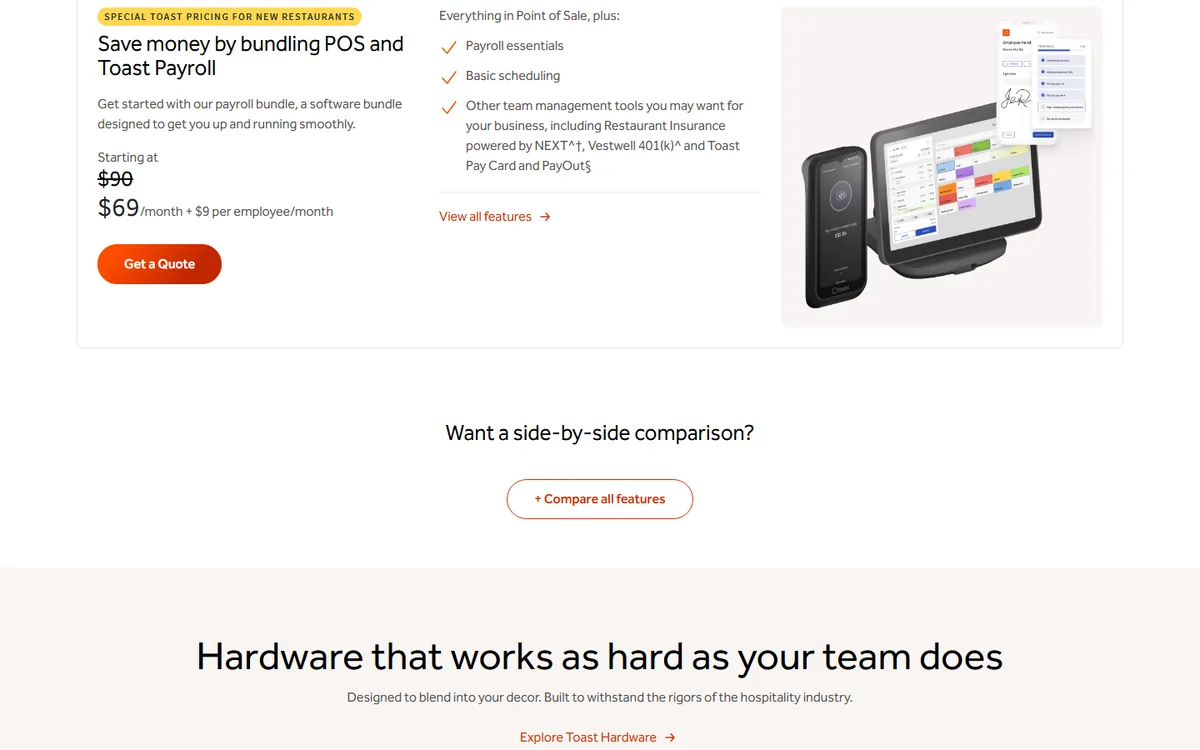
Toast lists its Starter Kit Point of Sale plan at $69 per month on G2 and Capterra, and plans are priced per location with extra charges for more devices. Hardware, installation, payment processing and add-ons come on top, and larger setups are quoted. Toast says its support plan is included in every software subscription.
Toast Reviews
- G2: score of 4.2 out of 5 (from 377 customer reviews)
- Capterra: score of 4.1 out of 5 (from 555 customer reviews)
Square for Restaurants
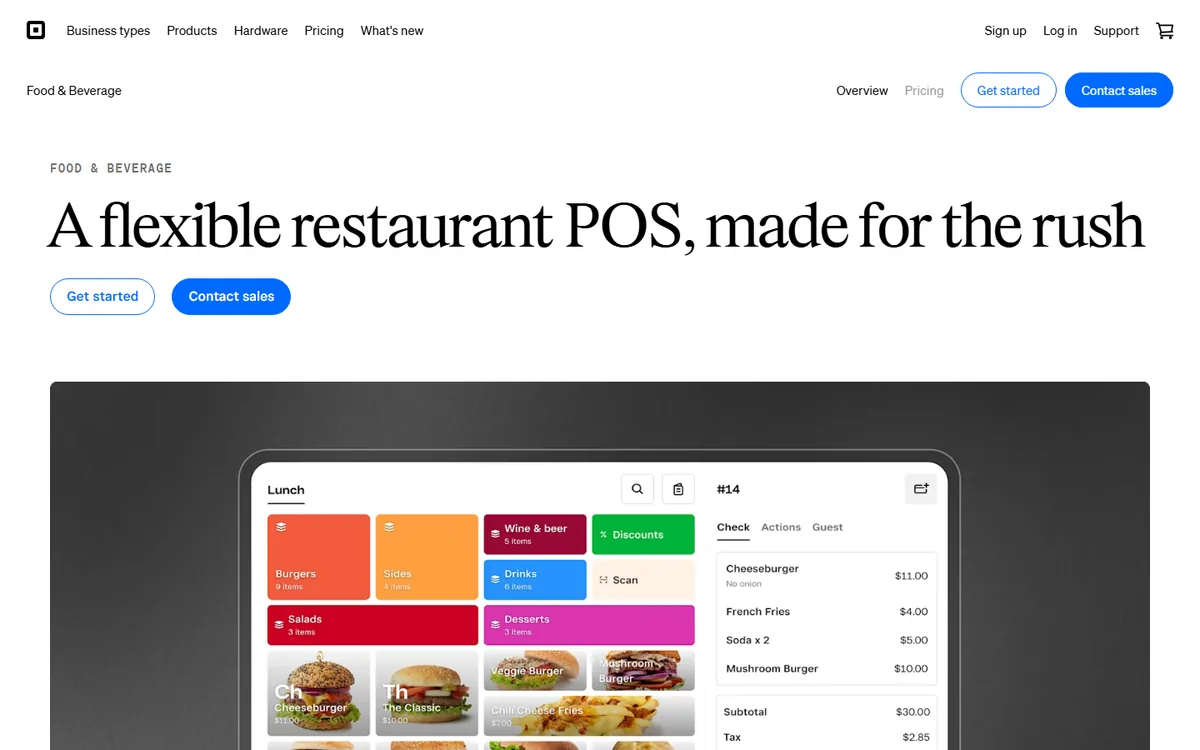
The Low-Risk Starting Point for Cafes, Food Trucks and Small Restaurants
Square for Restaurants is a flexible POS with a free plan, simple hardware and no long contract on the software.
If you run a cafe, a counter-service spot or a small dining room, Square is where I usually tell owners to begin. You can set up a menu in an afternoon, take payments on hardware that looks and feels like consumer tech and start with a free software plan. Staff learn it quickly, which matters when your team turns over every few months.
The limits show up as you grow. Reviewers on Capterra report glitches during busy service and reporting that stops at category level, and customer service gets mixed feedback. A restaurant with complex courses, many modifiers or several kitchens usually outgrows it. Before you decide, look at how your busiest hour runs, and compare it with the problems listed in my guide to restaurant management challenges. If the weak points are speed and reporting, a more specialized system is worth the extra cost.
What Square for Restaurants Does Well
- Free plan and no long software contract make it easy to test
- Fast setup and an interface your staff pick up in a shift
- Handles restaurant and retail sales under one account
What Square for Restaurants Could Do Better
- Reporting and drill-down are limited for complex menus
- Some users report glitches and mixed support during busy service
Square for Restaurants Pricing
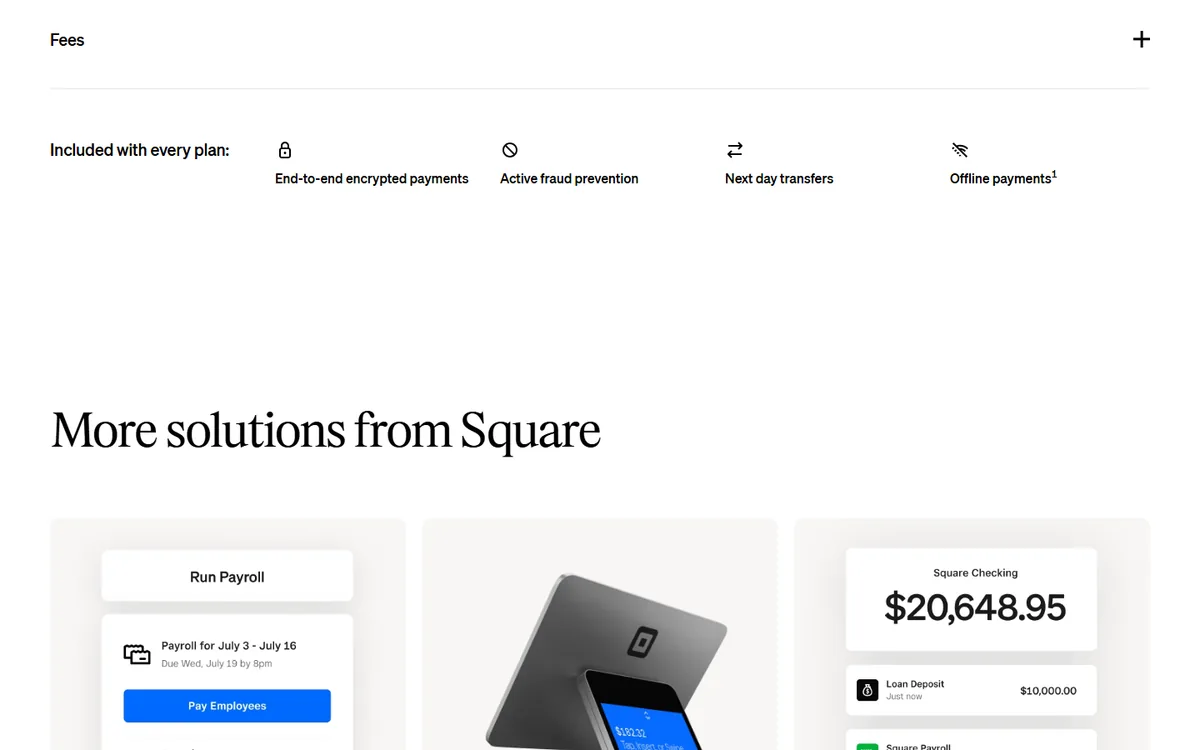
Square lists a Free plan at $0 per location, Plus at $69 per location per month and Premium at $165 per location per month. In-person card processing is 2.6% plus 15 cents on Free and 2.6% plus 10 cents on Plus and Premium, and each additional countertop POS device costs $50 per month. The Plus plan includes a 30-day free trial.
Square for Restaurants Reviews
- G2: score of 4.6 out of 5 (from 1,224 customer reviews)
- Capterra: score of 4.3 out of 5 (from 55 customer reviews)
Lightspeed Restaurant
A Fast, Flexible POS for Venues That Want Strong Reporting and Open Payment Options
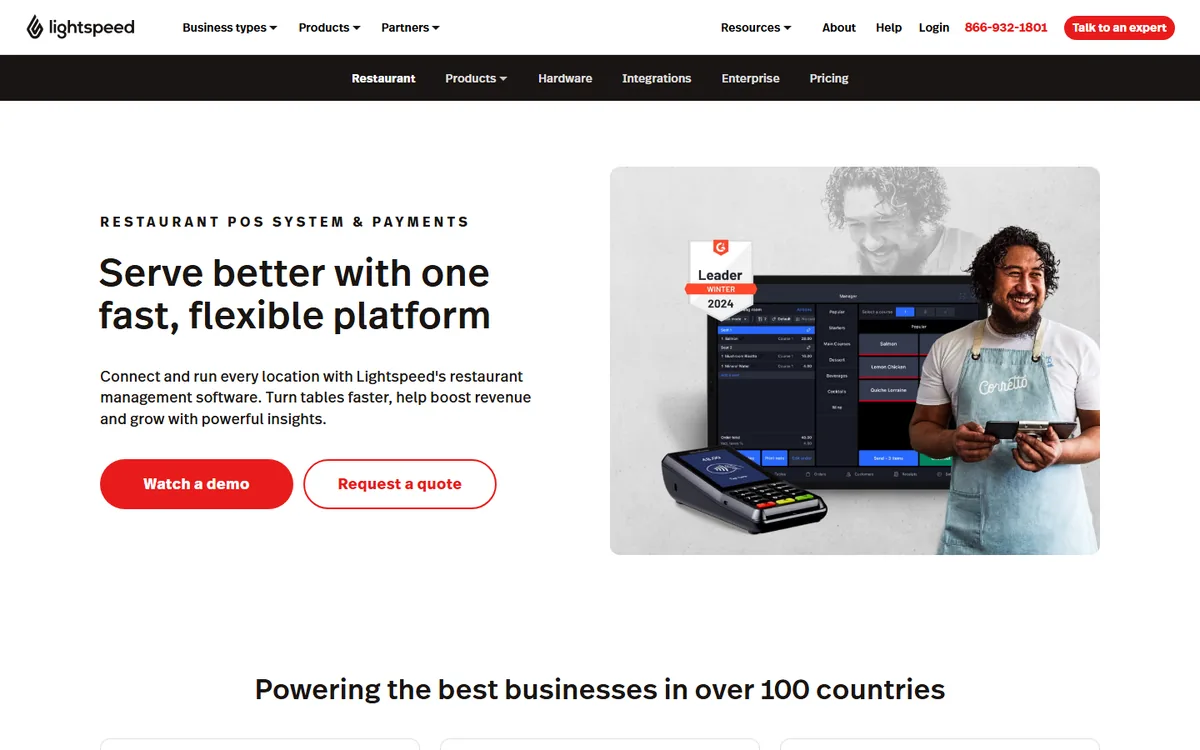
Lightspeed Restaurant combines a cloud POS, floor plans, inventory tools and reporting, with a choice of payment partners in many markets.
Lightspeed suits restaurants, bars and hospitality groups that want more reporting than a basic POS gives them. Reviewers praise the speed of the system and printers, the front-of-house interface and the reports, and several say staff learned it quickly. It also covers table layouts, split checks, order-ahead and basic inventory.
Setup is where I see owners struggle. Capterra reviewers describe slow onboarding, rigid menu layouts and difficulty connecting delivery platforms, and some mention features locked in higher tiers. My advice is to run a trial menu with your real modifiers and ask which features sit in which plan before you commit. If you use it, pair it with the weekly routines in my restaurant management best practices, because reports only help when someone reads them every week.
What Lightspeed Restaurant Does Well
- Quick interface and hardware, praised in reviews
- Detailed reporting and good support from many reviewers
- Works for restaurants, bars and multi-venue groups
What Lightspeed Restaurant Could Do Better
- Setup and menu configuration can be slow and rigid
- Some features sit in higher plans, and delivery integrations take effort
Lightspeed Restaurant Pricing
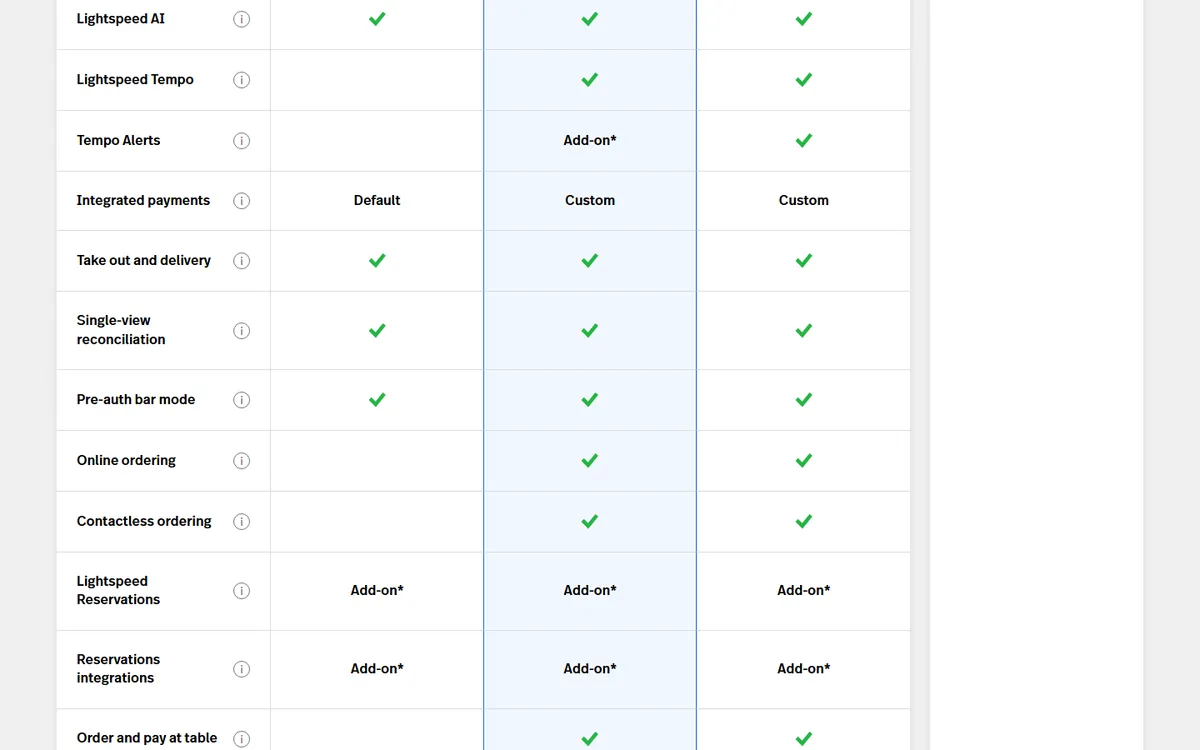
Lightspeed's pricing page lists Starter at $69, Essential at $189 and Premium at $399, with Enterprise quoted on request. The page does not spell out the billing period, so confirm it with sales. A kitchen display screen costs $30 per screen per month, and add-on prices are not listed.
Lightspeed Restaurant Reviews
- G2: score of 4.3 out of 5 (from 55 customer reviews)
- Capterra: score of 4.4 out of 5 (from 216 customer reviews)
TouchBistro
A Table-Service POS Designed Around Servers, Floor Plans and Course Timing
TouchBistro is an iPad-based POS for full-service restaurants, with floor plans, tableside ordering and add-ons for reservations and loyalty.
TouchBistro is built around how servers work in a sit-down restaurant. They take orders tableside, fire courses, split bills and move guests between tables, and the kitchen gets clean tickets. Owners who run a dining room with a steady server team often find it feels natural from the first week.
Ratings are mixed. Capterra shows a lower average than most systems on this list, and I hear the same two themes from owners: add-ons raise the price quickly, and support quality varies. Treat the entry price as a starting point and get a written quote with every add-on you need. A clear plan for the dining room, such as the one I lay out in my restaurant management guide, matters more than the logo on the iPad.
What TouchBistro Does Well
- Floor plans and tableside ordering suit sit-down service
- Clean ticket flow between servers and kitchen
- Optional add-ons for reservations, loyalty and online ordering
What TouchBistro Could Do Better
- Add-ons and payments push the total above the headline price
- Review scores on Capterra are lower than most rivals
TouchBistro Pricing
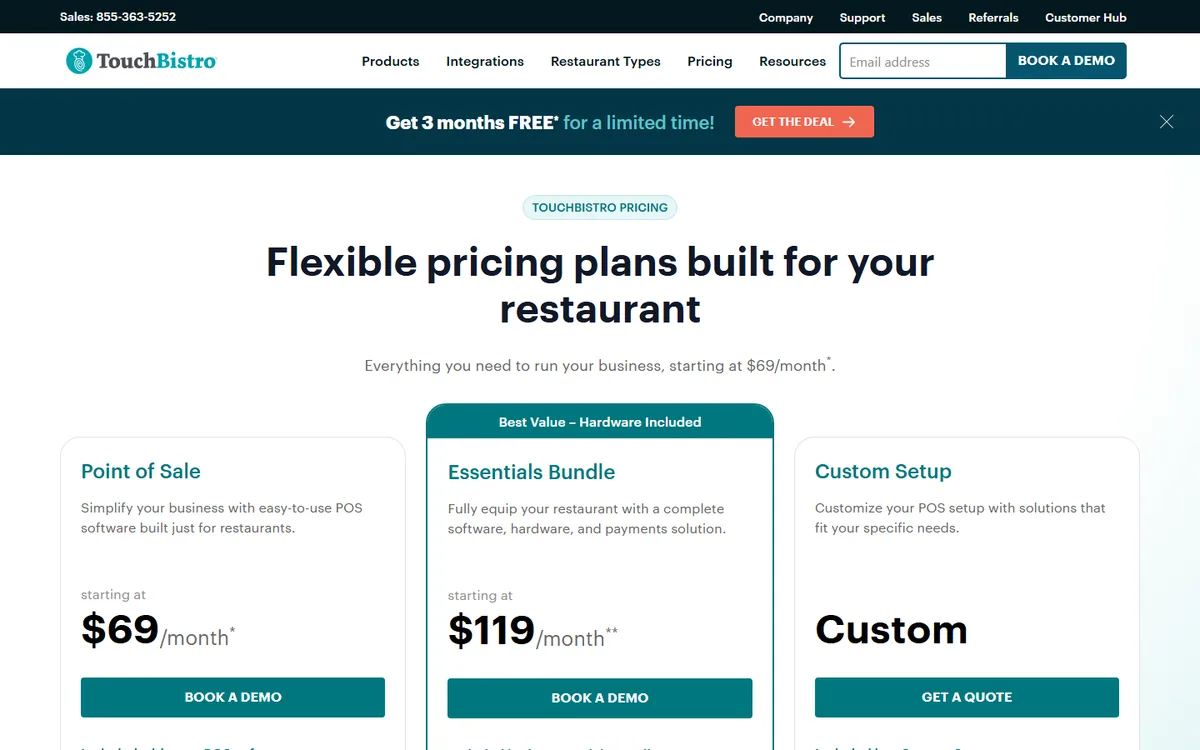
TouchBistro's pricing page lists Point of Sale from $69 per month and an Essentials Bundle with hardware included from $119 per month. A Custom Setup with front-of-house, back-of-house and guest tools is quoted. Payment processing, hardware and add-ons cost extra, and add-on prices are not listed.
TouchBistro Reviews
- G2: score of 4.1 out of 5 (from 109 customer reviews)
- Capterra: score of 3.8 out of 5 (from 414 customer reviews)
Restaurant365
The Back-Office System for Multi-Unit Operators Who Want Accounting, Inventory and Labor in One Place
Restaurant365 combines restaurant accounting, inventory, scheduling and payroll tools so owners see costs and profit by location.
Restaurant365 is not a POS. It sits behind your POS and pulls in sales, invoices, counts and labor, so finance and operations work from one set of numbers. For a group with several locations, that means prime cost, food cost variance and labor by location without exporting five spreadsheets.
It is a serious system, and the price shows it. I would not suggest it for a single small restaurant, because the setup effort and monthly cost are hard to justify. For a group that closes its books late and argues about whose numbers are right, it is often the fix. Use the metrics from my list of restaurant management KPIs to decide which reports you need on day one.
What Restaurant365 Does Well
- Accounting, inventory and labor reports share one data set
- Location-level prime cost and variance reports
- Fits growing groups and franchise operators
What Restaurant365 Could Do Better
- Price and setup effort are too heavy for a single small restaurant
- Needs someone who owns the data and the month-end routine
Restaurant365 Pricing
Restaurant365's listing on G2 shows an Essential plan at $499 per month and a Professional plan at $749 per month, and Capterra lists a starting price of $499 per month per location. Add-on modules and enterprise needs are quoted.
Restaurant365 Reviews
- G2: score of 4.6 out of 5 (from 326 customer reviews)
- Capterra: score of 4.1 out of 5 (from 72 customer reviews)
7shifts
The Easiest Way to Fix Scheduling, Labor Cost and Team Communication
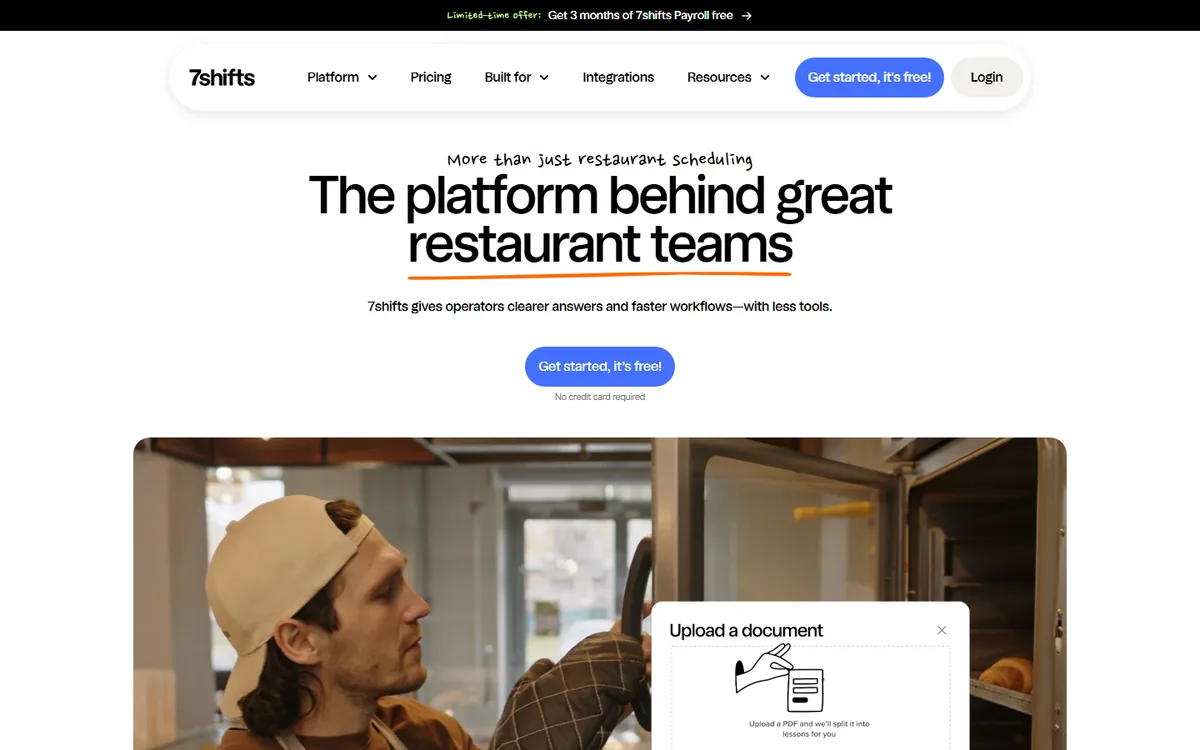
7shifts is a scheduling and team management app built for restaurants, with labor forecasting and POS sales integrations.
Labor is the biggest controllable cost in most restaurants, and 7shifts goes straight at it. You build schedules, let staff swap shifts in the app and watch labor percentage against forecast sales as you plan. Employees get shifts and messages on their phones, which reduces the "I did not know I was on" calls.
It does one job and does it well, with a Capterra rating of 4.7 from more than 1,200 reviews. It does not replace a POS or inventory tool, so check that it connects to your POS before you buy. In the restaurants I review, the gain comes when managers use the labor targets by daypart instead of copying last week, which is also a core habit in my guide to restaurant management challenges.
What 7shifts Does Well
- Staff swap shifts and see schedules on their phones
- Labor percentage and sales forecasts appear while you build the schedule
- Free plan for a single location lets you test it
What 7shifts Could Do Better
- It covers scheduling and team tools, not POS or inventory
- Some features such as payroll sit in higher plans or add-ons
7shifts Pricing
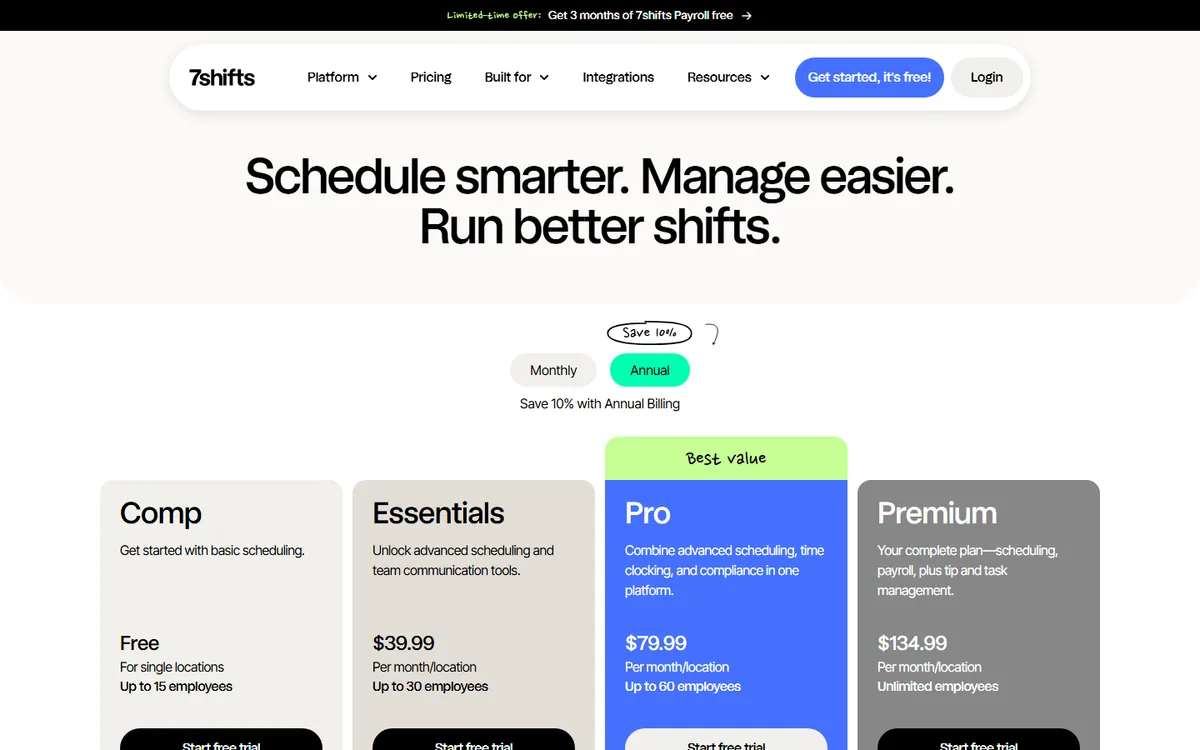
7shifts lists a Free plan at $0, Essentials at $39.99 per month and Pro at $69.99 per month on G2, and Capterra also lists $39.99 per month as the starting paid price. Larger setups and add-ons are quoted, so check the current page for your headcount.
7shifts Reviews
- G2: score of 4.5 out of 5 (from 130 customer reviews)
- Capterra: score of 4.7 out of 5 (from 1,212 customer reviews)
MarketMan
The Pick for Food Cost Control, Purchasing and Central Kitchens
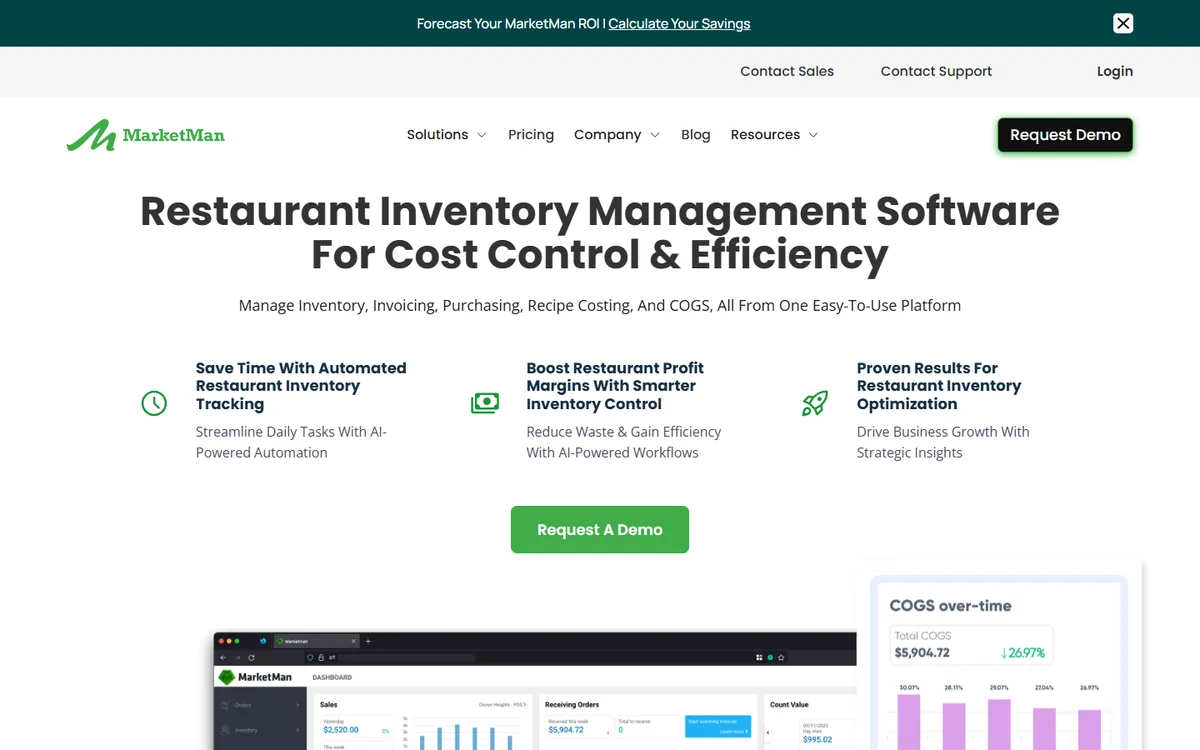
MarketMan handles restaurant inventory, recipe costing, purchasing and invoice processing across one or many locations.
If food cost is your problem, MarketMan is the specialist I mention first. You build recipes with real ingredient costs, count stock, scan supplier invoices and compare theoretical usage with actual usage. When the two differ, you know where food is going missing: waste, over-portioning or an unrecorded delivery.
Capterra reviewers praise inventory and cost tools and the support team, and many say it works well for chains and central kitchens. The most common complaint is setup, because catalogs, recipes and unit conversions take time. Some reviewers also report inconsistent POS integration and a hard cancellation process, so confirm integrations and exit terms in writing. A clean counting routine, like the one in my restaurant management best practices, decides whether the data is useful.
What MarketMan Does Well
- Recipe costing and theoretical versus actual usage reports
- Invoice scanning and automatic price updates
- Works for multi-location groups and central kitchens
What MarketMan Could Do Better
- Initial setup of catalogs and recipes is time-consuming
- Some reviewers report weak POS integration and difficult cancellation
MarketMan Pricing
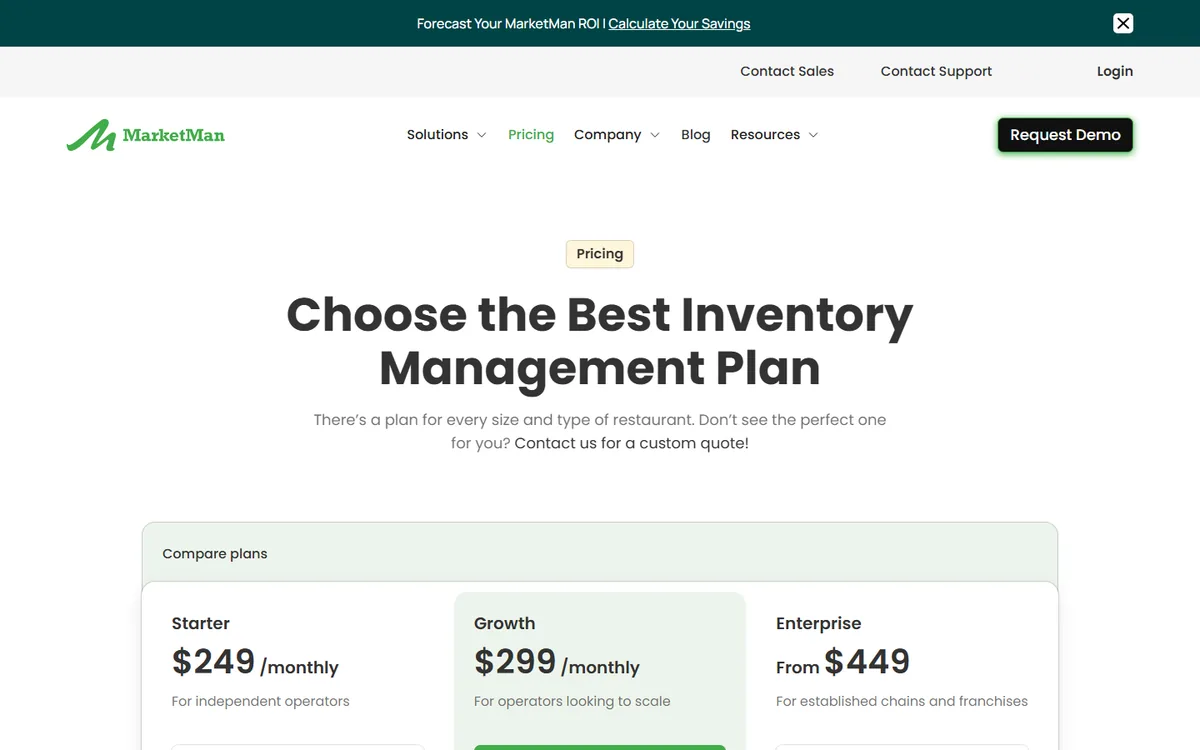
MarketMan's listing on G2 shows Starter at $249, Growth at $299 and Enterprise from $449, billed per location per month. G2 reviewers call it expensive, so compare it with the waste you expect to recover.
MarketMan Reviews
- G2: score of 4.3 out of 5 (from 52 customer reviews)
- Capterra: score of 4.6 out of 5 (from 114 customer reviews)
Clover
A Simple, Customizable POS for Counter-Service Restaurants That Value Hardware Choice
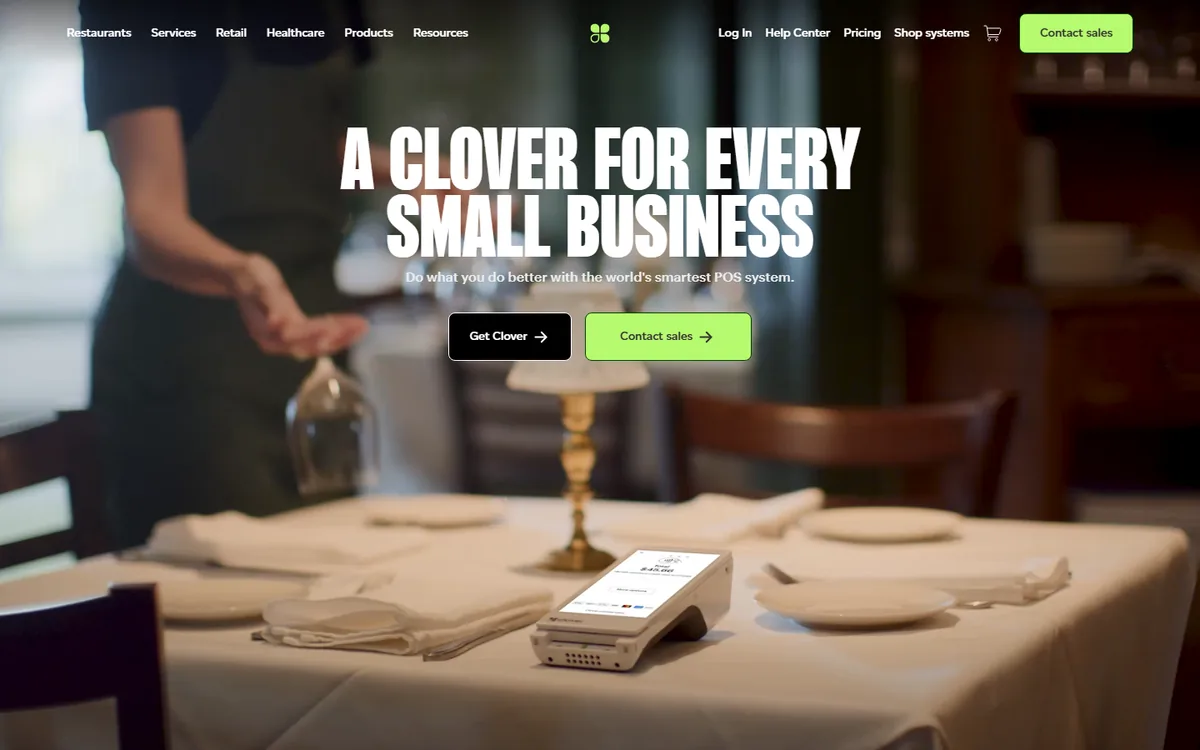
Clover is a POS and payments platform with an app market that adds loyalty, inventory and other tools.
Clover's strength is flexible hardware and an app market. You pick the terminals you need, and you add loyalty programs, inventory or online ordering as apps. Reviewers describe it as simple to learn and fast at taking payments, which fits counter-service restaurants and food stalls.
It sits last on my list because the downsides appear in reviews more often. Capterra users mention slow support, rising processing rates, add-on subscriptions that raise the bill and trouble canceling or returning equipment. Some reviewers switched to Toast or Square for deeper restaurant features. If you consider Clover, get fees, contract length and equipment terms in writing, and test the kitchen flow before you buy.
What Clover Does Well
- Flexible hardware choices for small counters
- App market for loyalty, inventory and other add-ons
- Easy to learn, according to many reviewers
What Clover Could Do Better
- Customer service is the most common complaint in reviews
- Fees, add-on subscriptions and contract terms can raise total cost
Clover Pricing
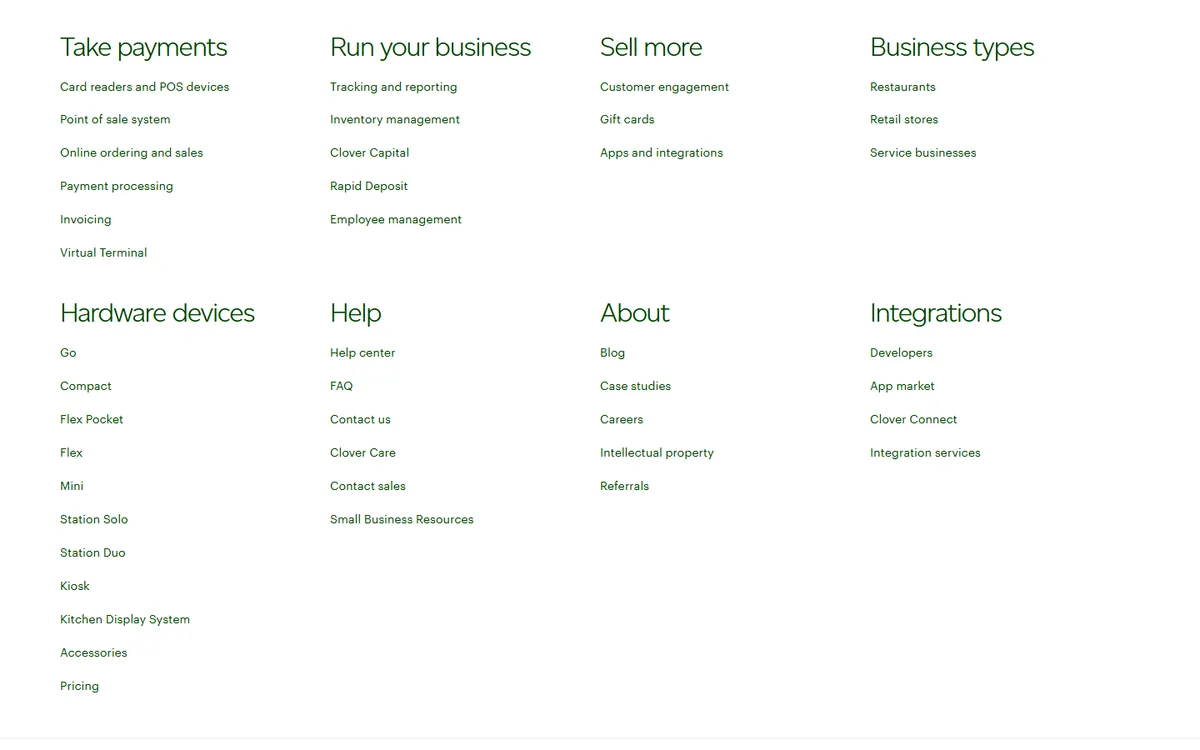
Clover publishes its restaurant software plans and hardware prices on its website, but I could not confirm current figures at the time of writing, so check the page for the plan that fits your setup. Payment processing is part of the total cost, so ask for the rate in writing.
Clover Reviews
- G2: not yet reviewed
- Capterra: score of 3.8 out of 5 (from 617 customer reviews)
Estimate the Return on Restaurant Management Software
Before you pick a plan, check whether the numbers work for you. Enter the manual hours your managers spend on scheduling, counts and reports, and the monthly price of the tool you are considering, and you will see what it could return in a year.
Will It Pay for Itself?
Adjust the sliders to your workload and the plan you are looking at.
How to Choose the Right Restaurant Management Software
In my experience, fit with your service style decides more than any feature list. Before you compare vendors, I suggest you answer four questions:
- Which cost hurts most: labor, food, or slow service?
- Do you run counter service, table service or both?
- Does the tool connect to your POS, payroll and accounting software?
- Who on your team will read the reports every week?
If you run a full-service restaurant or a growing group, start with Toast, Lightspeed or TouchBistro, and add Restaurant365 or MarketMan when finance and food cost need more depth. If you run a small venue, Square or Clover keeps the entry cost low, and 7shifts fixes scheduling in any of them. If you want a second opinion on your setup, a short call usually settles it.
Questions About Restaurant Management Software
What Is the Best Restaurant Management Software for a Small Restaurant?
For a small restaurant, I usually suggest Square for Restaurants or Toast as the core system, and 7shifts if scheduling is your main pain. Square has a free plan and no long software contract, and Toast gives you more restaurant-specific tools as you grow. Start with the one problem that costs you most.
Do I Need Separate Software for POS, Scheduling and Inventory?
Not always. Toast bundles several tools, while specialists such as 7shifts, MarketMan and Restaurant365 go deeper in one area. I suggest you start with the POS, then add a specialist only when a number, such as labor percentage or food cost variance, shows a clear problem.
How Much Does Restaurant Management Software Cost?
Entry plans in this list start between free and about $70 per month per location for a POS, and back-office tools such as Restaurant365 and MarketMan start near $250 to $500 per month per location. Hardware, payment processing and add-ons come on top, so ask for a full written quote before you commit.
Which Restaurant Software Helps Most with Food Cost?
MarketMan and Restaurant365 are built for food cost control, with recipe costing, counts and variance reports. They only work if your team counts stock on a schedule, so build that routine first and use the software to make it faster.
Will New Software Fix a Restaurant with Thin Margins?
Software shows you the problem, but your routines fix it. In my experience, restaurants gain most when a manager reads the weekly numbers and acts on them. If nobody owns that habit, a better tool will not change your profit.
Should I Worry About Contracts and Payment Processing?
Yes. Several systems tie their software to their own payment processing, and reviewers on Capterra mention difficult cancellation with some vendors. Ask about contract length, early termination, hardware ownership and processing rates before you sign.
How Long Does It Take to Switch to a New Restaurant POS?
A simple counter-service setup can run in days, while a full-service restaurant with many modifiers and integrations often needs several weeks for menu build, training and testing. Plan the switch for a quiet period and keep the old system available for a short overlap.
Note: Prices, plans and ratings change frequently. We checked them at the last update, so confirm them with each vendor before buying. This is not legal or financial advice.
Did you find this helpful?
Thank you for your feedback.
Delaney Brisco
Delaney leads the Tavo editorial team and works with our consultants to turn real client projects into practical guides on project delivery, process design and organizational change. Before joining Tavo, she spent 12 years in operations and program management roles. She has since edited more than 300 articles on management practice and reviewed PMO setups and process redesigns from over 100 client projects. She is based in Minneapolis, Minnesota.