Summary
- LogicGate and Resolver are the most flexible picks for teams that want to shape their own risk process.
- Essential ERM is the rare tool with a published price, which makes it a good first step from spreadsheets.
- ServiceNow GRC, IBM OpenPages and Archer suit large organizations with platform skills.
- Agree your scale, owners and review rhythm first, then run a pilot with your real register.
The Best Enterprise Risk Management Software at a Glance
| Tool | Type | Best for |
|---|---|---|
| 1. LogicGate Risk Cloud | No-code GRC platform | Teams that want to design their own risk workflows |
| 2. Resolver | Risk and incident platform | Organizations that combine risk, incidents and business continuity |
| 3. Riskonnect | Integrated risk platform | Mid-sized to large organizations that also manage insurance and claims |
| 4. Protecht ERM | Risk management platform | Organizations with a regulated or operational risk focus |
| 5. LogicManager | ERM software with guided methodology | Teams that want a ready method and unlimited users |
| 6. Essential ERM | Entry-level ERM software | Small and mid-sized teams that want transparent pricing |
| 7. ServiceNow GRC | Enterprise GRC on a workflow platform | Large organizations already standardized on ServiceNow |
| 8. IBM OpenPages | Enterprise GRC and risk platform | Large, regulated organizations with complex risk and model governance needs |
| 9. Archer | Integrated risk management suite | Enterprises that need configurable risk and compliance at scale |
The 9 Best Enterprise Risk Management Software Tools, Ranked
I start with the platforms that suit the widest range of organizations and end with the large suites, so you can stop reading when you find your fit. The tool is only part of the result: in the enterprise risk management consulting projects I review, agreeing the scale, owners and review rhythm matters more than the platform.
LogicGate Risk Cloud
The Most Flexible Pick When Your Risk Process Does Not Fit a Template
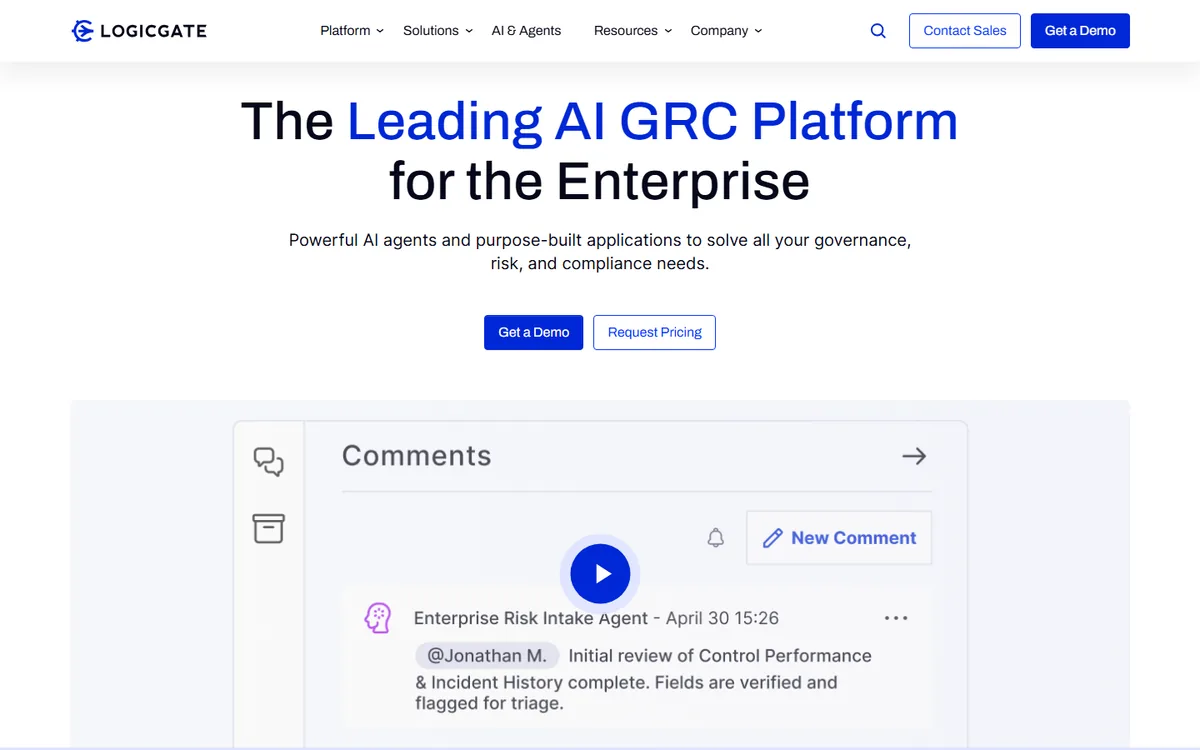
LogicGate Risk Cloud lets you build risk, compliance and audit workflows without code, and reuse them across departments.
I recommend LogicGate when your risk process has its own shape: a particular approval path, a mix of departments or a regulator with specific forms. You assemble applications from building blocks, so your enterprise risk register, vendor reviews and audit tracking can share data and rules.
The price of flexibility is design effort. In the projects I reviewed, the best results came from teams that kept a clear owner for the configuration and started with one workflow, such as the quarterly review, before adding more. If you have no one who can own that, a more opinionated tool may suit you better. The structure behind a good register is covered in my enterprise risk management best practices.
What LogicGate Risk Cloud Does Well
- Workflows adapt to your process instead of the other way round
- One platform can hold risk, vendor and audit work
- Strong ratings from users on G2 and Capterra
What LogicGate Risk Cloud Could Do Better
- Needs a skilled owner to configure and maintain
- Perceived as expensive by many reviewers
LogicGate Risk Cloud Pricing
LogicGate does not publish prices. G2 reviewers rate the cost at the top of its scale and report an average discount of about 17% and an implementation time of around four months, so expect a quote-based, annual contract.
LogicGate Risk Cloud Reviews
- G2: score of 4.6 out of 5 (from +200 customer reviews)
- Capterra: score of 4.7 out of 5 (from +80 customer reviews)
Resolver
A Mature Choice for Teams That Tie Enterprise Risk to Incidents and Resilience
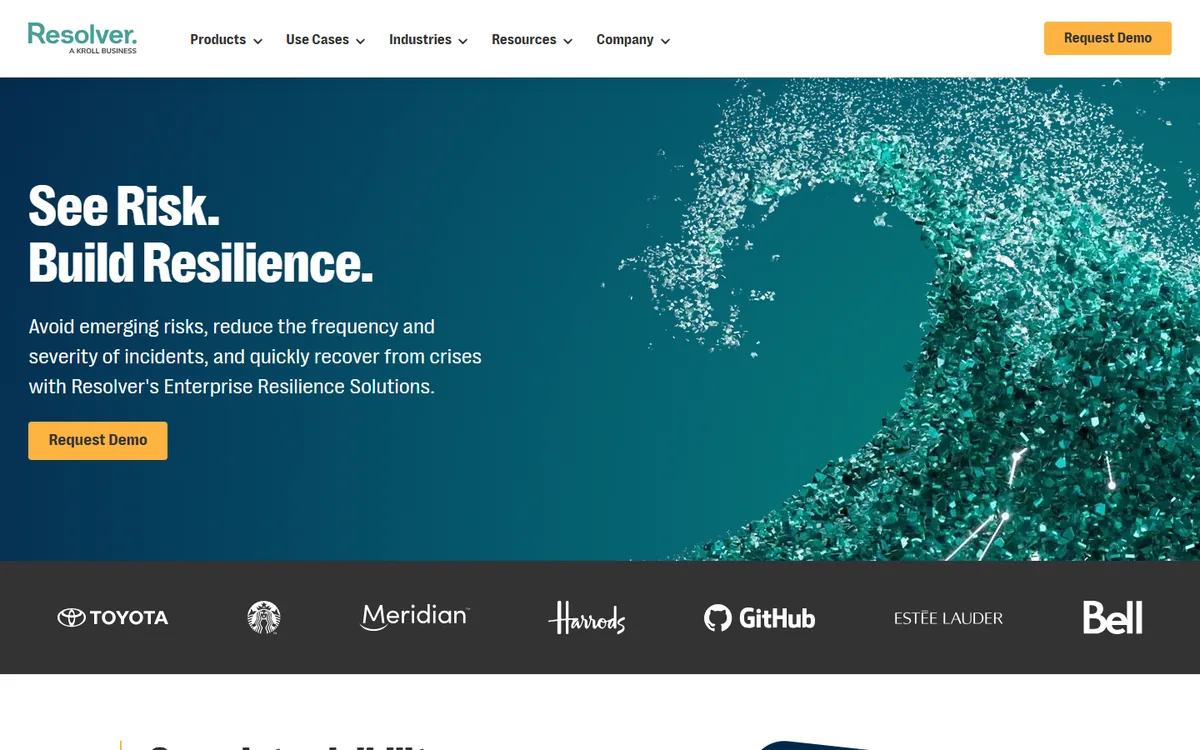
Resolver combines risk registers, incident reporting, audits and business continuity in one cloud platform.
Resolver is where I send clients who want their enterprise risk register connected to real events. An incident logged by a site manager can link to a register entry, and the report shows how often a known risk turns into a loss. That feedback loop is the best test of whether a register reflects reality, and it ties in with the incident measure in my list of enterprise risk management KPIs.
The platform covers a lot, so smaller teams may use only a fraction of it. Plan time for configuration and give each module an owner. Users on G2 tend to praise the support team and the reporting, while some find the interface busy.
What Resolver Does Well
- Risk, incidents and continuity share one data set
- Good dashboards and board reports
- Support is often mentioned positively
What Resolver Could Do Better
- Broad scope can feel heavy for small teams
- Some users find the interface cluttered
Resolver Pricing
G2 lists a Basic plan from $10,000 per year, a figure supplied by Resolver. Higher tiers and add-on modules are quoted individually, so confirm the scope with the vendor before you compare.
Resolver Reviews
- G2: score of 4.3 out of 5 (from +170 customer reviews)
- Capterra: score of 4.4 out of 5 (from +80 customer reviews)
Riskonnect
A Strong Fit When Enterprise Risk Sits Next to Insurance, Claims and Resilience
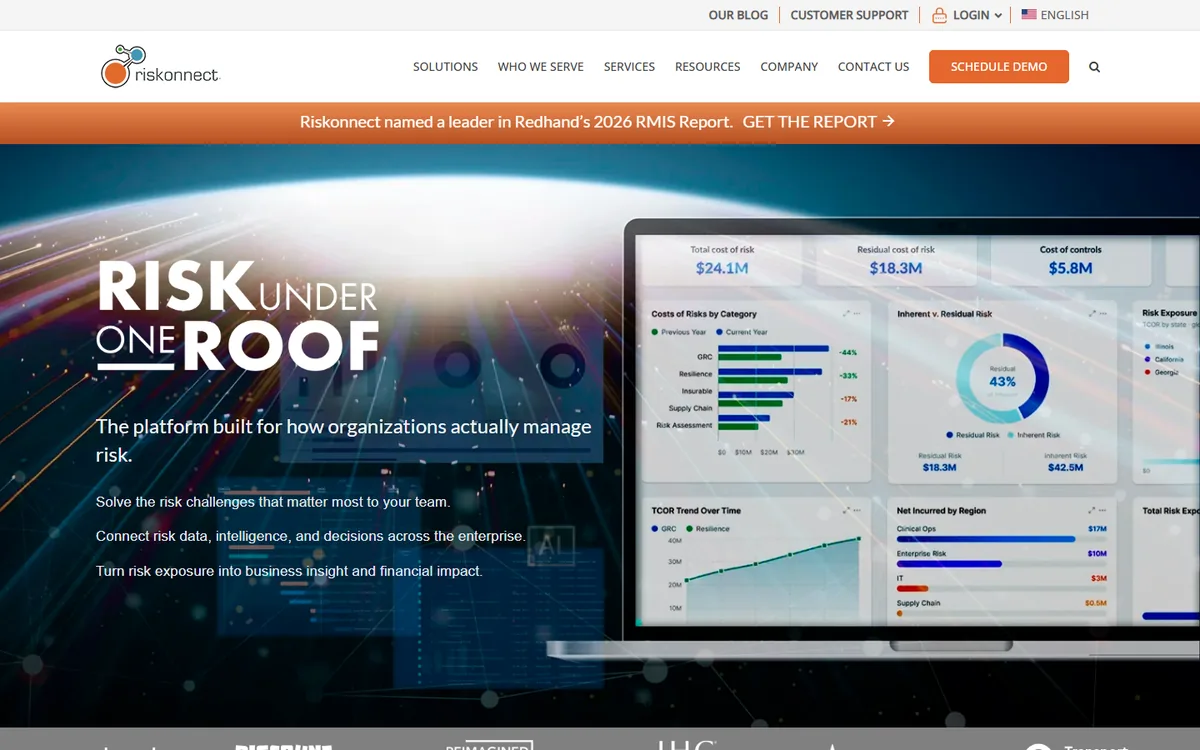
Riskonnect offers an integrated risk platform that includes enterprise risk, compliance, business continuity and insurable risk.
Riskonnect makes the most sense when your risk team also handles insurance, claims and continuity. Having the register next to your policy and claims data lets you check the cost of past events against the risks you rate today. For risk managers at companies with an insurance program, that link is valuable.
On G2, users rate its business partnership and product direction well, and implementation is a project, not a switch. Ask the vendor to scope phases so that your first release covers the register and reporting. If you need examples of how organizations structure their register, my enterprise risk management examples show several.
What Riskonnect Does Well
- Insurance, claims and enterprise risk in one place
- Strong marks for vendor partnership
- Suits larger, multi-site organizations
What Riskonnect Could Do Better
- Broad platform that needs a phased rollout
- Quote-based pricing
Riskonnect Pricing
Riskonnect does not publish pricing, and G2 shows none. Plans are quoted based on modules, users and entities, so ask for a phased quote with the register and reporting as a first release.
Riskonnect Reviews
- G2: score of 4.4 out of 5 (from +70 customer reviews)
Protecht ERM
A Risk-First Platform With Strong Roots in Regulated Industries
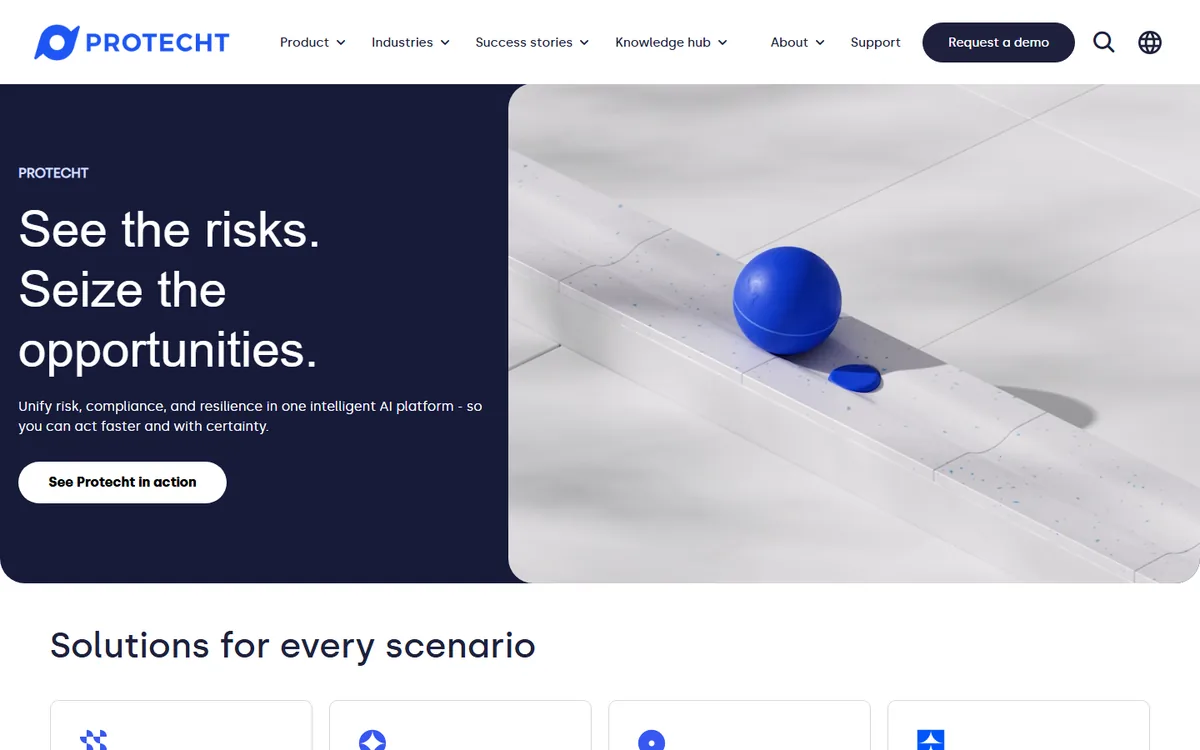
Protecht ERM covers risk registers, controls, incidents, key risk indicators and compliance in one platform.
Protecht comes from a risk specialist background, and it shows in the details: key risk indicators, control testing and appetite monitoring are central, not add-ons. If your regulator or your board expects limit monitoring against a stated appetite, this is one of the platforms I look at first.
It is a better fit for teams that already know how they want to run risk than for those still deciding. For a first program I would settle the scale and owners before the tool, using the enterprise risk management checklist. Then configuration goes much faster.
What Protecht ERM Does Well
- Key risk indicators and appetite monitoring are built in
- Control and incident tracking in the same platform
- Solid G2 rating from 60+ reviews
What Protecht ERM Could Do Better
- Less suited to teams without a defined risk process
- Pricing needs a sales conversation
Protecht ERM Pricing
Protecht's G2 listing shows a Basic plan with a free demo and tiered pricing billed per user per year, but no dollar figure. On Capterra the starting price reads contact vendor, so request a quote.
Protecht ERM Reviews
- G2: score of 4.5 out of 5 (from +60 customer reviews)
- Capterra: score of 4.6 out of 5 (from 5 customer reviews)
LogicManager
A Guided Approach for Teams That Want a Method Built Into the Software
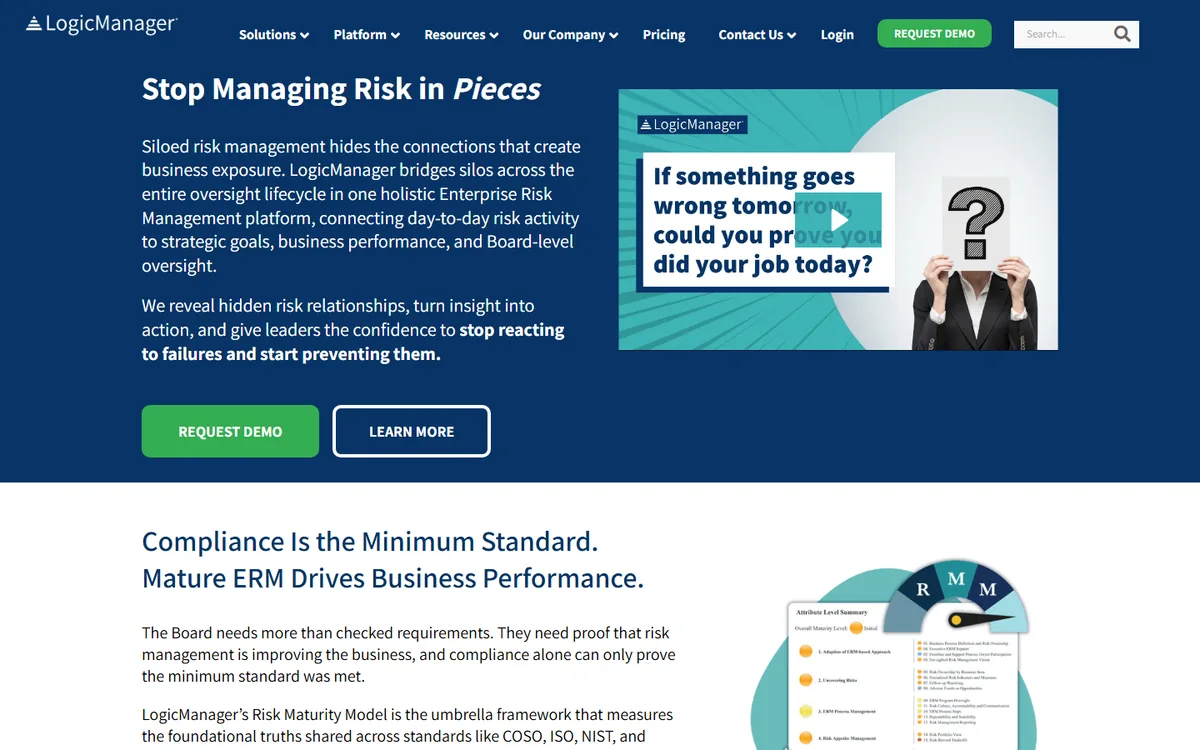
LogicManager is an ERM platform built around a guided methodology and licensed by risk program, with unlimited users.
LogicManager builds its method into the product: risk assessments, control mapping and reporting follow a set structure. For organizations without a deep risk team, that guidance can shorten the path to a working program. Licensing by program instead of by seat also means you can invite every risk owner without worrying about the cost.
In exchange you adopt its way of working. If your process is unusual, you may fight the tool. G2 reviewers mention a reasonable implementation effort, with a 133-review base that is larger than most in this category. A consultant can help you map your own terms onto its method, and the same mapping is a task in my enterprise risk management challenges guide.
What LogicManager Does Well
- Guided method helps teams new to ERM
- Unlimited user seats with program-based licensing
- Reasonable ratings across a large review base
What LogicManager Could Do Better
- Less freedom if your process is unusual
- Price depends on the programs you license
LogicManager Pricing
LogicManager does not show prices on G2. It licenses risk domains as programs with unlimited user seats, offers a free trial and gives custom quotes, so ask which programs your first release needs.
LogicManager Reviews
- G2: score of 4.2 out of 5 (from +130 customer reviews)
Essential ERM
The Rare ERM Tool With a Published Price and a Fast Start
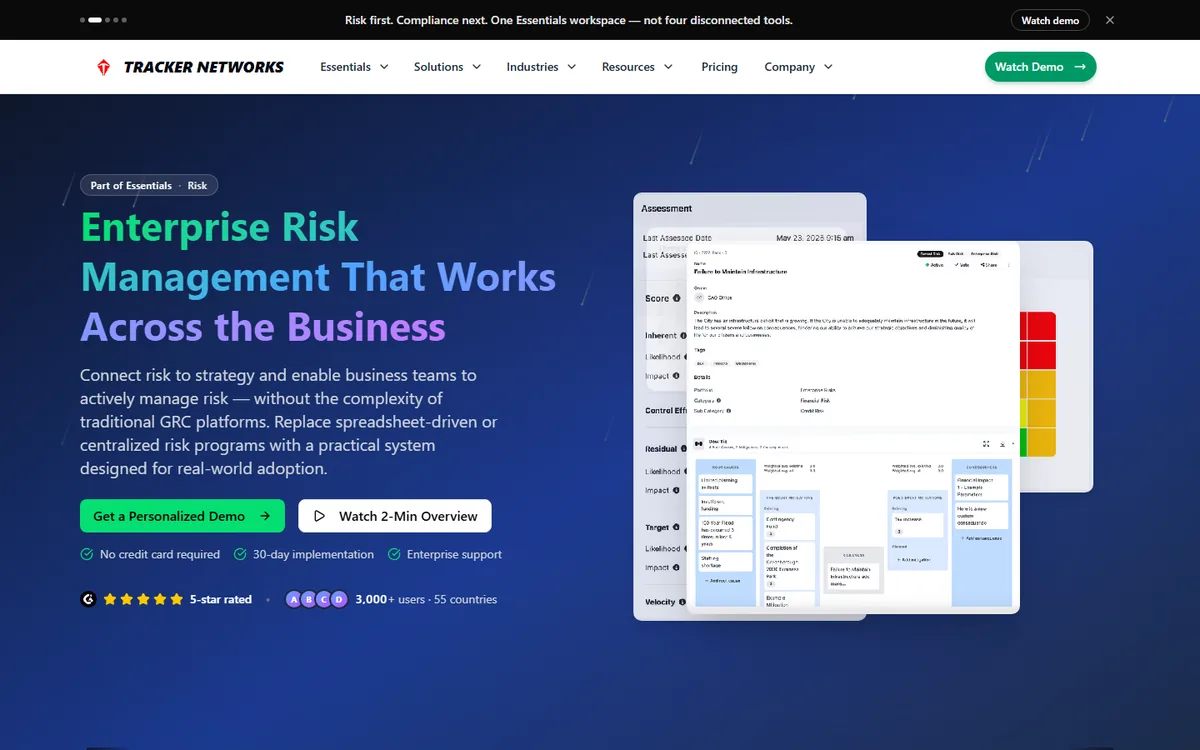
Essential ERM is a lightweight ERM platform with a published per-user starter price and a free trial.
Most ERM platforms hide prices behind a sales call. Essential ERM publishes its starter plan, which makes it easy to budget and to test with a small team. If you are leaving a spreadsheet for the first time, I would shortlist it for exactly that reason.
Its scope is narrower than that of the large platforms, so check that it handles your reporting and audit needs. With 26 Capterra reviews and a 4.7 rating, the user feedback is positive, though the sample is small. A small team can pair it with a simple one-page scoring scale from day one.
What Essential ERM Does Well
- Published starter price and a free trial
- Quick to start for small teams
- High rating on Capterra
What Essential ERM Could Do Better
- Smaller review base than the big names
- May lack depth for complex enterprises
Essential ERM Pricing
Capterra lists the Starter plan at $299 per user per month. Teams and Enterprise plans use custom quotes, and a free trial is available.
Essential ERM Reviews
- Capterra: score of 4.7 out of 5 (from +25 customer reviews)
ServiceNow GRC
The Natural Choice If ServiceNow Already Runs Your IT and Service Workflows
ServiceNow GRC adds risk, compliance and audit applications to the ServiceNow platform your IT teams may already use.
If your company already runs ServiceNow for IT and service management, its GRC applications let risk data link to assets, incidents and changes in the same platform. A technology risk can point to the real systems behind it, which is hard to do with a standalone tool.
The cost and the effort are real. G2 reviewers rate the cost at the top of the scale and report around four months for implementation. Plan for dedicated platform skills, and do not start with a blank screen: define your scale and owners first so the build is a translation, not a discovery.
What ServiceNow GRC Does Well
- Links risks to the assets and incidents in your platform
- Strong workflow and automation capabilities
- Scales to very large organizations
What ServiceNow GRC Could Do Better
- High cost and a need for platform skills
- Overkill for organizations without ServiceNow
ServiceNow GRC Pricing
ServiceNow does not publish GRC prices. G2 reviewers rate the cost at the highest level, so expect a quote that depends on modules and users, and ask for the licensing basis in writing.
ServiceNow GRC Reviews
- G2: score of 4.2 out of 5 (from +120 customer reviews)
IBM OpenPages
A Heavyweight for Large Regulated Organizations With Complex Data Needs
IBM OpenPages is an enterprise governance, risk and compliance platform with strong data modelling and reporting.
OpenPages sits at the heavy end of the market. It handles complex hierarchies, many business units and regulatory reporting, which matters to banks and large insurers. In those settings the depth of data modelling is a feature, not a burden.
Smaller organizations rarely need this much. G2 reviewers rate the cost at the top of the scale and report an average implementation of about eight months, the longest on this list. Choose it when your requirements already demand it and when you have a team to run it.
What IBM OpenPages Does Well
- Deep data modelling and reporting
- Built for large, regulated organizations
- Strong vendor backing
What IBM OpenPages Could Do Better
- Long implementation and high cost
- More than most mid-sized teams need
IBM OpenPages Pricing
IBM does not list a public price on G2, which shows the highest cost level and about eight months to implement. Expect a custom enterprise quote.
IBM OpenPages Reviews
- G2: score of 4.2 out of 5 (from +60 customer reviews)
Archer
A Long-Standing Suite That Suits Enterprises With Their Own Admins
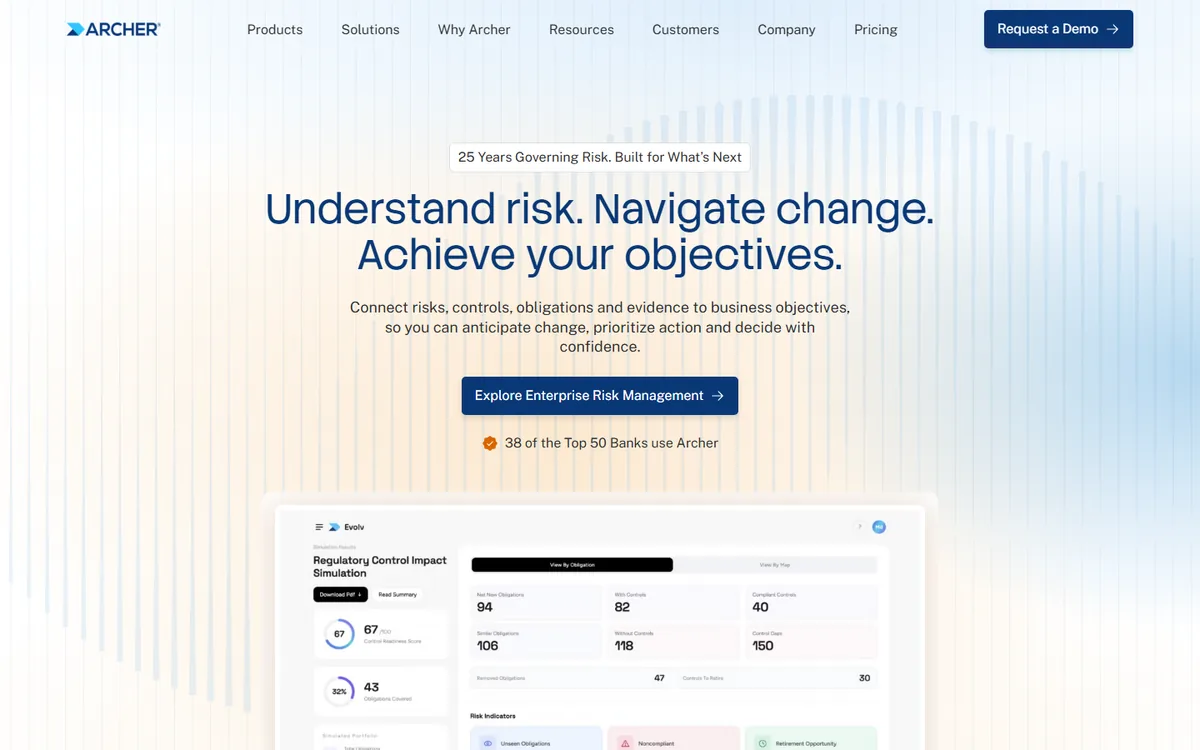
Archer is an integrated risk management suite with configurable applications for enterprise risk, compliance and third-party risk.
Archer has been in this market for a long time and has a loyal base in large, regulated companies. Its applications are configurable, so an admin who knows the platform can shape it to complex needs.
On G2 it scores 3.6 from 20 reviews, lower than the others here, so read the reviews on the points that matter for you, such as usability and upgrades. In my view it works best when you already have Archer skills in-house. Otherwise, test it with a short proof of concept using your real register before you commit.
What Archer Does Well
- Configurable applications for complex needs
- Long track record in large enterprises
- Covers risk, compliance and third-party risk
What Archer Could Do Better
- Lower user ratings than most competitors
- Needs administrators who know the platform
Archer Pricing
G2 shows no price for Archer and asks visitors to log in for pricing. G2 reviewers report an average implementation of about two months. Ask for a quote based on your modules.
Archer Reviews
- G2: score of 3.6 out of 5 (from +20 customer reviews)
Estimate the Return on an Enterprise Risk Management Tool
Before you pick a plan, check whether the numbers work for you. Enter the hours your team spends compiling risk updates and reports by hand and the monthly price of the tool you are considering. You will see what it could return in a year. Remember that the biggest return comes from better decisions, which no calculator captures.
Will It Pay for Itself?
Adjust the sliders to your workload and the plan you are looking at.
How to Choose the Right Enterprise Risk Management Software
Fit with your process decides more than a feature list. Before you compare vendors, answer these questions:
- How many risk owners will update the register, and how often?
- Do you need incidents, vendors or audits in the same system?
- Does your regulator or board expect appetite and limit monitoring?
- Who will configure and maintain the tool after launch?
If you are a small team leaving a spreadsheet, start with Essential ERM or LogicManager. If you want to design your own workflows, LogicGate fits. If you link risk with incidents or insurance, look at Resolver and Riskonnect, and if you run ServiceNow already, test its GRC. Large regulated groups should also look at IBM OpenPages and Archer. Whatever you choose, run a short pilot with your real register and ask an independent consultant for a neutral view if you want one.
Questions About Choosing Enterprise Risk Management Software
What Is the Best Enterprise Risk Management Software?
There is no single best tool. LogicGate suits teams that want to design workflows, Resolver suits those linking risk to incidents, Essential ERM suits small teams that need a published price, and ServiceNow GRC suits ServiceNow users. Match the tool to your process and size.
How Much Does Enterprise Risk Management Software Cost?
Most vendors quote prices on request. Essential ERM lists a Starter plan at $299 per user per month on Capterra, and Resolver's Basic plan is listed on G2 from $10,000 per year. Large suites can cost far more, so ask for a written quote.
Do I Need ERM Software or Is a Spreadsheet Enough?
A spreadsheet is enough for many first-year programs. Software pays off when many owners update risks, when audits need evidence and trails, or when you want automatic reports.
What Features Should I Look for in ERM Software?
A risk register, configurable scoring, owner and action tracking, reporting dashboards, key risk indicators, appetite monitoring and integrations with your data. Add incident, audit and vendor modules only if you need them.
How Long Does It Take to Implement ERM Software?
G2 reviewers report between two and eight months depending on the tool, from about two months for Archer to about eight for IBM OpenPages. A phased rollout with the register first is usually quicker.
What Is the Difference Between ERM and GRC Software?
GRC platforms cover governance, risk and compliance together, often with audit and policy tools. ERM software focuses on enterprise risk registers, scoring and reporting. Many vendors sell both under one platform.
Should I Choose a Tool Before or After Building My Risk Framework?
After. Agree the scale, owners and review rhythm first, ideally in a spreadsheet, so you buy a tool for a process you understand, instead of letting the tool decide it.
Note: Prices, plans and ratings change frequently. We checked them at the last update, so confirm them with each vendor before buying. This is not legal or financial advice.
Did you find this helpful?
Thank you for your feedback.
Delaney Brisco
Delaney leads the Tavo editorial team and works with our consultants to turn real client projects into practical guides on project delivery, process design and organizational change. Before joining Tavo, she spent 12 years in operations and program management roles. She has since edited more than 300 articles on management practice and reviewed PMO setups and process redesigns from over 100 client projects. She is based in Minneapolis, Minnesota.