Summary
- Shopify POS and Square for Retail are the easiest starting points for small shops, depending on whether you sell online.
- Lightspeed Retail, Cin7 Core and Brightpearl fit larger catalogs, wholesale mixes and multichannel growth.
- Compare the total yearly cost, including card fees, hardware and paid apps, not just the plan price.
- Write your stock, ordering and return rules first, then choose the tool that enforces them.
The Best Retail Management Software at a Glance
| Tool | Type | Best for |
|---|---|---|
| 1. Shopify POS | Retail POS with ecommerce | Shops that sell in stores and online |
| 2. Square for Retail | Retail POS with free tier | Small shops starting out |
| 3. Lightspeed Retail | Cloud retail POS | Established stores with large ranges |
| 4. Zoho Inventory | Inventory management | Multichannel sellers on a budget |
| 5. Cin7 Core | Inventory and order management | Retail and wholesale mixes |
| 6. Brightpearl | Retail operations platform | Growing multichannel retailers |
| 7. Clover | Hardware-led POS | Shops that want payments and POS together |
The 7 Best Retail Management Software Tools, Ranked
I start with the tools that suit the widest range of shops and move toward specialist platforms, so you can stop reading once you find your fit. Software is only part of the result. In the retail management consulting projects I review, the rules behind the system, such as reorder points and counting routines, matter more than the logo on the login screen. My list of retail management best practices covers those rules.
Shopify POS
The Strongest Choice if Your Online Shop and Your Stores Need to Share One Set of Stock Numbers
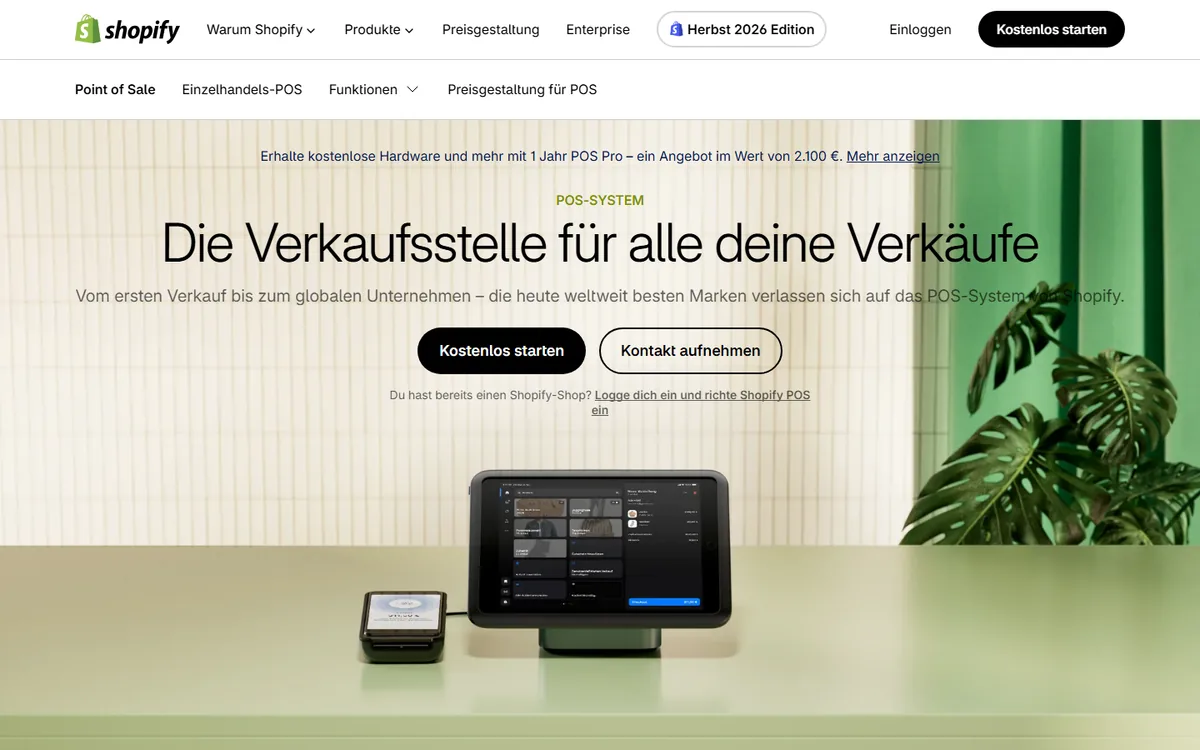
Shopify POS runs your till, inventory and online shop from one back end, which suits retailers who sell in both places.
I put Shopify POS first because the biggest retail headache I see in small chains is two stock counts that never agree. Shopify keeps one product catalog and one inventory record per location, so a sale at the counter reduces the number your website shows. Staff can look up stock in other locations, ship from store or hold items for pickup.
The software side is easy to learn, and the hardware ranges from a phone reader to a full counter setup. The catch is that deeper retail features such as advanced purchasing and multi-supplier ordering often need paid apps on top. In my client work, I tell owners to count the apps they will need before they compare the monthly price with a rival.
What Shopify POS Does Well
- One catalog and one stock record across your online shop and stores
- Quick to set up, with a clear interface that new staff learn in a day
- Large app marketplace for purchasing, loyalty and reporting
What Shopify POS Could Do Better
- Advanced retail features often need paid apps, which raises the real monthly cost
- Card processing rates and plan limits matter, so check them against your sales volume
Shopify POS Pricing
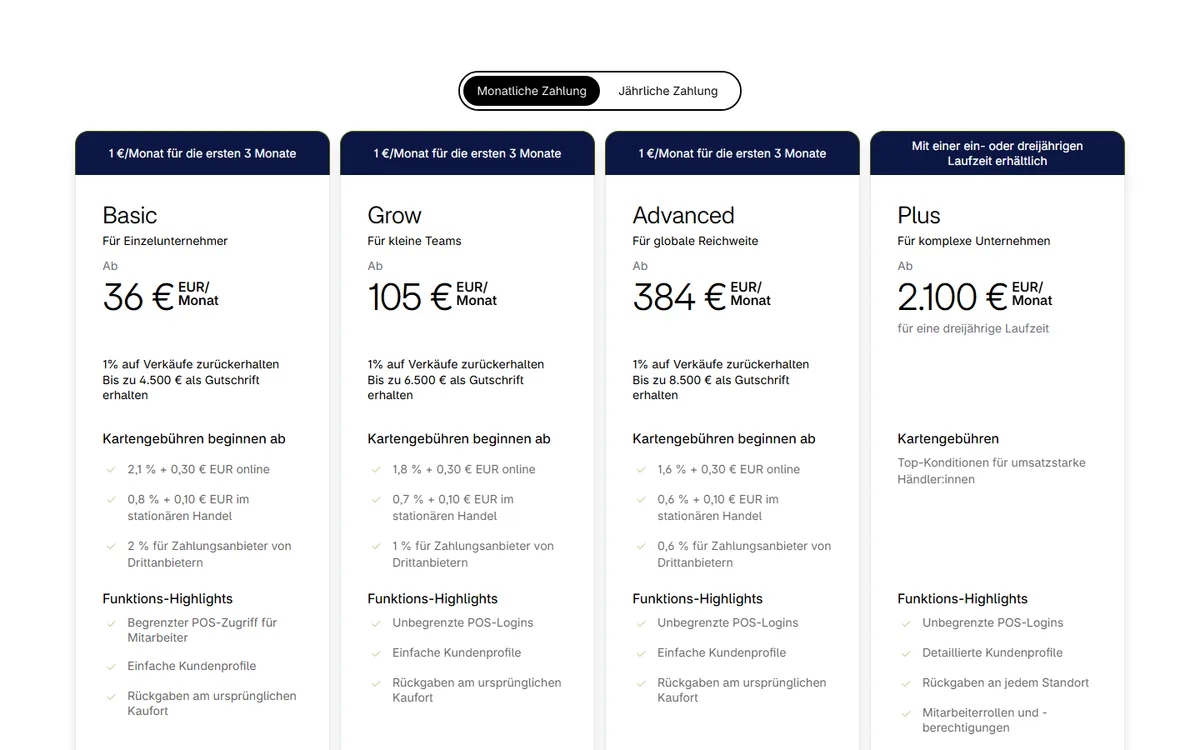
Shopify POS Lite comes with every Shopify plan, with in-person card rates starting at 2.4% on G2's listing. POS Pro adds staff roles, advanced inventory features and more at $89 per location per month. Your Shopify plan is a separate cost, so confirm the current total on the vendor's pricing page.
Shopify POS Reviews
- G2: score of 4.4 out of 5 (from +360 customer reviews)
- Capterra: score of 4.6 out of 5 (from +240 customer reviews)
Square for Retail
The Best Starting Point for a Small Shop That Wants a Free Plan and Simple Hardware
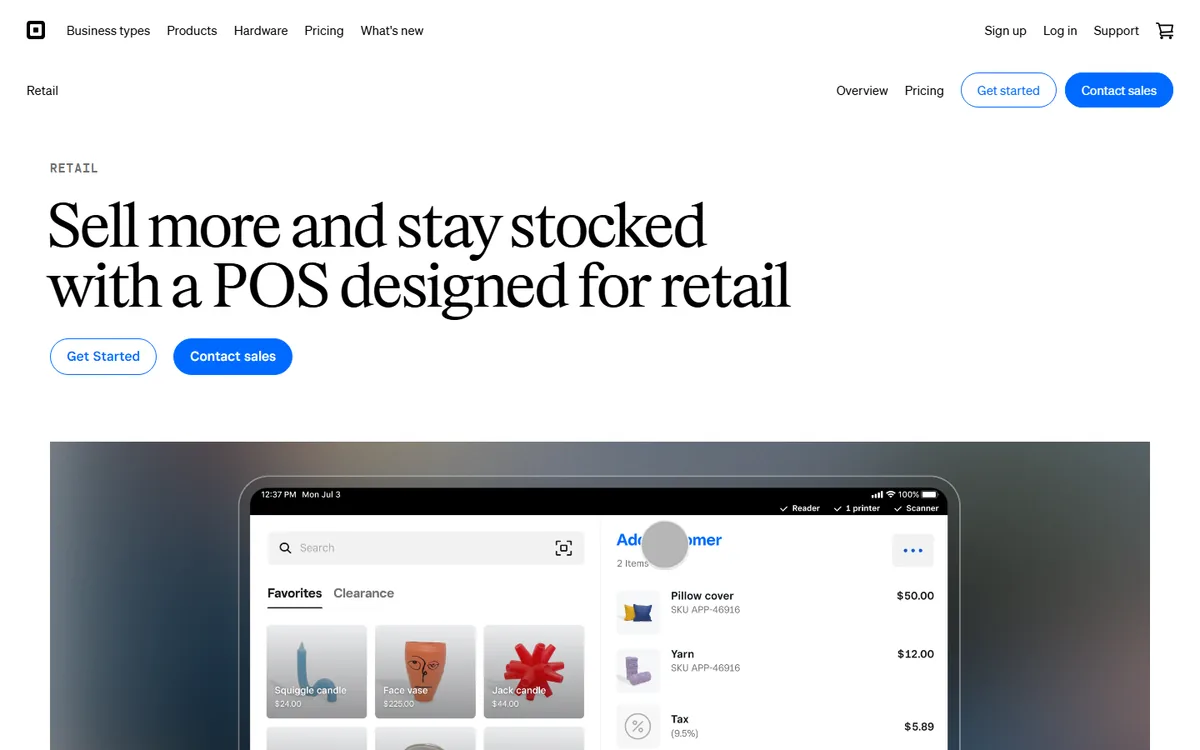
Square for Retail combines a point-of-sale app, inventory and basic purchasing with card processing in one package.
Square wins with small shops because you can start for nothing and add features as you grow. The retail version adds item variations, low-stock alerts, vendor management and purchase orders, and it works with Square's own card readers and registers, so one provider handles software and payments.
I recommend it for owners with one to three stores and a few thousand items. Larger catalogs and complex purchasing push against its limits, and moving off Square later means a data migration. Plan that exit before you commit, particularly if you expect to open more locations.
What Square for Retail Does Well
- A free plan lets you start without a software bill
- Hardware and payments come from one provider, so support is simple
- Purchase orders and low-stock alerts are built into the retail plans
What Square for Retail Could Do Better
- Advanced replenishment and multi-warehouse features are limited
- Tied closely to Square payments, which narrows your choice of processor
Square for Retail Pricing
Capterra lists three plans billed monthly: Free at $0, Plus at $49 and Premium at $149. Card processing fees come on top, so compare them with your current rates before you switch.
Square for Retail Reviews
- G2: score of 4.6 out of 5 (from +1,100 customer reviews)
- Capterra: score of 4.7 out of 5 (from +490 customer reviews)
Lightspeed Retail
The Pick for Established Stores With Large Catalogs and a Need for Purchasing Control
Lightspeed Retail is a cloud point-of-sale system built around inventory depth, with purchasing, reporting and ecommerce tools.
Lightspeed is where I send retailers whose product range has outgrown a starter system. It handles variants, bundles, supplier ordering and detailed reports, and it connects to an online store. Stores with thousands of products and several staff roles get more control over stock than basic systems offer.
The price is higher than the entry tools, and the setup takes planning. Expect a few weeks to clean your product data before you import it. Support quality is mixed in reviews, so ask about onboarding help before you sign.
What Lightspeed Retail Does Well
- Strong inventory features, including variants, bundles and purchase orders
- Detailed reports on sales, stock and staff
- Built-in link to an online store
What Lightspeed Retail Could Do Better
- Higher monthly price than entry-level tools
- Setup and data cleanup take real effort, and some reviewers report slow support
Lightspeed Retail Pricing
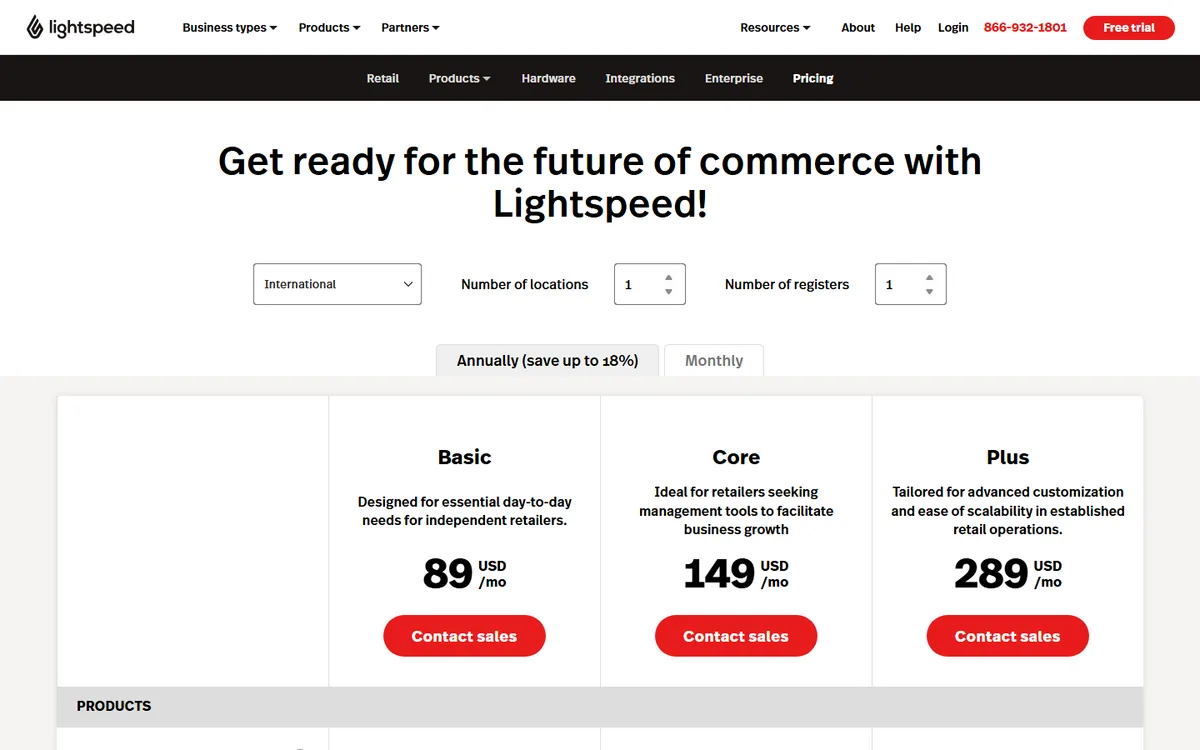
Lightspeed's own pricing page lists Basic at $89, Core at $149 and Plus at $289 per month, with an annual billing option that saves up to 18%. Capterra shows higher monthly figures of $109, $179 and $339, so treat the vendor page as the source of truth for your plan.
Lightspeed Retail Reviews
- G2: score of 4.0 out of 5 (from +290 customer reviews)
- Capterra: score of 4.0 out of 5 (from +970 customer reviews)
Zoho Inventory
The Budget Option for Retailers Who Sell Across Marketplaces and Need Solid Stock Control
Zoho Inventory tracks stock across warehouses and sales channels, and connects to accounting and marketplaces.
Zoho Inventory is a stock system more than a till, so it suits shops that also sell online or through marketplaces and need a clean view of what is where. It handles multiple warehouses, bundles, batch tracking and sales and purchase orders at a low price.
If your business already uses other Zoho products, the integration is a real advantage. Walk-in retail needs a separate point-of-sale tool alongside it, which adds a second system to maintain. In my experience, owners with mostly online sales get the most from it.
What Zoho Inventory Does Well
- Low entry price with real multi-warehouse inventory features
- Connects to marketplaces, shipping tools and Zoho accounting
- A free version lets you test it before paying
What Zoho Inventory Could Do Better
- No full point-of-sale for a busy shop floor, so you need a second tool
- Reporting is solid but less polished than premium rivals
Zoho Inventory Pricing
Capterra lists Standard at $39, Premium at $99, Plus at $159 and Enterprise at $299 per month, plus a free version and a free trial. Plan names change from time to time, so verify the current tiers on Zoho's site.
Zoho Inventory Reviews
- G2: score of 4.4 out of 5 (from +90 customer reviews)
- Capterra: score of 4.5 out of 5 (from +420 customer reviews)
Cin7 Core
The Right Tool for Wholesale and Retail Mixes That Need Real Purchasing and Warehouse Features
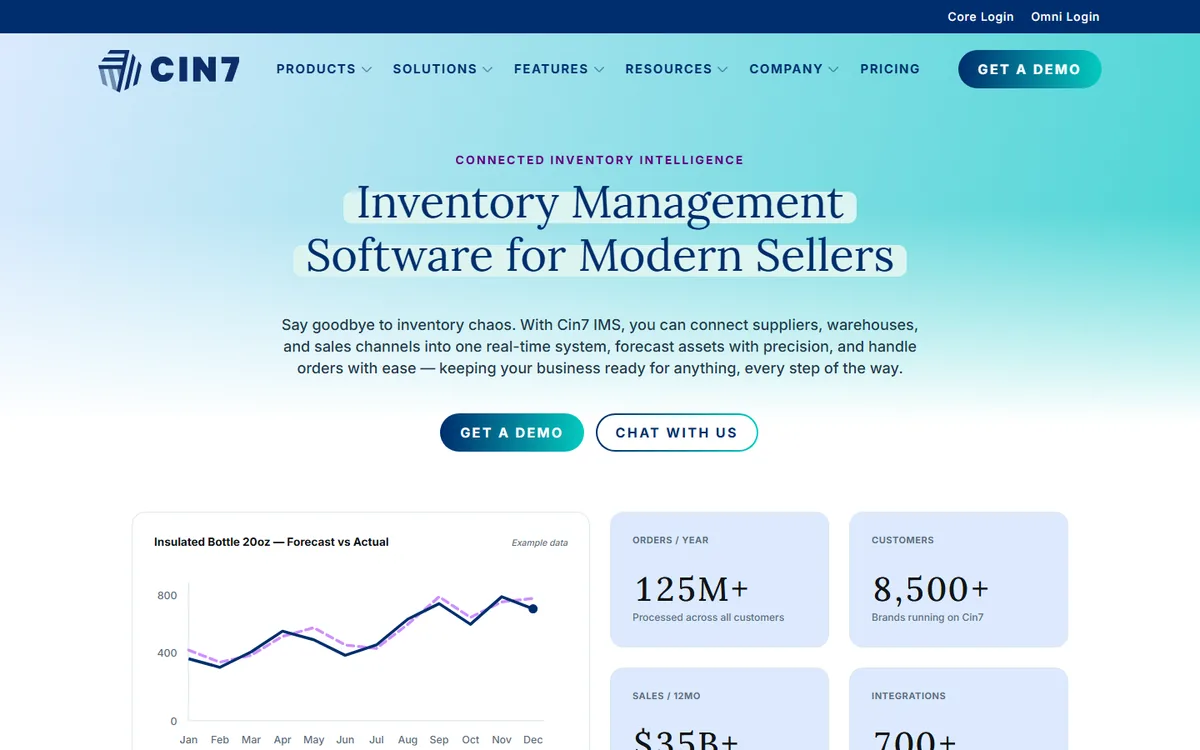
Cin7 Core is an inventory and order management platform with purchasing, manufacturing and warehouse tools.
Cin7 Core suits retailers who also wholesale, assemble kits or run a warehouse. It offers purchase and sales orders, bill of materials, multiple locations and integrations with accounting and ecommerce platforms. The depth is real, and so is the learning curve.
I would not pick it for a single shop with a simple range. For a growing business with stock in several places, it can replace a tangle of spreadsheets. Budget for onboarding, because most of the value comes from a careful setup.
What Cin7 Core Does Well
- Deep inventory, purchasing and bill of materials features
- Integrates with major ecommerce and accounting platforms
- Handles retail and wholesale in one system
What Cin7 Core Could Do Better
- The learning curve is steep and onboarding takes time
- Priced above simple retail systems, so it only pays for complex operations
Cin7 Core Pricing
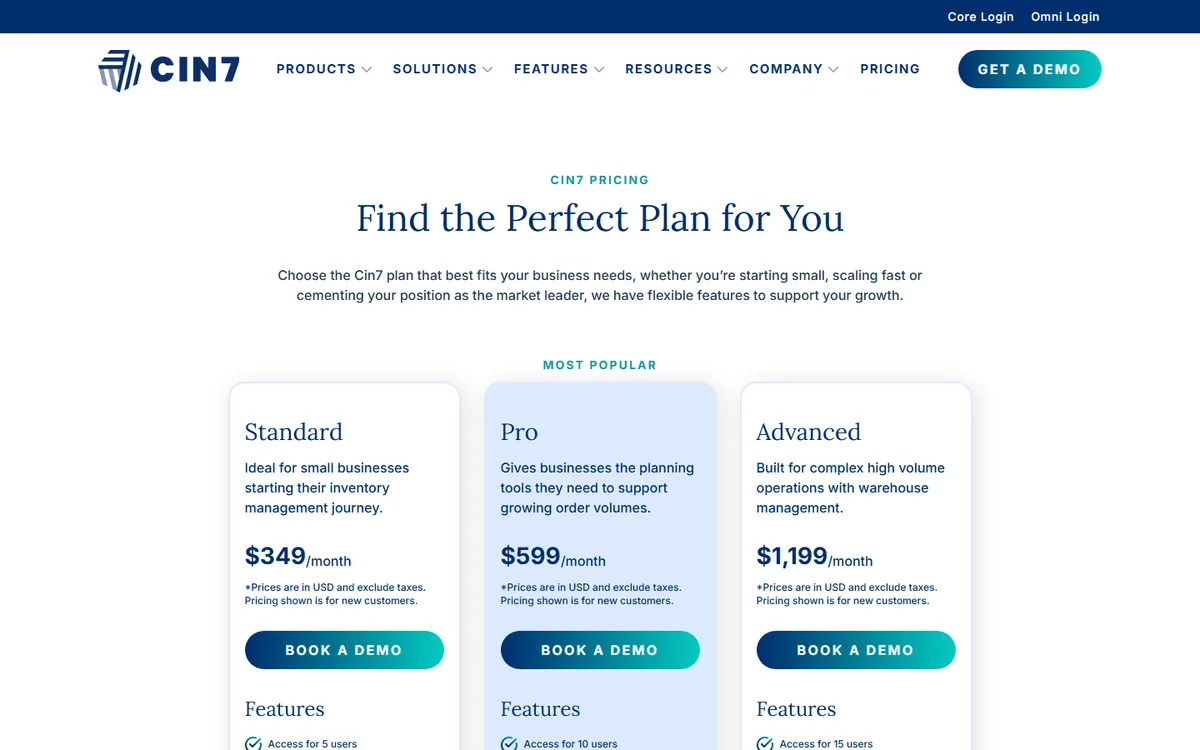
Capterra lists Standard at $349, Pro at $599 and Advanced at $1,199 per month, with Omni on a custom quote. Check Cin7's own site for current limits on users and orders for each tier.
Cin7 Core Reviews
- G2: score of 4.3 out of 5 (from +350 customer reviews)
- Capterra: score of 4.3 out of 5 (from +730 customer reviews)
Brightpearl
The Choice for Fast-Growing Multichannel Retailers Who Need Order, Stock and Finance in One System
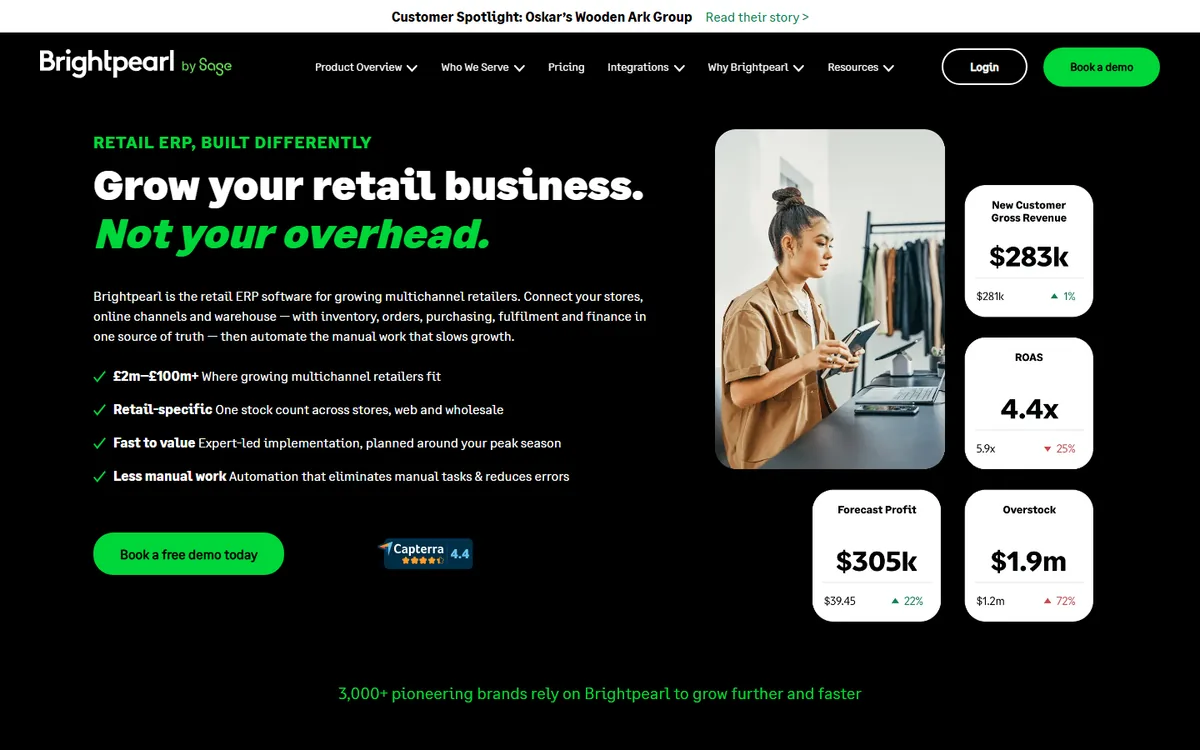
Brightpearl is a retail operations platform that links orders, inventory, purchasing and accounting across channels.
Brightpearl targets mid-sized retailers and brands that sell on several channels and have outgrown ecommerce plug-ins. It combines order management, inventory, purchasing and finance workflows and aims to cut the manual work between your shop, warehouse and accounts.
The pricing is not published, and reviewers describe it as expensive. It makes sense when manual order handling already costs you real money. For a shop with a single till and a small website, it is too much.
What Brightpearl Does Well
- Order, stock, purchasing and finance workflows in one platform
- Built for multichannel retailers with growing order volumes
- Reviewers rate support and value for money well on Capterra
What Brightpearl Could Do Better
- Quote-based pricing, and reviewers call it expensive
- Some integrations cost extra, which adds to the total
Brightpearl Pricing
Brightpearl does not publish prices, and Capterra lists no starting price or free trial. You need to request a quote, so ask for the full cost including integrations and onboarding.
Brightpearl Reviews
- G2: score of 4.4 out of 5 (from +100 customer reviews)
- Capterra: score of 4.4 out of 5 (from +200 customer reviews)
Clover
A Hardware-Led Point of Sale for Shops That Want Payments and Software From One Provider
Clover is a point-of-sale platform that sells hardware and software together, with retail inventory features and an app marketplace.
Clover is a familiar sight in small shops, and it works well as a till with retail basics such as item management and reporting. The hardware is polished, and an app market adds features for loyalty, scheduling and accounting.
Costs depend on the reseller, the hardware and the processing plan, which makes comparison hard. Ask for a full quote, contract terms and termination fees before you sign. In my view, Clover suits owners who value simple hardware, and less so those who need deep inventory control.
What Clover Does Well
- Polished hardware and a simple till experience
- App marketplace for loyalty, accounting and more
- Payments and point of sale from one provider
What Clover Could Do Better
- Pricing varies by reseller and is hard to compare
- Inventory depth is lighter than dedicated retail systems, and ratings trail the rest of this list
Clover Pricing
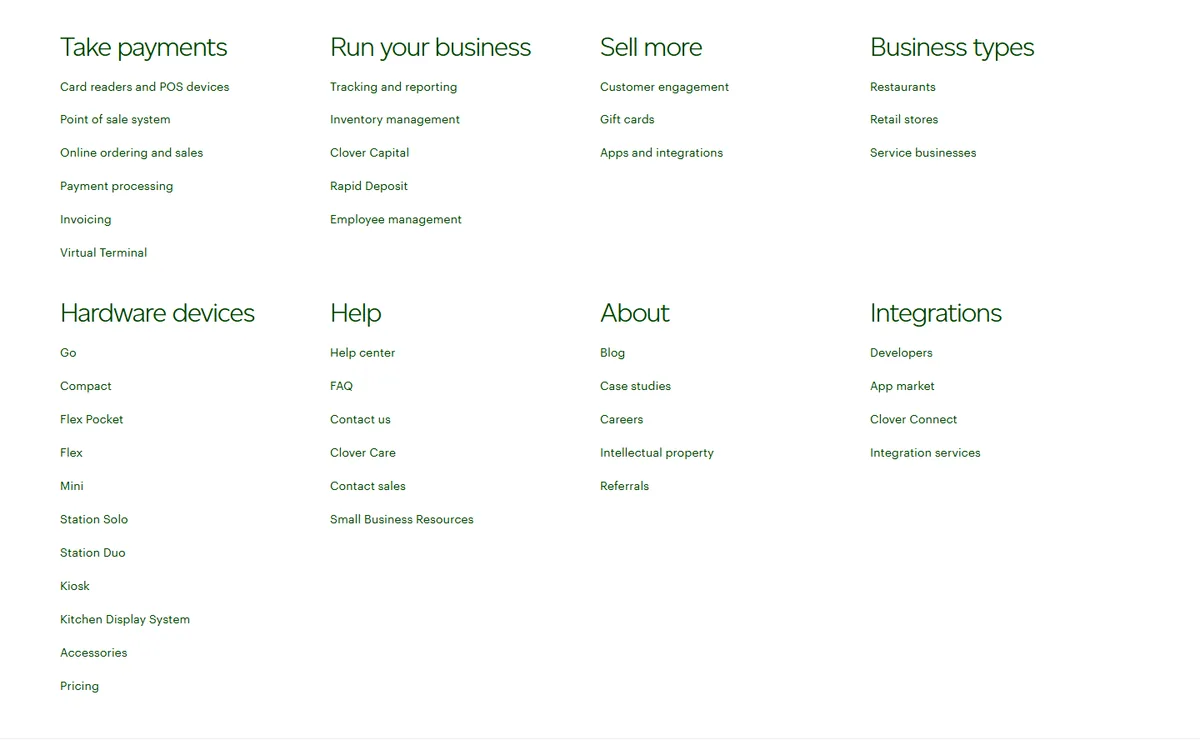
Clover's retail pricing is not published in a way I could confirm, and Capterra shows it as contact the vendor. Prices depend on the hardware, plan and processing agreement, so get a written quote and read the contract terms.
Clover Reviews
- G2: score of 3.8 out of 5 (from +105 customer reviews)
- Capterra: score of 3.8 out of 5 (from +580 customer reviews)
Estimate the Return on Retail Software
Before you pick a plan, check whether the numbers work for you. Enter the manual hours you want to remove, such as counting, price changes and report building, and the monthly cost of the tool you are considering. You will see what it could return in a year. The retail management examples show where those hours usually come from.
Will It Pay for Itself?
Adjust the sliders to your workload and the plan you are looking at.
How to Choose the Right Retail Management Software
In my experience, fit with your operation decides more than a feature list. Before you compare vendors, answer four questions:
- How many locations and products do you manage today, and in two years?
- Do you sell online, wholesale or through marketplaces as well as in store?
- Which reports do your managers need each Monday?
- Who will set up the system and keep the product data clean?
If you run a small shop and sell online, start with Shopify POS. If you sell mainly in store on a tight budget, look at Square for Retail. Larger catalogs point to Lightspeed Retail, and wholesale or warehouse needs point to Cin7 Core, Zoho Inventory or Brightpearl. A pilot in one store tells you more than a demo, and my retail management strategy playbook explains how to run one. If you are new to the topic, the retail management guide covers the basics.
Questions About Choosing Retail Management Software
What Is the Best Retail Management Software for Small Businesses?
For most small shops, I suggest Square for Retail or Shopify POS. Square offers a free plan and simple hardware, and Shopify POS suits you if you also sell online. Compare the real monthly cost, including card fees and any apps you will need.
What Features Should Retail Management Software Have?
At minimum, a point-of-sale, inventory tracking by location, low-stock alerts, purchase orders, sales reports and staff permissions. If you sell online, add one shared stock record across channels. Everything else is a bonus until your basics run well.
How Much Does Retail Management Software Cost?
Entry plans range from free to around $100 per month per location, while platforms for complex inventory run into several hundred dollars monthly. Card processing fees, hardware and paid apps come on top. Always compare the total yearly cost, not the headline plan price.
Is Retail Management Software Worth It for One Store?
Yes, once you have more than a handful of products. A point-of-sale with inventory prevents manual errors and gives you reports you can act on. The saving usually comes from fewer stockouts and less time spent on counts.
Can I Switch Retail Software Later?
Yes, though it takes planning. Export your product, customer and sales data, clean it and import it in a test run before you switch. Plan the move for a quiet season and keep the old system read-only for a month.
Do I Need Separate Software for Inventory and Point of Sale?
Often not. Most retail point-of-sale systems include inventory. A separate inventory tool such as Zoho Inventory or Cin7 Core makes sense when you run warehouses, wholesale or many sales channels beyond the till.
How Do I Roll Out New Software Across Several Stores?
Pilot it in one or two stores for four weeks, fix what breaks and then train the other stores in short sessions. My retail management consulting clients use the same approach for any new process, and a free discovery call is a good way to plan it.
Note: Prices, plans and ratings change frequently. We checked them at the last update, so confirm them with each vendor before buying. This is not legal or financial advice.
Did you find this helpful?
Thank you for your feedback.
Delaney Brisco
Delaney leads the Tavo editorial team and works with our consultants to turn real client projects into practical guides on project delivery, process design and organizational change. Before joining Tavo, she spent 12 years in operations and program management roles. She has since edited more than 300 articles on management practice and reviewed PMO setups and process redesigns from over 100 client projects. She is based in Minneapolis, Minnesota.