Summary
- Platforms like Snowflake and Databricks store and process data, while Collibra and Atlan record who owns it and what it means.
- Informatica and Ataccama cover quality and master data, which is where duplicate and wrong records get fixed.
- Free options such as DataHub cost engineering time instead of license fees, so count that time as part of the price.
- Pick the tool after you decide on owners and rules, then run a short pilot on your own data before signing.
The Best Data Management Software at a Glance
| Tool | Type | Best for |
|---|---|---|
| 1. Informatica Intelligent Data Management Cloud | Enterprise data management suite | Large companies that need integration, quality and master data together |
| 2. Snowflake | Cloud data platform | Teams that want one governed place for reporting and analytics |
| 3. Databricks | Lakehouse platform | Engineering teams that also build machine learning models |
| 4. Collibra | Data governance platform | Regulated organizations with formal owners and policies |
| 5. Atlan | Collaborative data catalog | Teams on a modern cloud stack that want easy adoption |
| 6. Microsoft Purview | Governance and compliance suite | Companies that run on Microsoft 365 and Azure |
| 7. Ataccama ONE | Data quality and master data | Teams whose main problem is duplicate or wrong records |
| 8. Qlik Talend | Integration and quality tools | Teams that want hands-on control of pipelines |
| 9. DataHub | Open-source data catalog | Technical teams that want a free starting point |
The 9 Best Data Management Software Tools, Ranked
I start with the platforms that suit the widest range of teams and move toward specialist tools, so you can stop reading once you find your fit. Keep in mind that the tool is only part of the result: in the data management consulting projects I review, agreeing on owners and rules matters more than the brand name on the invoice.
Informatica Intelligent Data Management Cloud
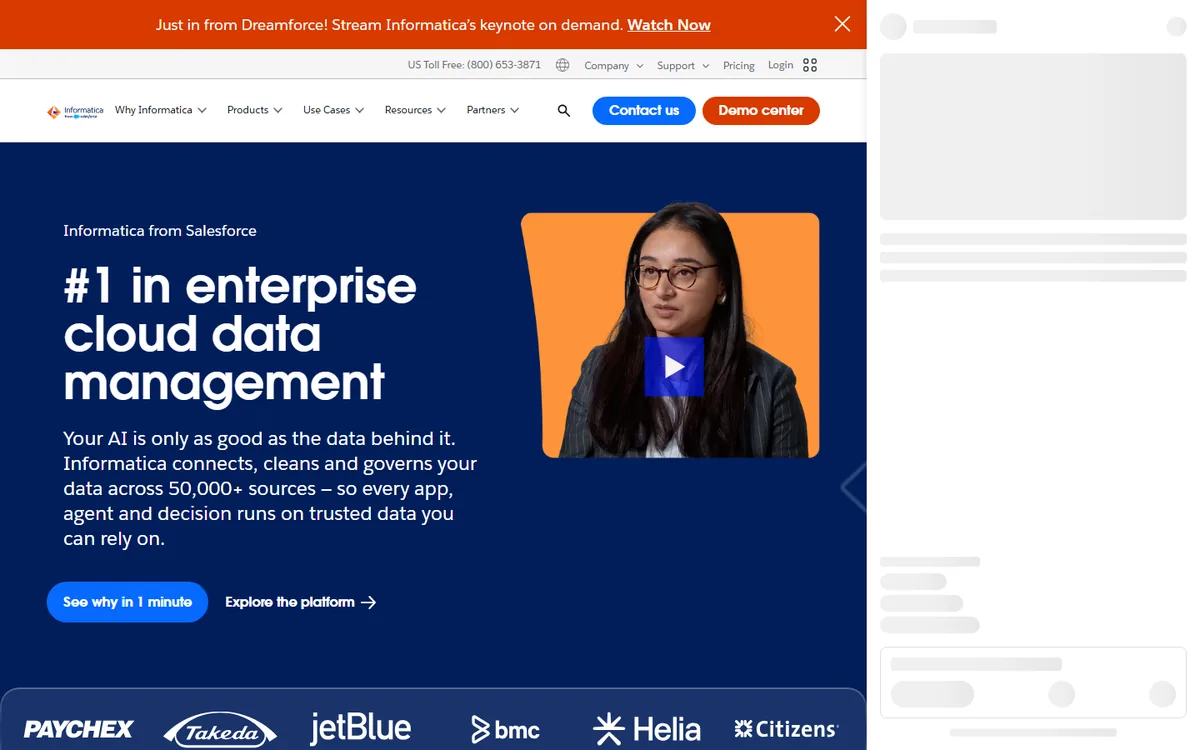
The Broadest Platform for Large Companies That Need Integration, Quality, Catalog and Master Data in One Place
Informatica IDMC covers data integration, quality, cataloging, governance and master data management on a single cloud platform with an AI engine called CLAIRE.
Informatica is the name I hear most when a large company asks for one platform that handles everything. You can move data between systems, profile and clean it, catalog it for business users and keep a master record of customers or products, all under one login and one contract.
What I value is the depth in master data and data quality. If your problem is that the same supplier exists five times across three ERPs, Informatica has the matching rules and stewardship screens to fix it. The cost is weight: projects need trained specialists, and I have seen rollouts take months before a business user notices a change. It suits organizations with a dedicated data team, not a ten-person company. If you are unsure whether a platform this size is justified, the data management consulting assessment is where I would start.
What Informatica Intelligent Data Management Cloud Does Well
- Master data, quality and catalog sit in one platform
- Strong matching and stewardship tools for duplicate records
- Connects to almost every enterprise system you are likely to run
What Informatica Intelligent Data Management Cloud Could Do Better
- Setup and tuning need specialists, so total cost is high
- Smaller teams will not use most of what they pay for
Informatica Intelligent Data Management Cloud Pricing
Informatica prices IDMC on a consumption model using Informatica Processing Units, and it does not publish a price list. G2 reviewers rate the perceived cost at the top of its scale, and the vendor offers a free trial of selected services. Expect a sales process and a quote based on your volumes.
Informatica Intelligent Data Management Cloud Reviews
- G2: score of 4.2 out of 5 (from +283 customer reviews)
- Capterra: score of 4.2 out of 5 (from 6 customer reviews)
Snowflake
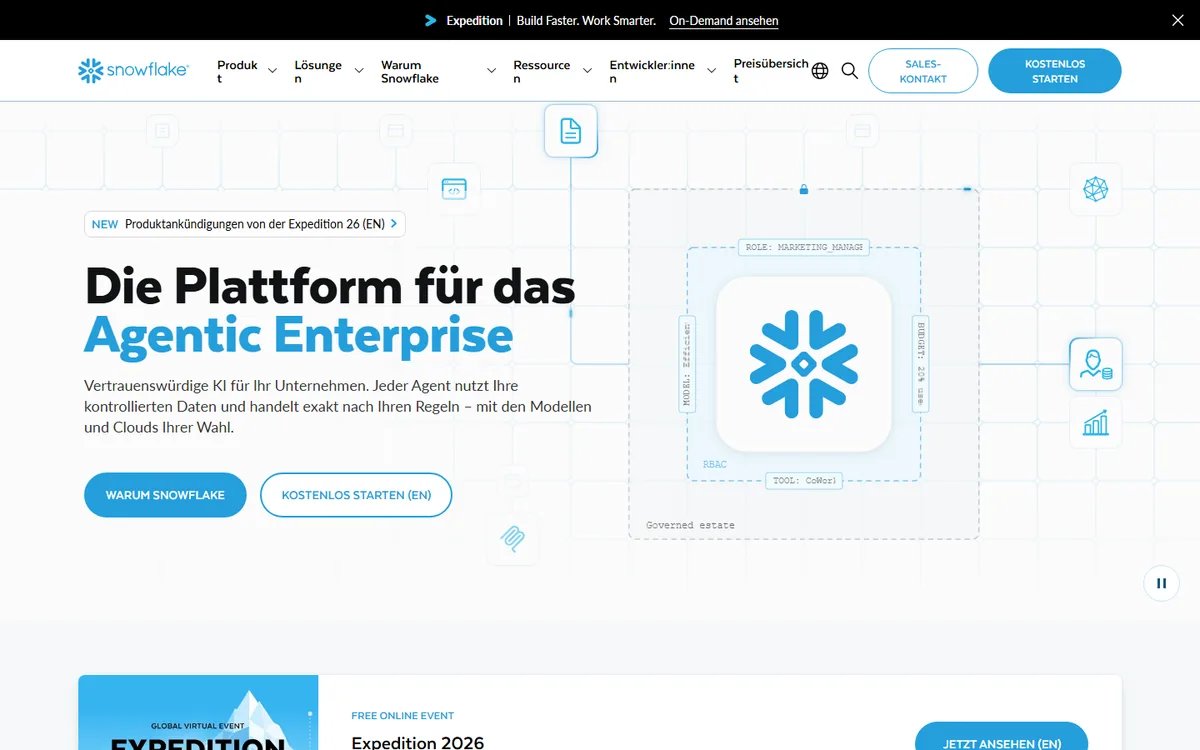
A Fast Way to Put All Your Data in One Governed Place and Pay Only for What You Use
Snowflake is a cloud data platform that stores, shares and analyzes data in one managed service, with separate storage and compute so teams do not slow each other down.
Snowflake is where many mid-sized companies end up when spreadsheets and exports stop working. You load data from your ERP, CRM and project tools into one place, and finance, operations and sales query the same tables instead of their own copies.
The strength is simplicity for the people who run it: no servers to tune, and access controls and sharing are built in. The trap is the bill. Compute is metered, so a careless query or a forgotten warehouse that stays on can cost real money. I tell clients to set resource monitors on day one and to assign someone who watches the spend each week.
What Snowflake Does Well
- Little administration compared with older warehouses
- Built-in sharing and role-based access controls
- Scales up and down quickly as workloads change
What Snowflake Could Do Better
- Usage-based billing surprises teams without cost monitoring
- It stores and queries data, so cleaning and ownership still need other tools
Snowflake Pricing
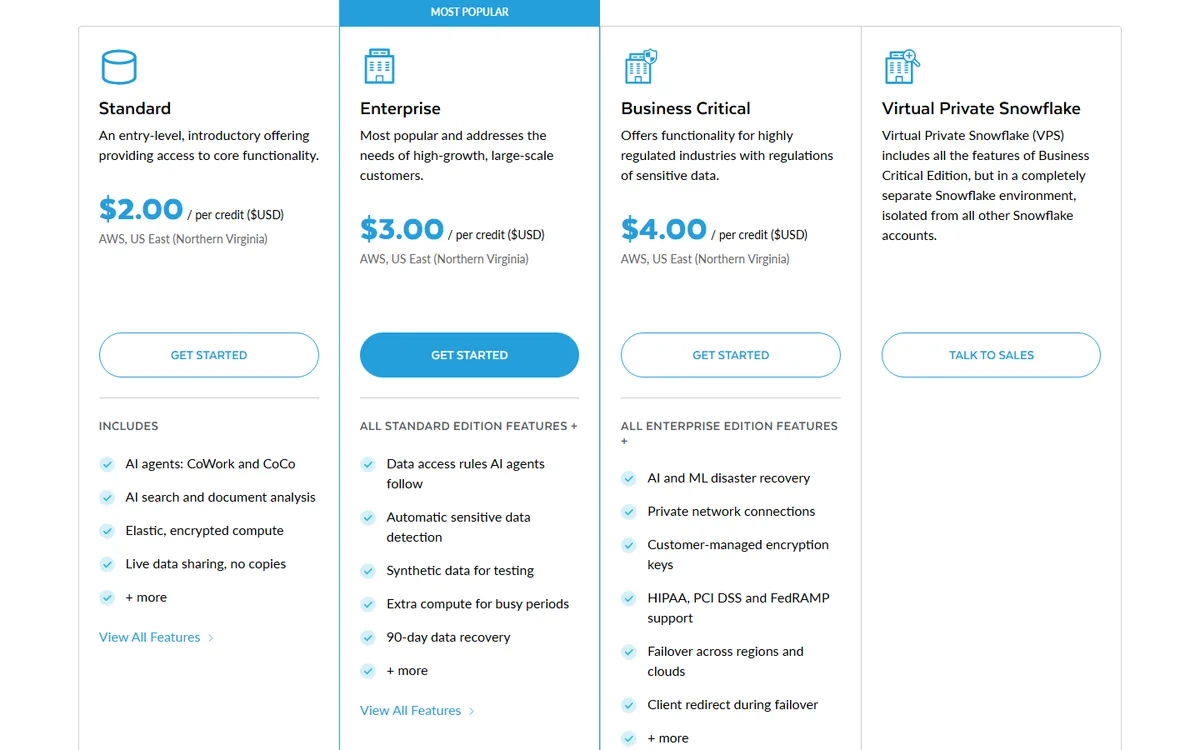
Snowflake charges for compute in credits and for storage by the terabyte, with a free trial for new accounts. Capterra lists storage from $23 per terabyte per month on capacity pricing, and $40 per terabyte on demand. Your credit price depends on the edition and cloud region you pick.
Snowflake Reviews
- G2: score of 4.6 out of 5 (from +779 customer reviews)
- Capterra: score of 4.7 out of 5 (from 97 customer reviews)
Databricks
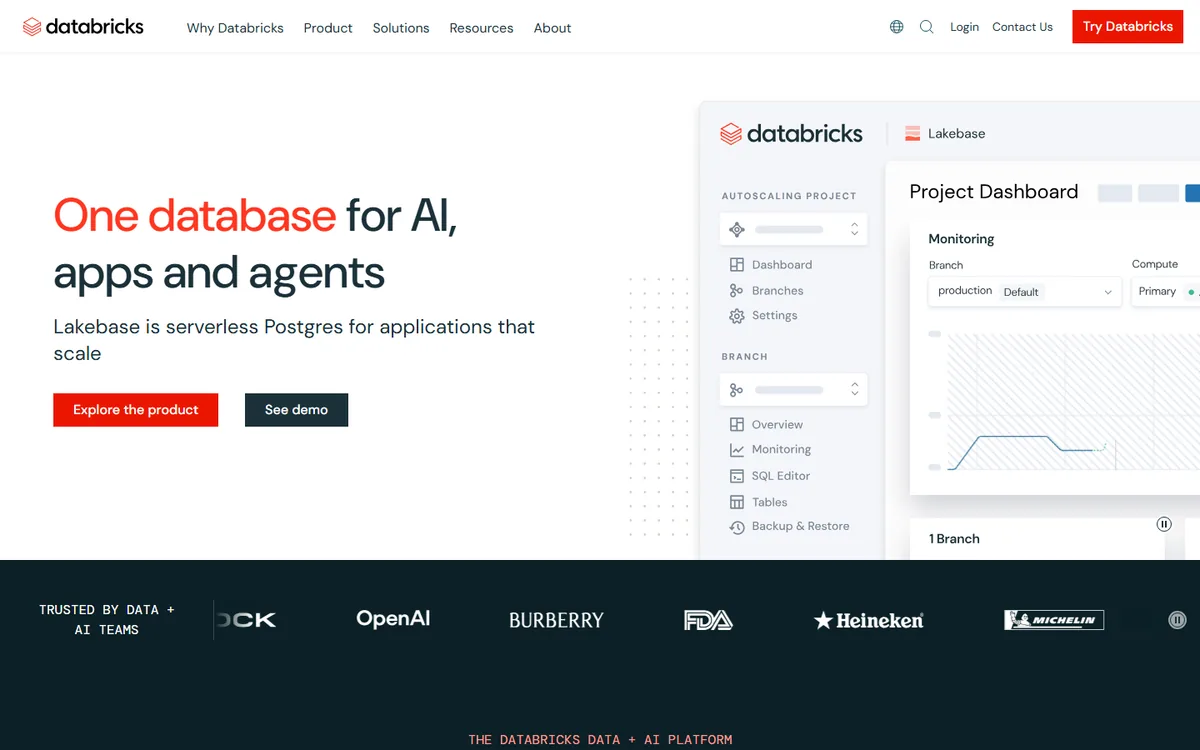
The Strongest Option When Engineering, Analytics and Machine Learning Teams Share the Same Data
Databricks is a lakehouse platform that combines data engineering, SQL analytics, governance through Unity Catalog and machine learning on open storage formats.
Databricks suits companies with an engineering team that builds pipelines and models, not only reports. Raw files, tables and notebooks live in one workspace, and Unity Catalog gives you one place to set permissions, track lineage and audit access across them.
In my experience the platform rewards technical depth. A skilled team gets enormous flexibility, while a team without that skill gets a lot of clusters and a confusing bill. If your main need is a tidy reporting layer for managers, a simpler warehouse is usually the cheaper route. If you also train models or process large raw data sets, Databricks earns its place. Before you buy any platform, I would write down your data management strategy so the tool follows your priorities.
What Databricks Does Well
- One platform for engineering, analytics and machine learning
- Unity Catalog covers permissions, lineage and auditing
- Open formats keep you from being locked into one vendor
What Databricks Could Do Better
- It asks for strong technical skills to run well
- Cost control takes constant attention
Databricks Pricing
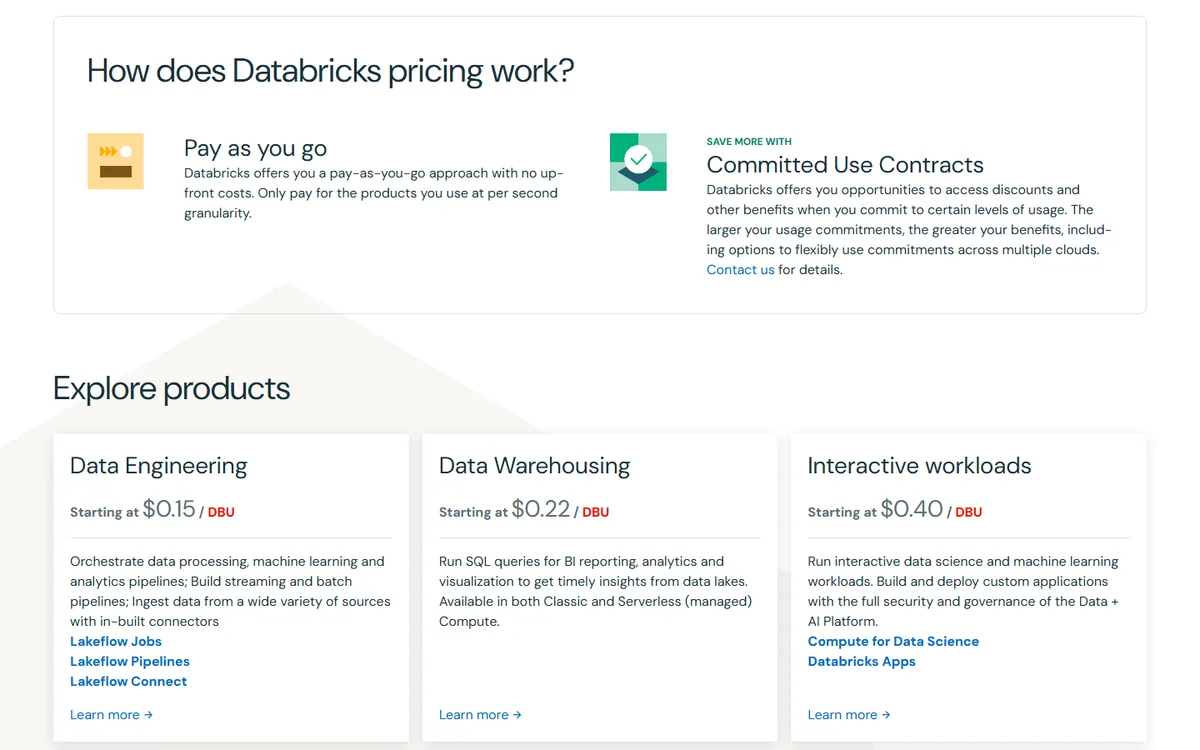
Databricks bills on a pay-as-you-go basis per Databricks Unit, with the rate depending on the workload type, cloud and plan, plus your own cloud infrastructure costs. G2 lists the Basic tier from $99 per feature per month. Committed-use contracts lower the unit price for larger customers.
Databricks Reviews
- G2: score of 4.6 out of 5 (from +1,405 customer reviews)
Collibra
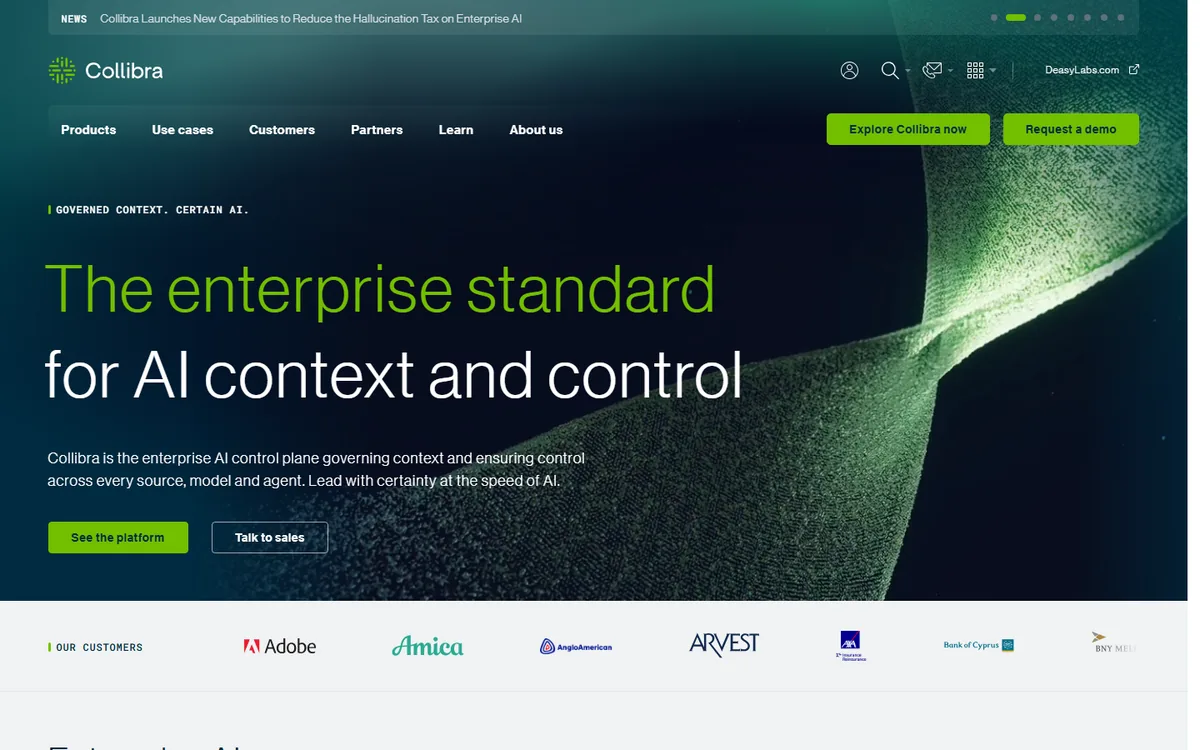
The Governance Specialist for Organizations That Need Formal Owners, Policies and Audit Trails
Collibra is a data governance and catalog platform that records who owns each data set, what it means, where it flows and which policies apply.
Collibra is built around people and process more than pipelines. You define business terms, assign owners and stewards, attach policies and approve changes through workflows, so the answer to who decides is written down and searchable.
That makes it popular in regulated industries such as healthcare and financial services, where an auditor asks who approved a definition. The price of that rigor is effort: a Collibra program fails if nobody does the stewardship work. I would not start here before you have agreed on owners on paper, because the tool will only mirror the clarity you already have. Owners and policies come first, which is why my data management framework begins with roles before it names a tool.
What Collibra Does Well
- Clear workflows for ownership, definitions and approvals
- Business glossary that non-technical staff can search
- Strong audit trail for regulated environments
What Collibra Could Do Better
- It needs real stewardship effort or it sits empty
- Costs are at the top of the market and rise with scope
Collibra Pricing
Collibra does not publish prices. G2 shows pricing per feature per year, quote-based, with a free trial available and perceived cost at the top of its scale. Plan for a sales conversation and a scoped proof of value before you commit.
Collibra Reviews
- G2: score of 4.2 out of 5 (from +102 customer reviews)
Atlan
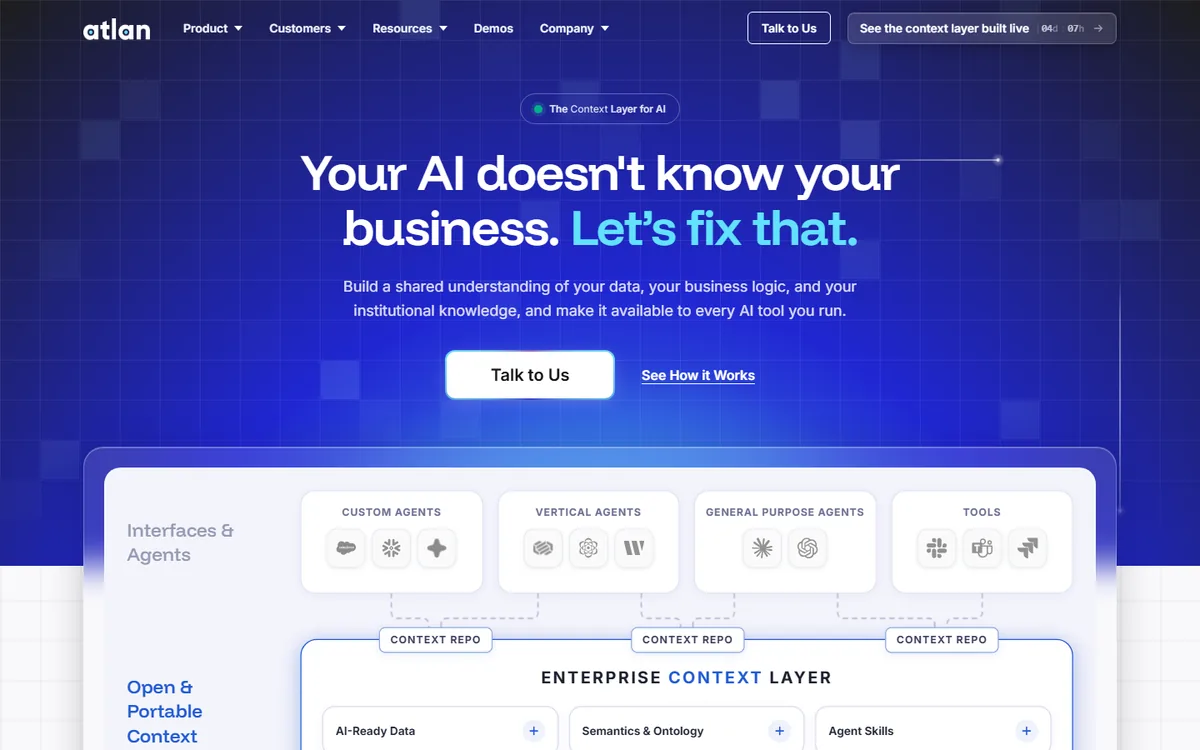
A Modern Data Catalog That Business and Data Teams Actually Open Every Day
Atlan is a collaborative data catalog and governance workspace with search, lineage, glossary and data quality checks that connect to your modern data stack.
Atlan feels closer to a shared workspace than a compliance system. You search for a table the way you search the web, see who owns it, how it was built and which dashboards depend on it, and ask the owner a question in the same screen.
I like it for companies that already run Snowflake, Databricks or a similar stack and want adoption to be easy. The limits show up in heavy governance programs with strict workflow needs, where specialists such as Collibra go deeper. Atlan also publishes few details about cost, so ask early what is included.
What Atlan Does Well
- Search and lineage are easy for non-technical users
- Connects quickly to common cloud data tools
- Collaboration features keep questions and answers next to the data
What Atlan Could Do Better
- Pricing is not public and depends on users and connectors
- Formal governance workflows are lighter than in specialist tools
Atlan Pricing
Atlan does not publish prices. G2 and Capterra both list the price as quote-based, based on users and connectors, and Capterra mentions a free trial. Buyers on G2 report a scoped proof of concept before purchase.
Atlan Reviews
- G2: score of 4.5 out of 5 (from G2 customer reviews)
- Capterra: score of 4.5 out of 5 (from 2 customer reviews)
Microsoft Purview
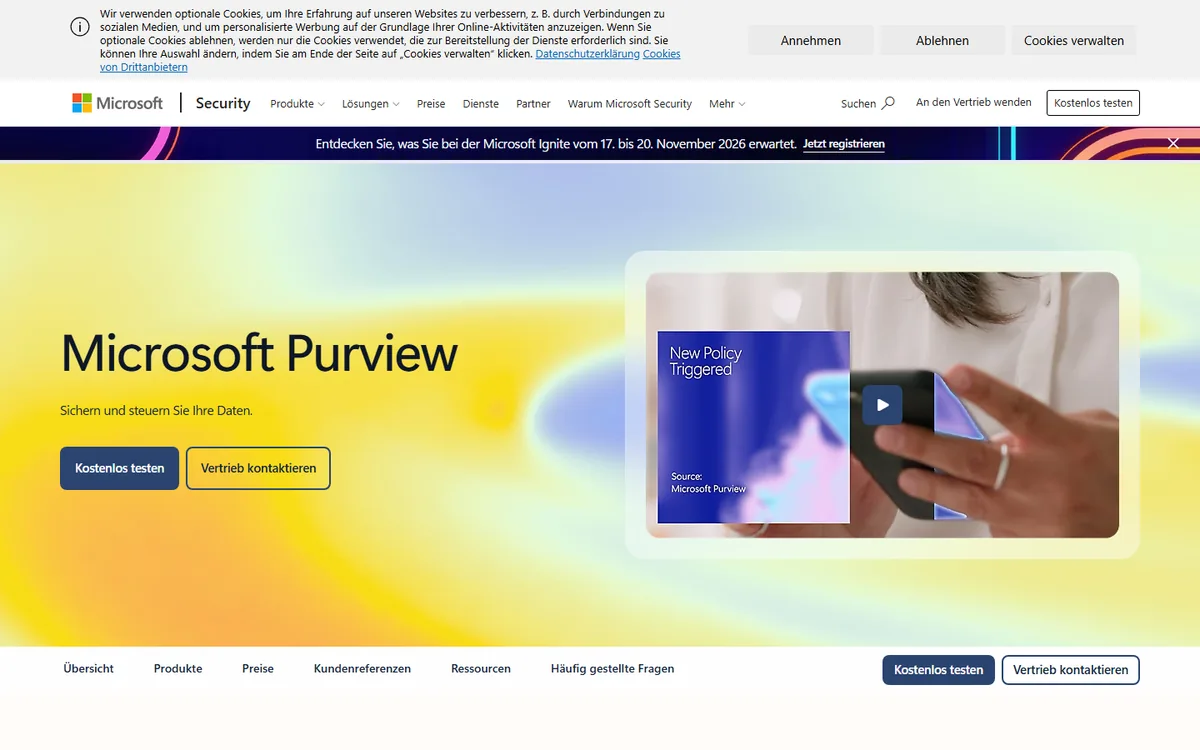
The Practical Choice If Your Company Already Lives in Microsoft 365 and Azure
Microsoft Purview brings data cataloging, classification, lineage, data loss prevention and compliance tools for Microsoft and multicloud data sources.
If your files sit in SharePoint and OneDrive, your reports in Power BI and your databases in Azure, Purview is the first tool I would look at. It scans those sources, labels sensitive data and shows lineage across them without a separate vendor contract.
Be careful with the name: Purview is a family of products, from the data governance catalog to information protection and compliance tools, and licensing differs for each. Ask which parts you actually need before you read a price. Outside the Microsoft world its coverage is thinner than that of dedicated catalog vendors. Whatever you pick, the habits in my data management best practices apply equally to it.
What Microsoft Purview Does Well
- Deep integration with Microsoft 365, Azure and Power BI
- Sensitivity labels and data loss prevention in the same family
- Consolidates vendors if you already buy Microsoft
What Microsoft Purview Could Do Better
- Packaging and licensing are confusing across Purview solutions
- Coverage of non-Microsoft sources is less mature
Microsoft Purview Pricing
Microsoft does not list a single price for Purview. Cost depends on which solutions you use, and some compliance features come with Microsoft 365 E5 licensing, while the data governance catalog is billed by consumption. Capterra lists no starting price, so check Microsoft's current pricing page and your agreement.
Microsoft Purview Reviews
- G2: score of 4.7 out of 5 (from +18 customer reviews)
- Capterra: score of 4.5 out of 5 (from 2 customer reviews)
Ataccama ONE
A Strong Pick When Data Quality and Master Data Are the Real Problem
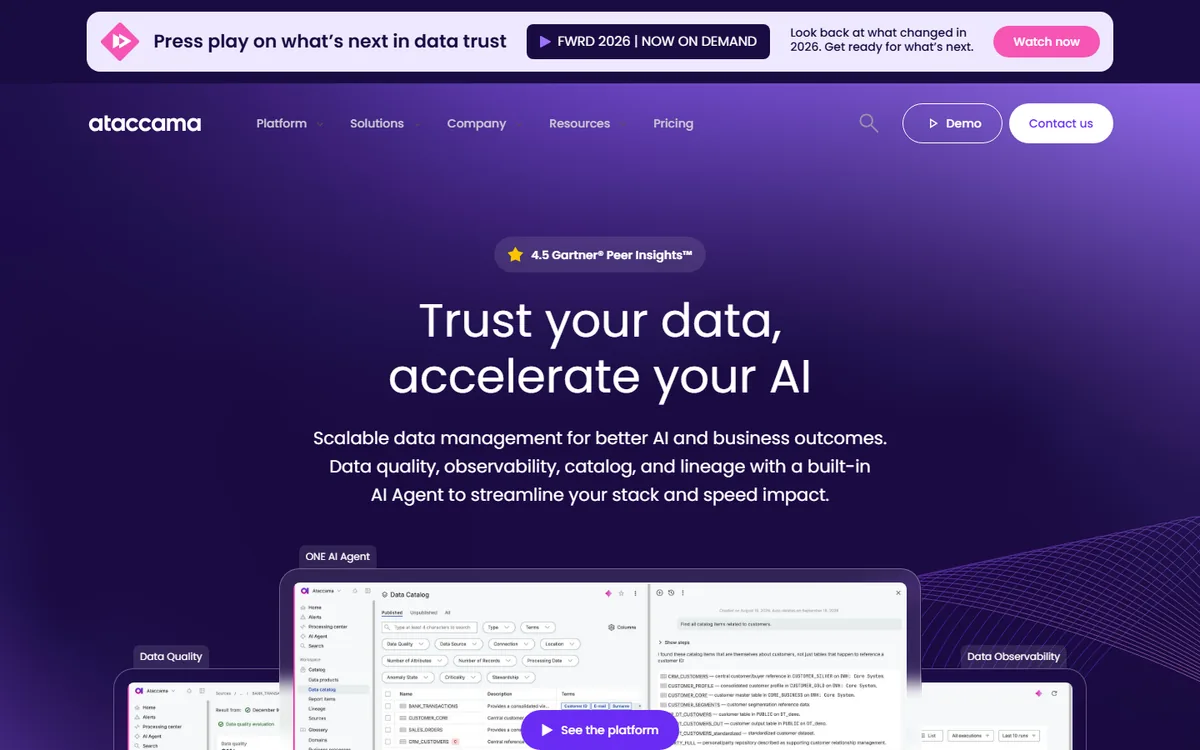
Ataccama ONE combines data quality, catalog, master data management and observability in one platform with AI-assisted rule suggestions.
Ataccama starts from the question that most governance tools skip: is the data actually correct? It profiles your records, suggests quality rules, scores each data set and routes failures to the person who owns the fix.
I recommend it when duplicate or inconsistent records cost you money, for example in customer, product or patient data. It also bundles a catalog and master data hub, so you avoid buying three tools. Public review volume is small, so run a proof of concept on your own messy data before you trust any sales demo.
What Ataccama ONE Does Well
- Quality scoring and rule suggestions save a lot of manual work
- Master data and catalog live in the same product
- Good fit for regulated, record-heavy industries
What Ataccama ONE Could Do Better
- Few public reviews make independent comparison harder
- Needs configuration time and skilled admins
Ataccama ONE Pricing
Ataccama does not publish prices. G2 says pricing requires contacting the vendor, and there is no free trial listed there. Budget for a quote based on data volume, modules and deployment type.
Ataccama ONE Reviews
- G2: score of 4.2 out of 5 (from +12 customer reviews)
Qlik Talend
A Flexible Choice for Teams That Need to Move, Clean and Govern Data Between Many Systems
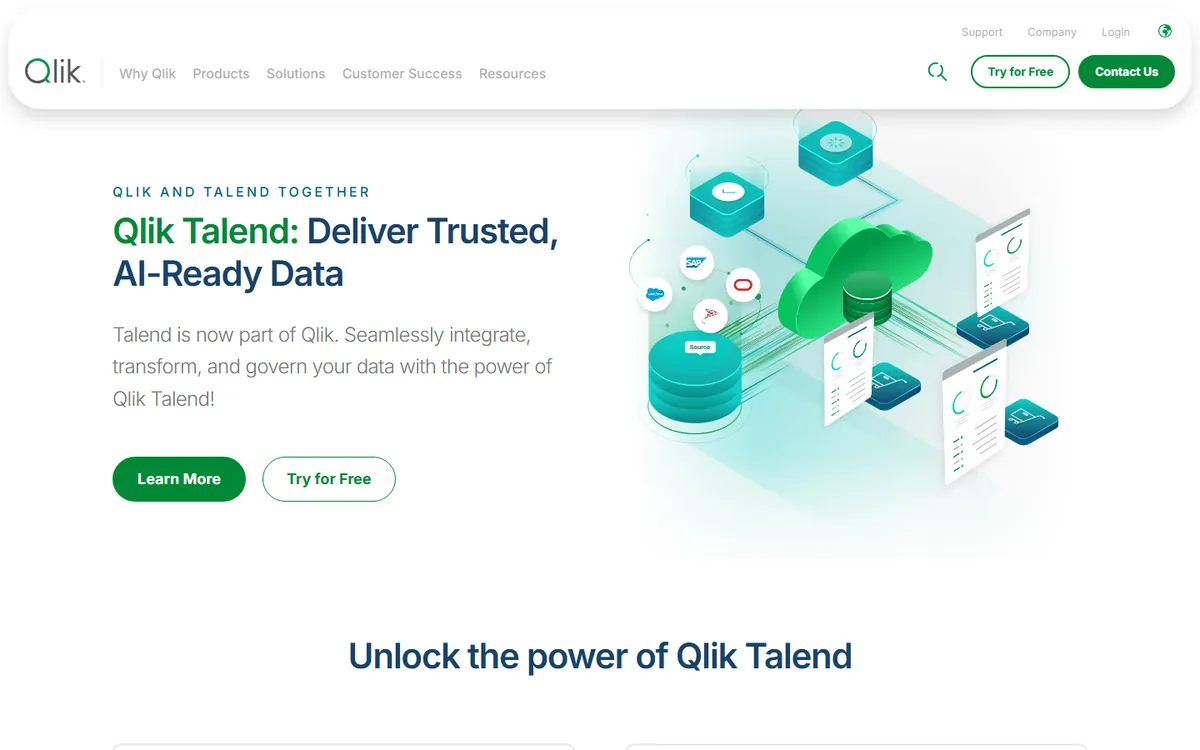
Qlik Talend, formerly Talend, offers data integration, data quality and governance tools, with both a cloud platform and long-standing open-source roots.
Talend became known for integration jobs that pull data from dozens of sources, clean it and load it where it is needed. Since Qlik bought it, the products sit under the Qlik Talend Cloud name, with quality scoring and a trust score for data sets added to the integration layer.
Reviewers on Capterra praise the connector range and community, and they criticize the learning curve and the need for Java skills on advanced jobs. In my view it fits teams that want hands-on control over pipelines. If you only need a business glossary, it is more than you need. For a sense of what mature teams do with tools like this, see these data management examples.
What Qlik Talend Does Well
- A wide range of connectors for databases, files and cloud apps
- Data quality functions sit next to integration jobs
- Large community and training material
What Qlik Talend Could Do Better
- The learning curve is steep for beginners
- Advanced work often needs Java knowledge and heavy hardware
Qlik Talend Pricing
Qlik Talend Cloud is sold in tiered, quote-based plans. Capterra reviewers mention a free community version of the older open-source product and relatively low cost compared with peers, but current Qlik pricing is not published, so request a quote.
Qlik Talend Reviews
- G2: score of 4.3 out of 5 (from +67 customer reviews)
- Capterra: score of 4.3 out of 5 (from 24 customer reviews)
DataHub
The Best Free Starting Point for Technical Teams That Want an Open-Source Data Catalog
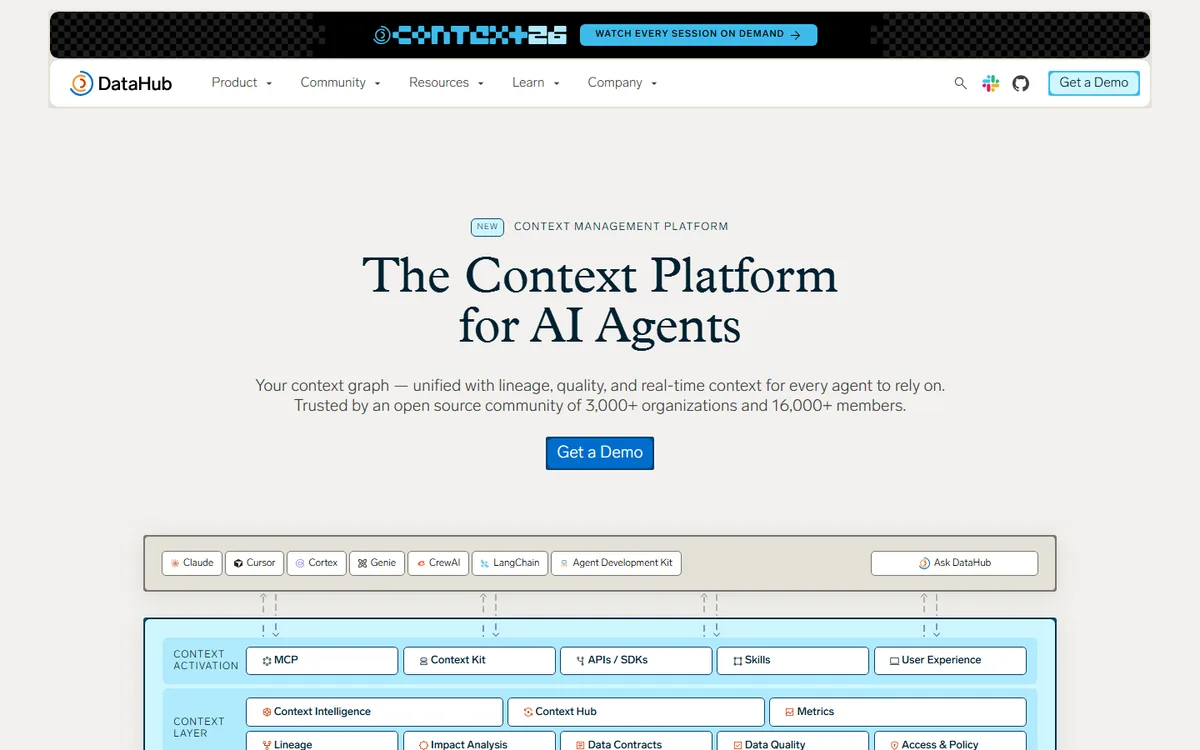
DataHub is an open-source metadata platform that catalogs your data, traces lineage and tracks ownership, with a managed cloud edition for teams that do not want to host it.
DataHub is where I send teams that want to start a catalog without a procurement process. You install the open-source version, connect your warehouse, dashboards and pipelines, and within days you have search, lineage and ownership fields for your tables.
The catch is that free software still needs people. Someone has to host, upgrade and secure it, and business users will only adopt it if the descriptions are filled in. For a small engineering team that is fine. For a company where nobody has the time, a managed tool saves more than the license costs. Plan the rollout in phases using the data management roadmap rather than switching everything on at once.
What DataHub Does Well
- The open-source version costs nothing to start
- Strong lineage and metadata ingestion for modern data tools
- Active community and frequent releases
What DataHub Could Do Better
- You host and maintain it yourself unless you buy the cloud edition
- Business-friendly governance workflows are limited
DataHub Pricing
The open-source DataHub core is free to use. The managed DataHub Cloud edition is quote-based, and G2 does not list a price. Count the engineering time to host and maintain the free version as part of your real cost.
DataHub Reviews
- G2: score of 4.4 out of 5 (from +8 customer reviews)
Estimate the Return on a Data Management Tool
Before you pick a plan, check whether the numbers work for you. Enter the manual hours your team spends fixing or reconciling data and the monthly price of the tool you are considering, and you will see what it could return in a year.
Will It Pay for Itself?
Adjust the sliders to your workload and the plan you are looking at.
How to Choose the Right Data Management Software
In my experience, fit with your data and your people decides more than any feature list. Before you compare vendors, I suggest you answer four questions:
- Which data problem costs you most today: duplicates, slow reports, unclear ownership or compliance risk?
- Where does the data live now, and which systems must the tool connect to?
- How sensitive is the data, and does it need to stay in your own environment?
- Who will own and maintain the rules after the project: business staff, IT or engineers?
If the answer is reports and analytics, look at Snowflake or Databricks. If it is ownership and audits, Collibra, Atlan or Purview fit better. If bad records are the problem, Informatica and Ataccama are built for it, and if you have engineers and no budget, start with DataHub. If you want a second opinion on your setup, a short call usually settles it.
Questions About Choosing Data Management Software
What Is the Best Data Management Software for Small Businesses?
For most small businesses I would start with the tools you already own, such as a cloud database, your CRM and a shared definitions sheet. If you need a catalog, the free DataHub is a good start for a technical team. Paid platforms like Informatica or Collibra are built for larger organizations with dedicated data staff.
What Is the Difference Between Data Management and Data Governance Software?
Data management software handles the work itself: storing, moving, cleaning and combining data. Data governance software records the rules around it, such as owners, definitions, policies and approvals. Collibra and Atlan sit mostly on the governance side, while Snowflake and Talend sit on the management side. Informatica and Ataccama cover both.
Is There Good Free Data Management Software?
Yes. DataHub is open source and free to run yourself, and Snowflake offers a free trial for new accounts. Free tools cost you engineering time for hosting, security and updates, so compare that time to a paid plan before you decide.
How Much Does Data Management Software Cost?
It ranges from free open-source tools to six-figure annual contracts. Snowflake starts from about $23 per terabyte of storage per month plus compute, while Informatica, Collibra, Atlan and Ataccama quote on request. Ask every vendor for a quote based on your own data volume and users, and for what is not included.
Do I Need Software to Manage Data Well?
No. Ownership, shared definitions and a few quality rules matter more than any tool. I have seen teams fix most of their problems with clear owners and a spreadsheet, then buy software later to scale those routines. Start with the rules, then choose the tool that supports them.
How Do I Choose Between Snowflake and Databricks?
Choose Snowflake if your main goal is a governed place for reporting and SQL analytics with little administration. Choose Databricks if your engineers also build pipelines and machine learning models on raw data. Both run on the big cloud providers, so your existing cloud and your team's skills should decide.
How Long Does It Take to Implement Data Management Software?
A catalog or warehouse for one department can show results in a few weeks. A full enterprise platform with master data usually takes months, and G2 reviewers of Informatica report an average of about three months to implement. Plan time for cleaning data and training owners, which often takes longer than the install.
Note: Prices, plans and ratings change frequently. We checked them at the last update, so confirm them with each vendor before buying. This is not legal or financial advice.
Did you find this helpful?
Thank you for your feedback.
Delaney Brisco
Delaney leads the Tavo editorial team and works with our consultants to turn real client projects into practical guides on project delivery, process design and organizational change. Before joining Tavo, she spent 12 years in operations and program management roles. She has since edited more than 300 articles on management practice and reviewed PMO setups and process redesigns from over 100 client projects. She is based in Minneapolis, Minnesota.